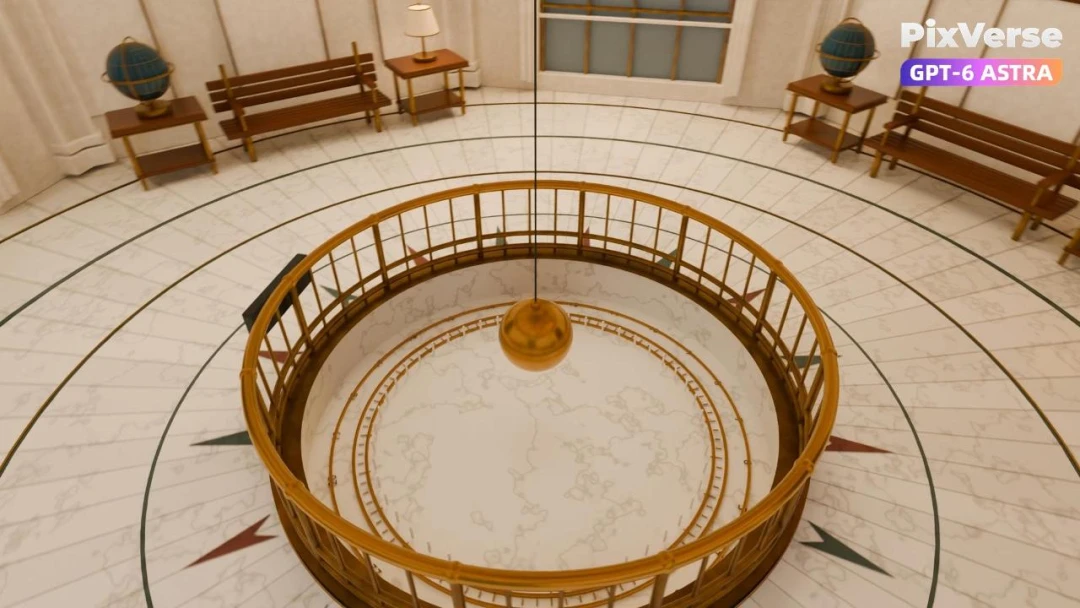
Recreate Griffith Observatory in 3D
Recreate Griffith Observatory’s interior in 3D, then finish the camera move in PixVerse.
Works with
Recreate Griffith Observatory’s interior in 3D, then finish the camera move in PixVerse.
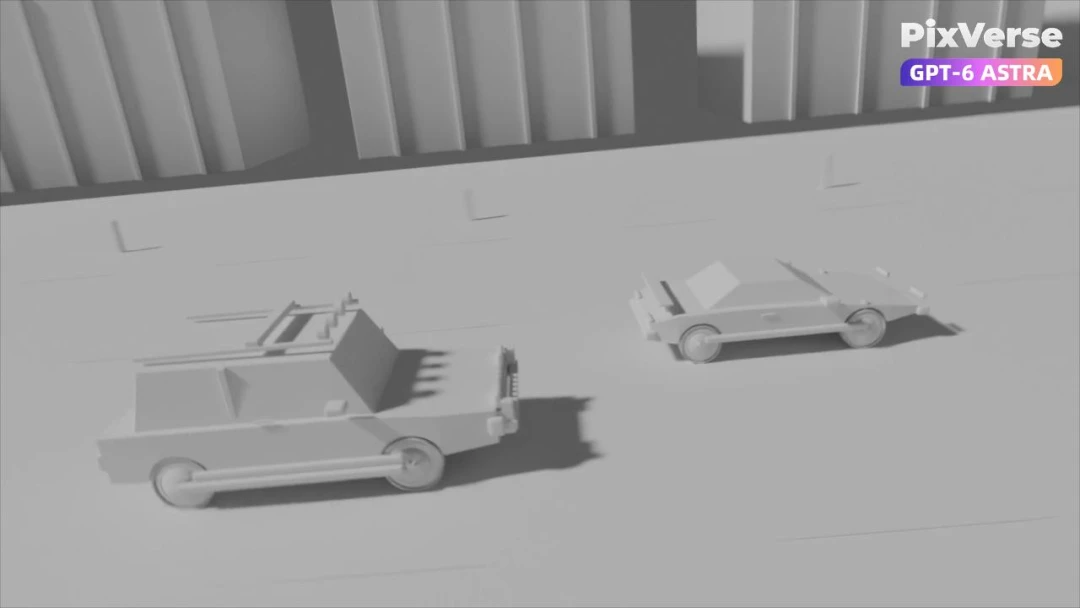
Stage a 3D race-car chase and crash, then generate the final cinematic shots.
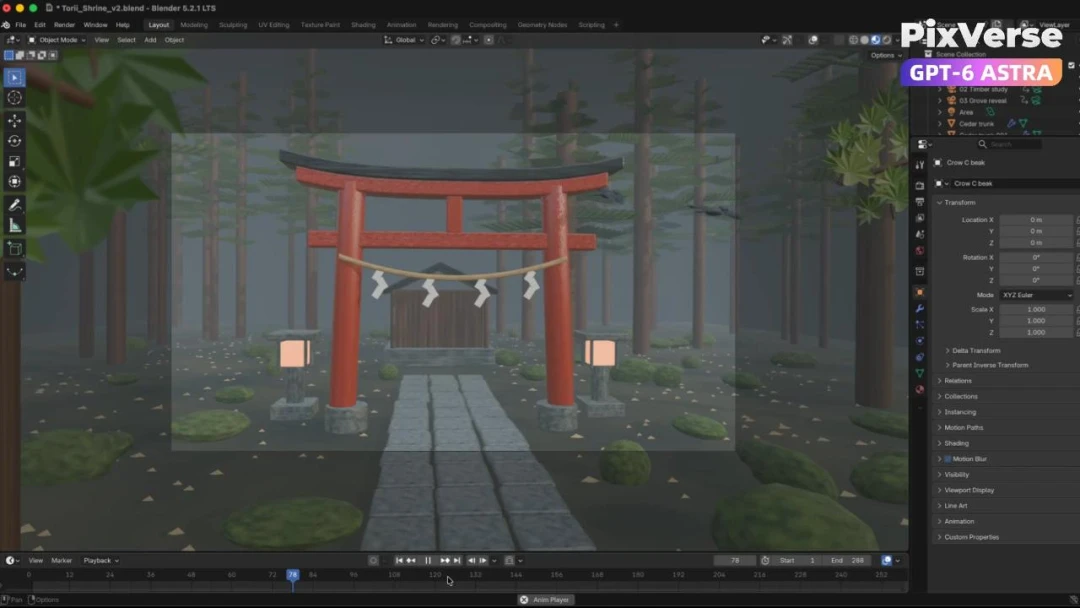
Build a misty forest torii in 3D and turn the gray-model camera into video.
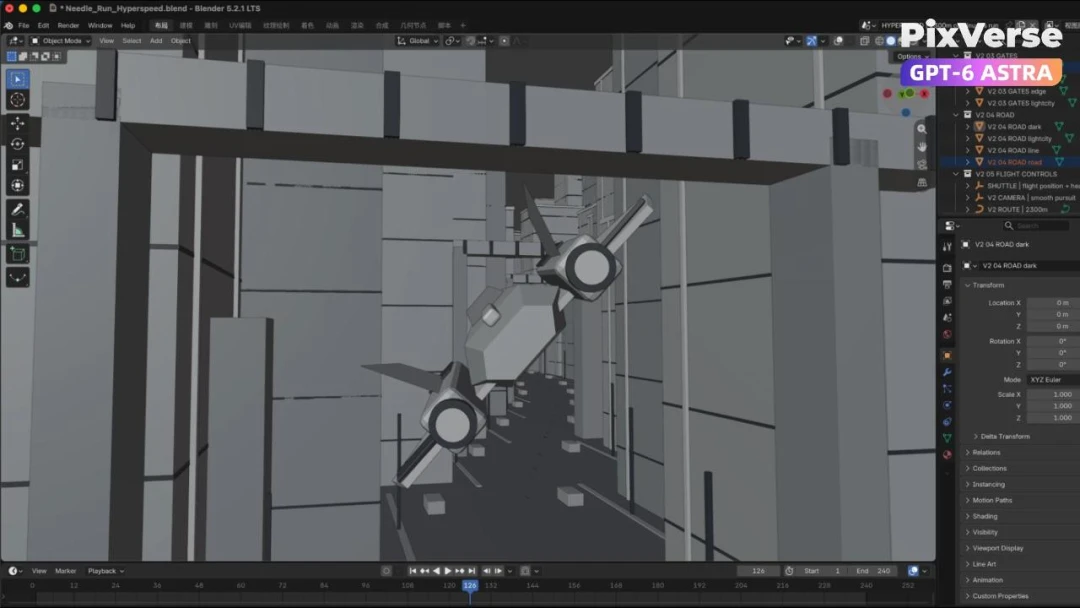
Fly through a 3D city and generate the final aerial sequence.
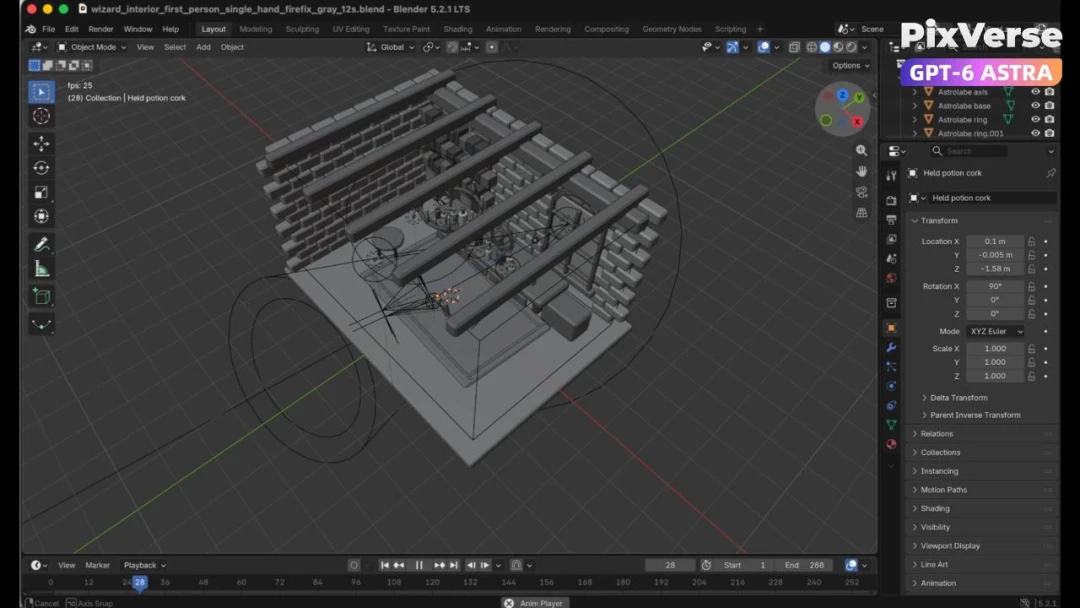
Create a first-person 3D wizard’s workbench and bring it to life.
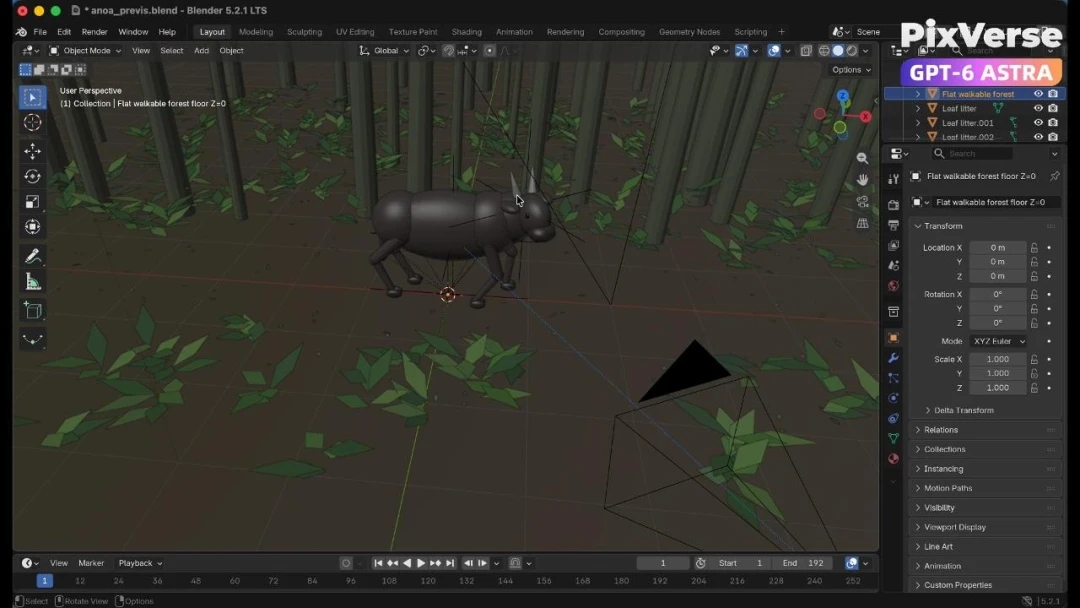
Recreate a wildlife scene in 3D with a stable camera path.
# 01 · Install
Built for agents. Let your agent handle the tedious work — the creative spark stays yours.
One global npm package for all platforms.
Sign in with your own PixVerse account — keep every membership benefit and credit, and share all your assets and creation history.
Install the PixVerse Skills pack to teach your agent how to get the most out of everything PixVerse can do.
# 02 · Capabilities
PixVerse V6, Seedance, Kling, Veo, Sora, GPT Image, Nano Banana, ElevenLabs, MiniMax and more — one auth, one credit balance, one interface your agent already knows.
Text-to-video and image-to-video across 19 models — PixVerse V6, Seedance 2.0, Kling, Veo 3.1, Sora 2 and more, up to 15s and 4K.
GPT Image 2, Nano Banana 2, Seedream and Qwen — up to 4K, every aspect ratio, image-to-image included.
Studio-grade TTS with MiniMax Speech 2.8 and ElevenLabs voices — narration and dialogue in one flag.
Full tracks from a prompt with MiniMax Music, ElevenLabs Music and Google Lyria — lyrics, auto-lyrics or instrumental.
Keep the same subject across shots with up to 7 reference images — mix in motion and audio refs on Seedance 2.0.
Turn keyframes into one continuous shot — storyboards become film.
Drive a character image with any motion reference video.
Continue a video past its last frame, or rewrite it with a new prompt.
Apply trending PixVerse templates to your media with one command.
Queue up to 4 variants per run, render on off-peak pricing, and poll everything with task status --json.
# 03 · Automation
Render variants from a CSV or a for-loop with --count, --seed and --no-wait. Off-peak pricing keeps large runs affordable.
$ pixverse create video --prompt ./hooks.txt --count 4Device-flow auth that works over SSH, JSON output and deterministic exit codes — video belongs in your build artifacts.
$ pixverse task wait t_8f3 --jsonStructured output and self-describing skills mean your agent picks up new capabilities without a line of glue code.
$ pixverse auth status --json# 04 · For agents
Everything here — install steps, commands, models, flags and limits — is one plain-markdown file your agent can read in a single fetch and set up for you.
# PixVerse CLI & Skills — agent reference

> Full video, image, voice and music generation
> for terminals and coding agents — every top
> AI model behind one command.

## Install

```sh
npm install -g pixverse
pixverse auth login
```
# 05 · FAQ
PixVerse CLI is a UI-free version of the PixVerse platform — everything you can do on app.pixverse.ai works from the command line with the same models and quality. PixVerse Skills is a companion pack that teaches coding agents like Claude Code, Codex, OpenCode, OpenClaw and Hermes to use those capabilities on your behalf.
First-class support for Claude Code, Codex, OpenCode, OpenClaw and Hermes. And because the CLI runs in any shell, any agent that can execute commands works too — Cursor, Windsurf, Gemini CLI, GitHub Copilot and more.
Free to use. All generation consumes the credits in your PixVerse account and reuses your membership benefits — same pricing, same models, every capability aligned with the website.
No — pixverse auth login uses an OAuth device flow you can confirm from any browser, even over SSH. No manual key handling required.
Yes. Every command supports --json output and deterministic exit codes, --no-wait submits without blocking, and task status/wait handles polling — videos and images render straight into GitHub Actions or any scheduler.
Every render lands in your PixVerse asset library, so nothing is lost when a job outlives your shell session. Download with pixverse asset download, and organize with saved folders.