Cinematic Story Film
pixverse-cinematic-story
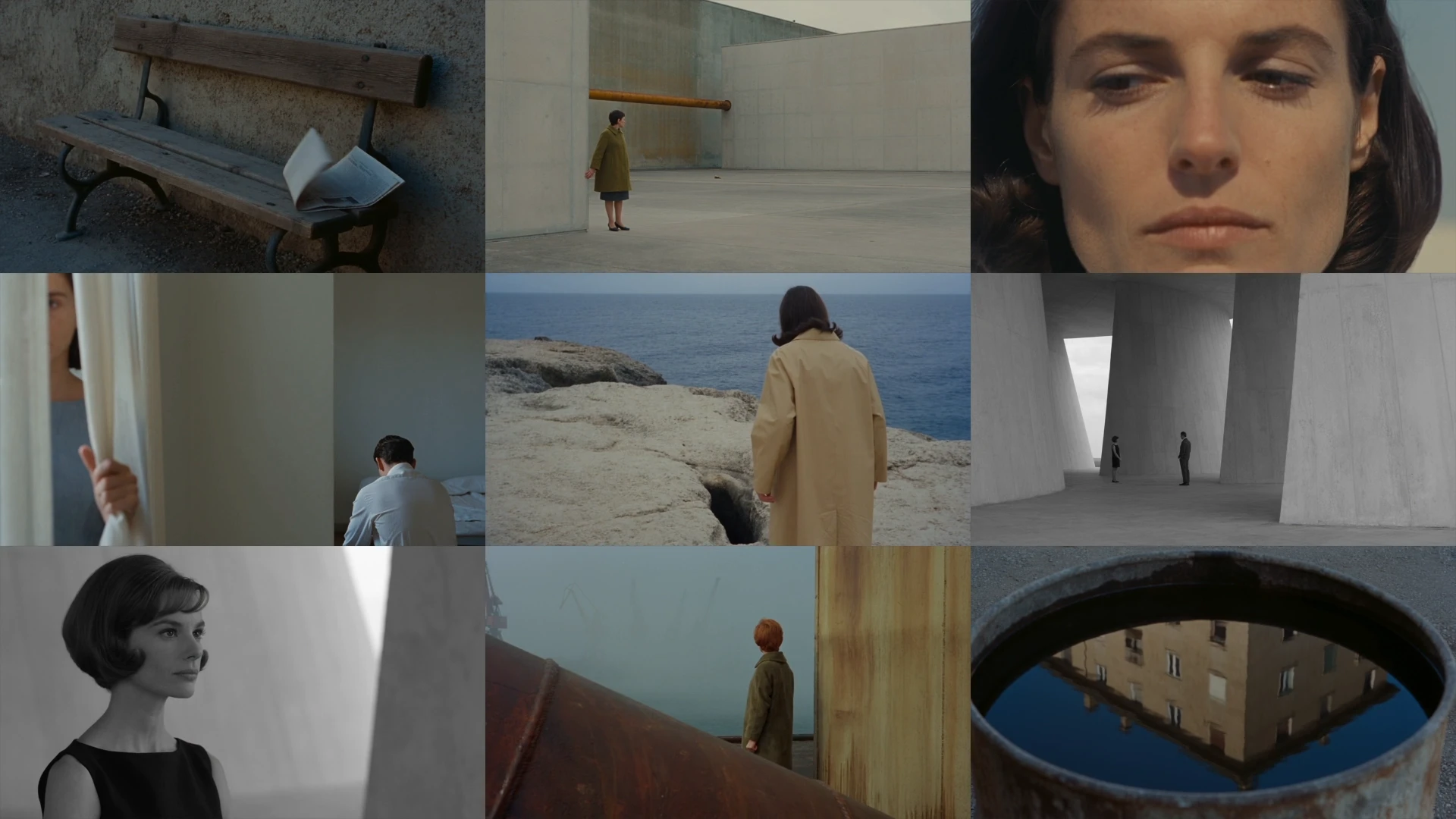
Antonioni-inspired atmospheric films, each 5s, 720p 16:9, Seedance 2.5.
Start in 3 Steps
pixverse-cinematic-story
Ask Your Agent
Copy the request below into the AI app where you want to use PixVerse.
Sign In to PixVerse
Follow your agent’s instructions to authorize the connection in your browser.
Run the Workflow
Copy this prompt into MCP and add your inputs to get started.
Set Up Manually Instead
In Cline, open MCP Servers → Configure → Configure MCP Servers. Merge the PixVerse entry into that file and keep your other servers.
Setup Configuration
{
  "mcpServers": {
    "pixverse": {
      "type": "streamableHttp",
      "url": "https://mcp.pixverse.ai/mcp",
      "disabled": false,
      "autoApprove": []
    }
  }
}
Save, return to PixVerse in MCP Servers, and choose Authenticate. Complete browser sign-in, then confirm the connection and tools appear.
Official Setup Guide ↗Recommended presets
Explore more PixVerse workflows for your next project.