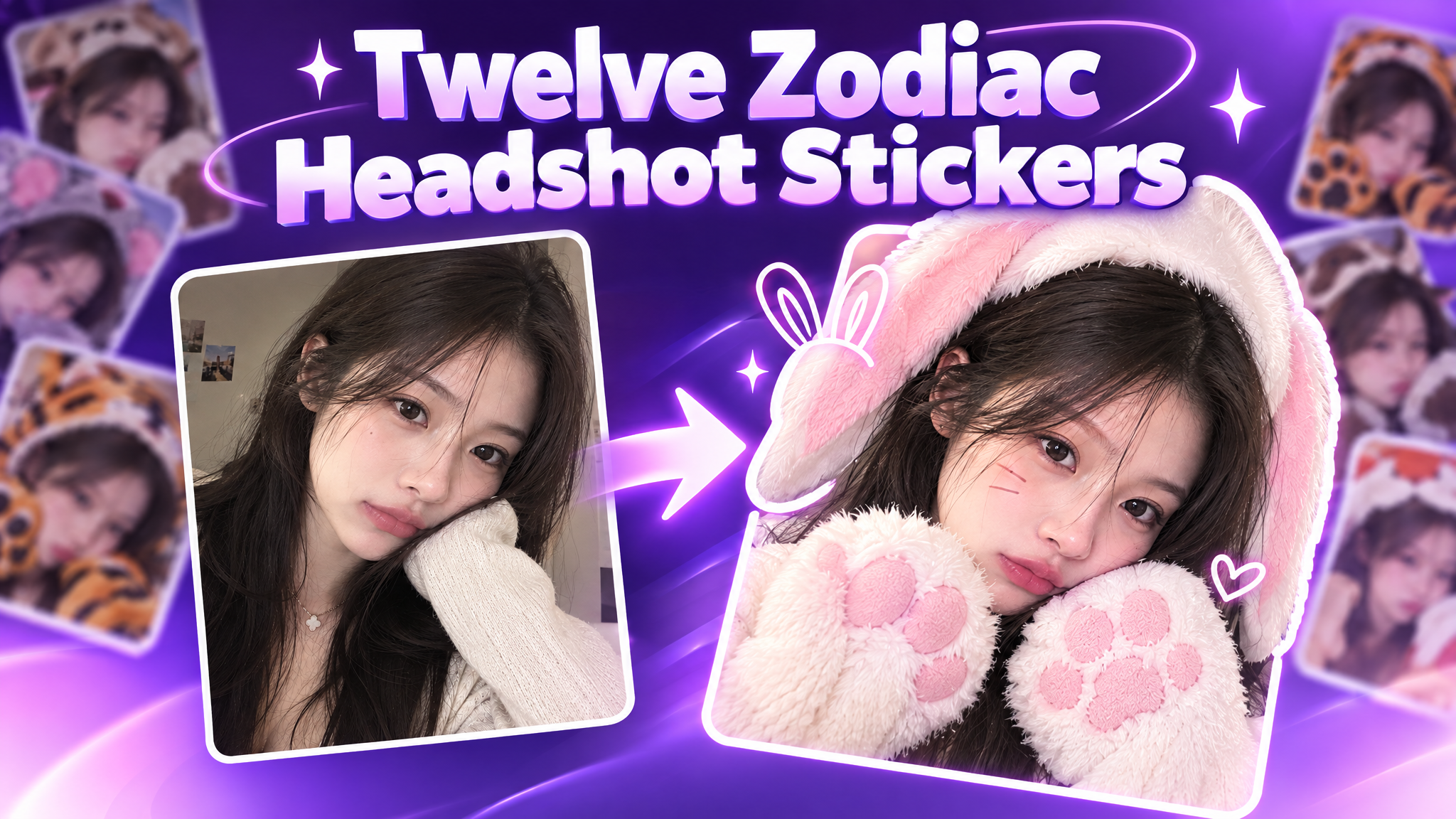
Chinese Zodiac Photo Booth Stickers
Create an image of the character in the attached reference wearing costumes of all twelve Chinese zodiac animals. Arrange the twelve versions in a 3×4 grid within a 9:16 vertical image.
Recommended presets
Explore more PixVerse workflows for your next project.
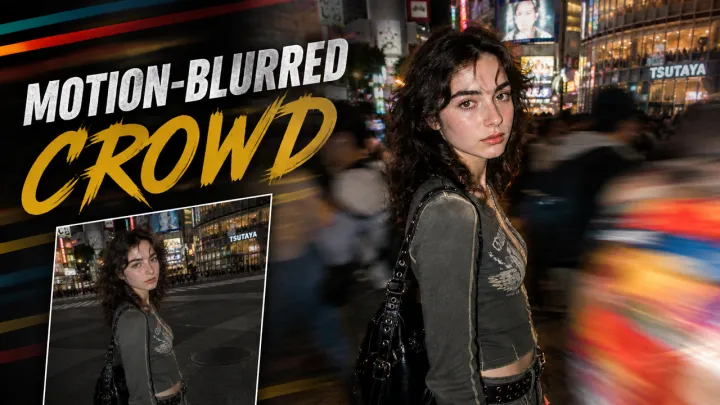
Motion-Blurred Crowd Effect
A candid nighttime street portrait of a slim, fair-skinned woman in his early 20s with tousled dark-brown wavy hair, thick brows, a lean face, a straight nose, and naturally textured skin with faint freckles. She wears Y2k outfit and stands within a dense moving crowd at Shibuya. Slightly left of center, her body is turned to the side as he looks directly into the lens with a calm, slightly tired expression. Shot from close range at eye level with a natural 35mm perspective. A direct on-camera flash keeps his face and outfit sharp, while a slow shutter blurs the people moving around him. Pedestrians pass close to the lens, creating colorful streaks across the right foreground. Busy illuminated streets in the background, subtle film grain, warm city lights, intimate candid street-fashion photography --chaos 5 --ar 3:4 --raw --stylize 250
GPT-Image2.5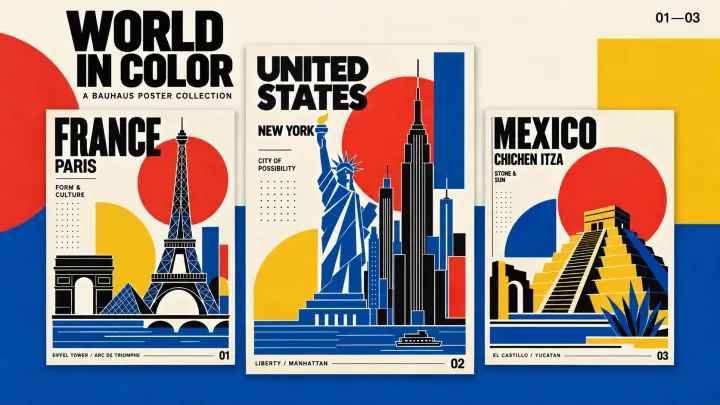
Bauhaus Vibe
Create a 3:4 Bauhaus travel poster featuring the Eiffel Tower, Arc de Triomphe and Louvre Pyramid. Use crisp geometric silhouettes, bold red circles, yellow semicircles, cobalt blue and black, with subtle grain on an opaque ivory background. Add oversized black sans-serif text “FRANCE”, smaller “PARIS” and “FORM & CULTURE”, with “01” at bottom right. English text only.
GPT-Image2.5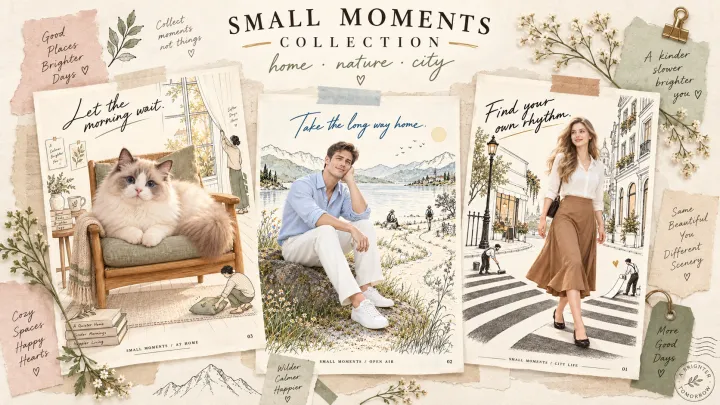
Collage Vibe Poster
Create a 3:4 editorial poster featuring a beautiful European woman with blonde hair, an ivory blouse and caramel skirt, walking through a hand-drawn city. Combine a photorealistic woman with delicate black linework, tiny illustrated people painting a crosswalk, warm ivory paper and subtle muted colors. Add “Find your own rhythm.” in elegant handwriting. English text only, one complete artwork.
GPT-Image2.5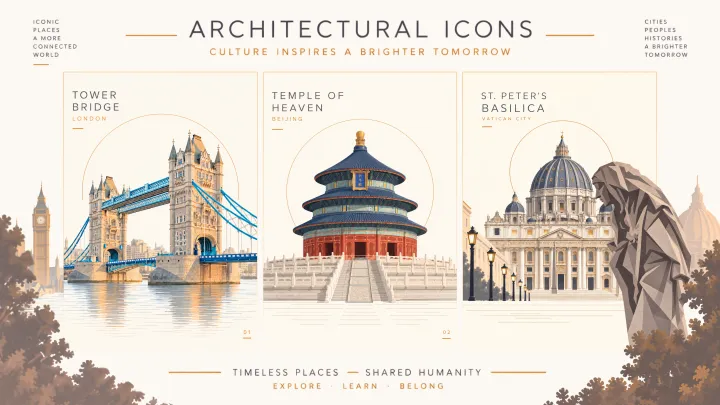
Landscapes Poster
Transform the uploaded photo into a refined 3:4 architectural illustration poster. Preserve Tower Bridge’s perspective, limestone towers and blue suspension structure. Use muted geometric shapes, an ivory background and delicate water reflections. Place a thin ochre arc behind the towers, naturally concealed by the architecture without floating endpoints. Add “TOWER BRIDGE” and “LONDON” at top left, “01” at bottom right. Illustration only.
GPT-Image2.5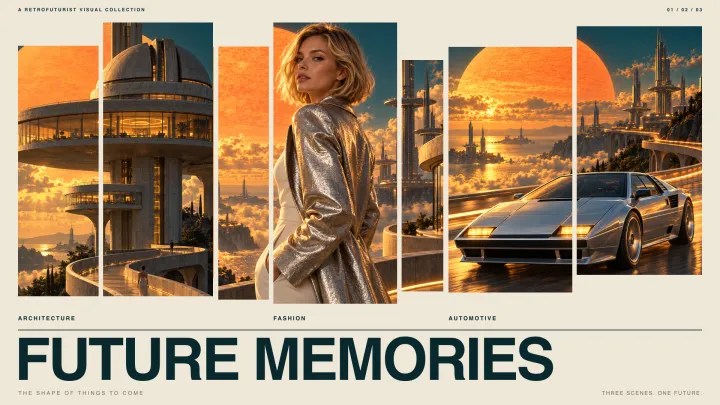
Vintage Poster
Create a 3:4 retrofuturist poster featuring monumental space-age towers, circular observation decks and sweeping skybridges above clouds. A giant orange sun contrasts with a deep teal sky. Golden lighting, realistic concrete and chrome, cinematic depth, subtle vintage film grain. Add bold white typography “NEW HORIZONS”, small “FUTURE MEMORIES” and number “01”. English only.
GPT-Image2.5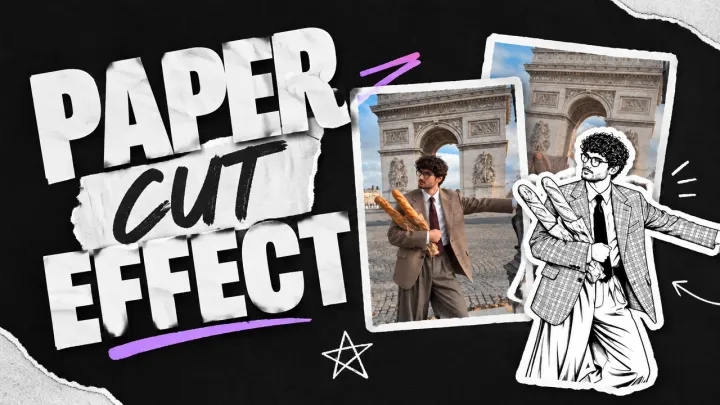
Paper Cut Effect
Use the uploaded image as the base. Identify the most prominent foreground subject, whether it is a person, animal, product, or object. If several subjects are equally prominent, treat each as a separate sticker. Transform only the subject into a clean black-ink illustration printed on pure white paper. Replace all photographic colors, gray tones, shading, and textures inside the subject with solid white areas. Recreate its recognizable shape, pose, expression, surface details, patterns, and distinctive features using crisp black outlines, fine detail lines, and sparse crosshatching. Keep the drawing high contrast: pure white paper and black ink only. Add a thick, smooth, continuous white die-cut border around each complete subject silhouette, with a subtle shadow that makes the paper sticker appear placed on top of the image. Keep everything outside the sticker as the original full-color photograph. Preserve the background, lighting, perspective, subject position, scale, and framing. Do not turn the background into an illustration. Do not use gray fills, charcoal shading, pencil texture, or desaturated photographic details inside the sticker. Do not add text, graphics, or new objects.
GPT-Image2.5