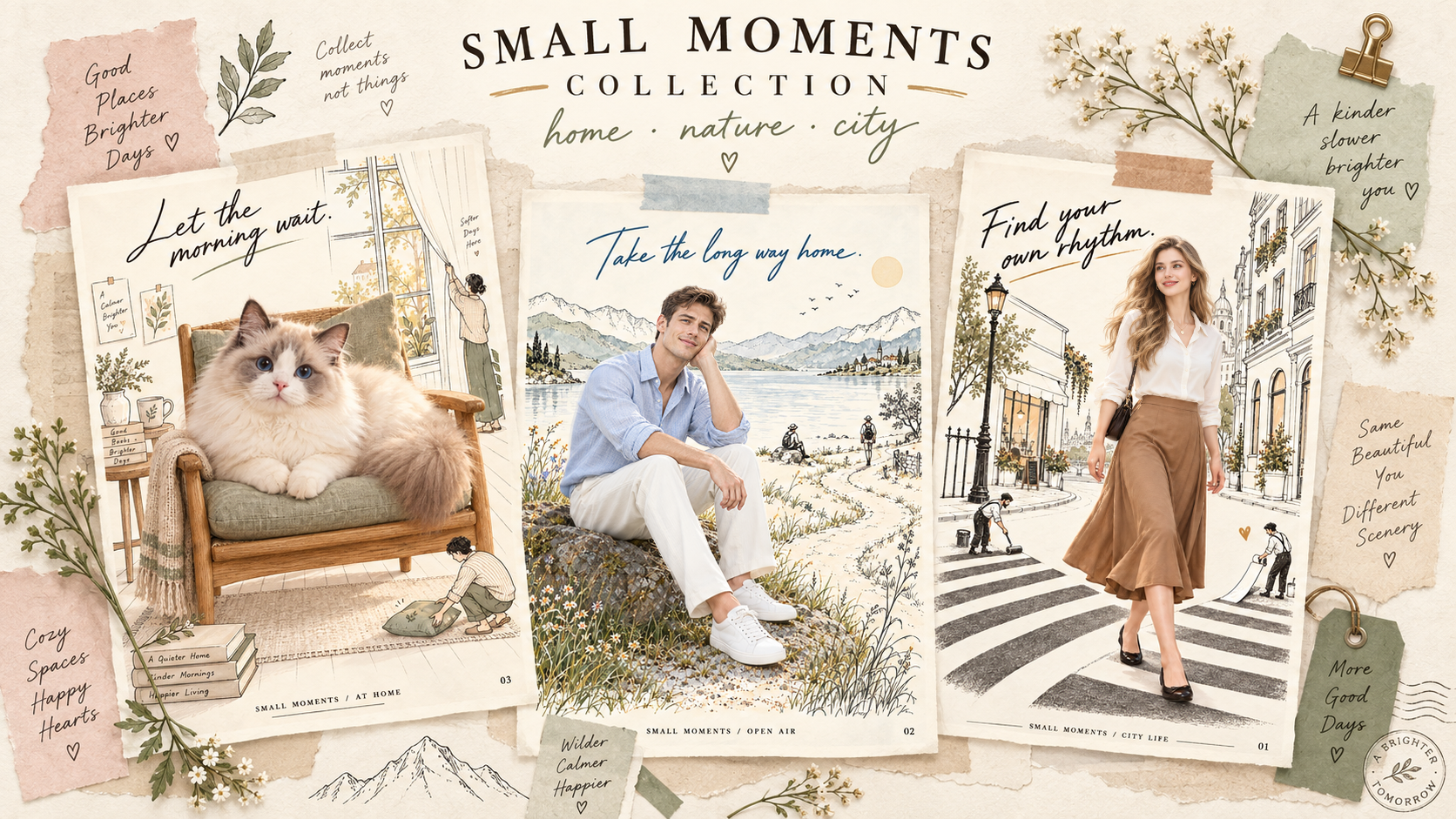
Collage Vibe Poster
Create a 3:4 editorial poster featuring a beautiful European woman with blonde hair, an ivory blouse and caramel skirt, walking through a hand-drawn city. Combine a photorealistic woman with delicate black linework, tiny illustrated people painting a crosswalk, warm ivory paper and subtle muted colors. Add “Find your own rhythm.” in elegant handwriting. English text only, one complete artwork.
Recommended presets
Explore more PixVerse workflows for your next project.
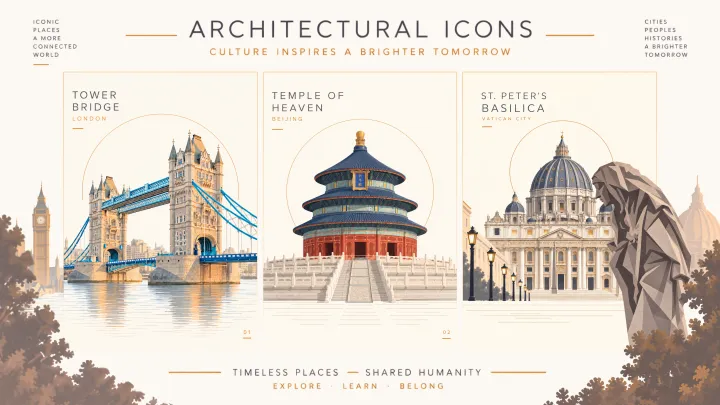
Landscapes Poster
Transform the uploaded photo into a refined 3:4 architectural illustration poster. Preserve Tower Bridge’s perspective, limestone towers and blue suspension structure. Use muted geometric shapes, an ivory background and delicate water reflections. Place a thin ochre arc behind the towers, naturally concealed by the architecture without floating endpoints. Add “TOWER BRIDGE” and “LONDON” at top left, “01” at bottom right. Illustration only.
GPT-Image2.5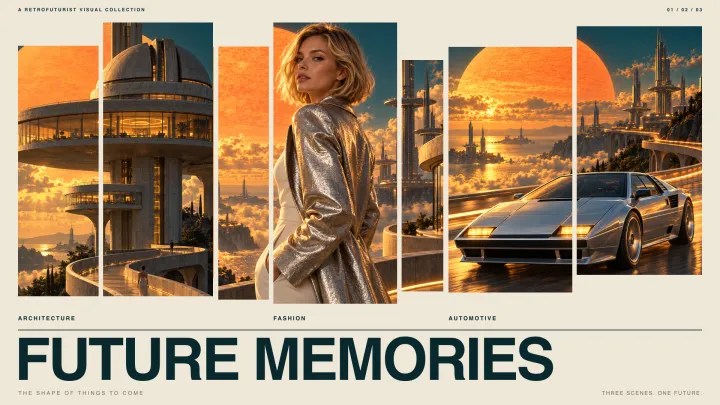
Vintage Poster
Create a 3:4 retrofuturist poster featuring monumental space-age towers, circular observation decks and sweeping skybridges above clouds. A giant orange sun contrasts with a deep teal sky. Golden lighting, realistic concrete and chrome, cinematic depth, subtle vintage film grain. Add bold white typography “NEW HORIZONS”, small “FUTURE MEMORIES” and number “01”. English only.
GPT-Image2.5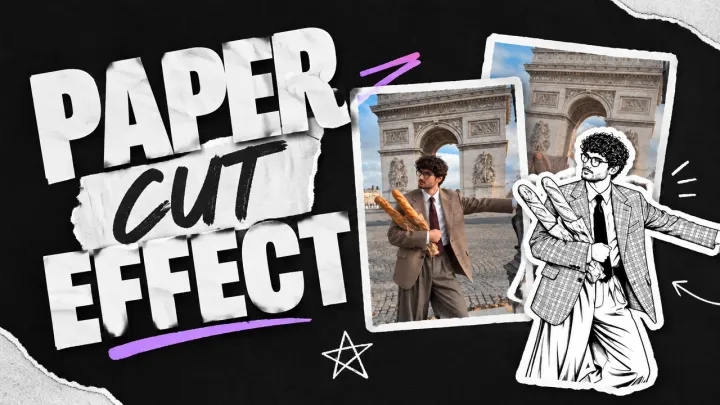
Paper Cut Effect
Use the uploaded image as the base. Identify the most prominent foreground subject, whether it is a person, animal, product, or object. If several subjects are equally prominent, treat each as a separate sticker. Transform only the subject into a clean black-ink illustration printed on pure white paper. Replace all photographic colors, gray tones, shading, and textures inside the subject with solid white areas. Recreate its recognizable shape, pose, expression, surface details, patterns, and distinctive features using crisp black outlines, fine detail lines, and sparse crosshatching. Keep the drawing high contrast: pure white paper and black ink only. Add a thick, smooth, continuous white die-cut border around each complete subject silhouette, with a subtle shadow that makes the paper sticker appear placed on top of the image. Keep everything outside the sticker as the original full-color photograph. Preserve the background, lighting, perspective, subject position, scale, and framing. Do not turn the background into an illustration. Do not use gray fills, charcoal shading, pencil texture, or desaturated photographic details inside the sticker. Do not add text, graphics, or new objects.
GPT-Image2.5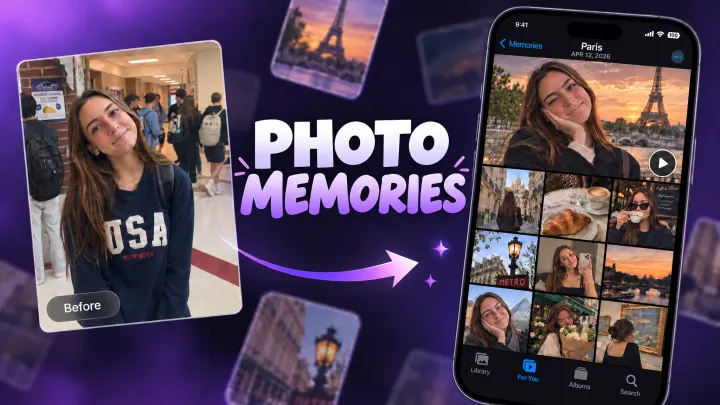
Photo Memories
LOCATION: California DATE: SEP 15, 2026 Use the uploaded image as the ONLY character reference. Create ONE 9:16 vertical image that looks like an authentic iPhone Photos “Memories” page featuring this exact character. Preserve the character’s appearance, face, hairstyle, colors, outfit, proportions, accessories, and original visual style consistently in every photo. Do not redesign the character or turn an illustrated character into a real person. Automatically imagine a believable day of memories that fits the character and their visual world. Create a natural mix of candid photos from morning to night: indoor moments, food or drinks, travel, streets, scenery, sunset, nighttime, and resting. Automatically choose suitable activities, locations, lighting, and atmosphere. LAYOUT Authentic Apple Photos Memories aesthetic, 9:16. One large hero memory photo at the top, followed by an organic collage of differently sized photos below. Natural iPhone photo-library spacing and proportions, not a rigid grid. Include subtle iOS Photos interface elements and a play button. TEXT English only. Display only the LOCATION and DATE above. No captions, quotes, or decorative text. Make the photos feel spontaneous and personal rather than staged, with varied framing, close-ups, wide shots, imperfect candid compositions, natural lighting, occasional motion blur, and different times of day. The final result should feel like iPhone Photos automatically created a memory from one real day with this character.
GPT-Image2.5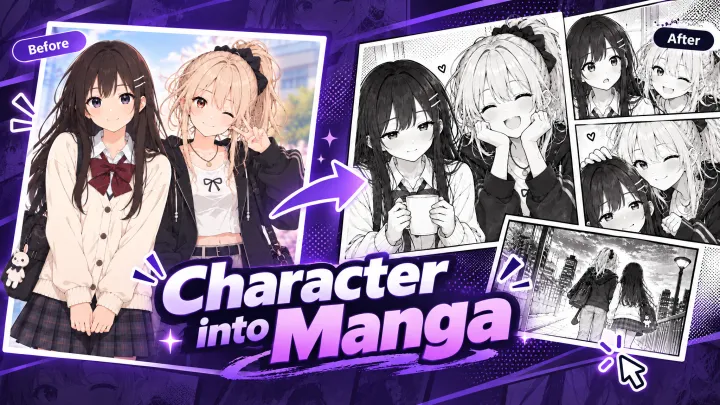
Black-and-White Comics
Create a four-page black-and-white manga featuring the characters from the reference image, with Japanese dialogue and a right-to-left reading order.
GPT-Image2.5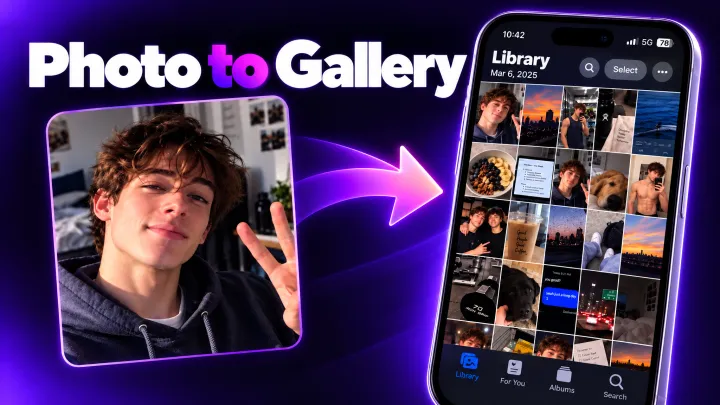
Camera Rolls
Turn one full day's worth of camera roll for the person in the reference image into a single image that captures the iPhone's Photos app screen as-is. Make it a realistic camera roll that feels like it captures casual everyday moments.
GPT-Image2.5