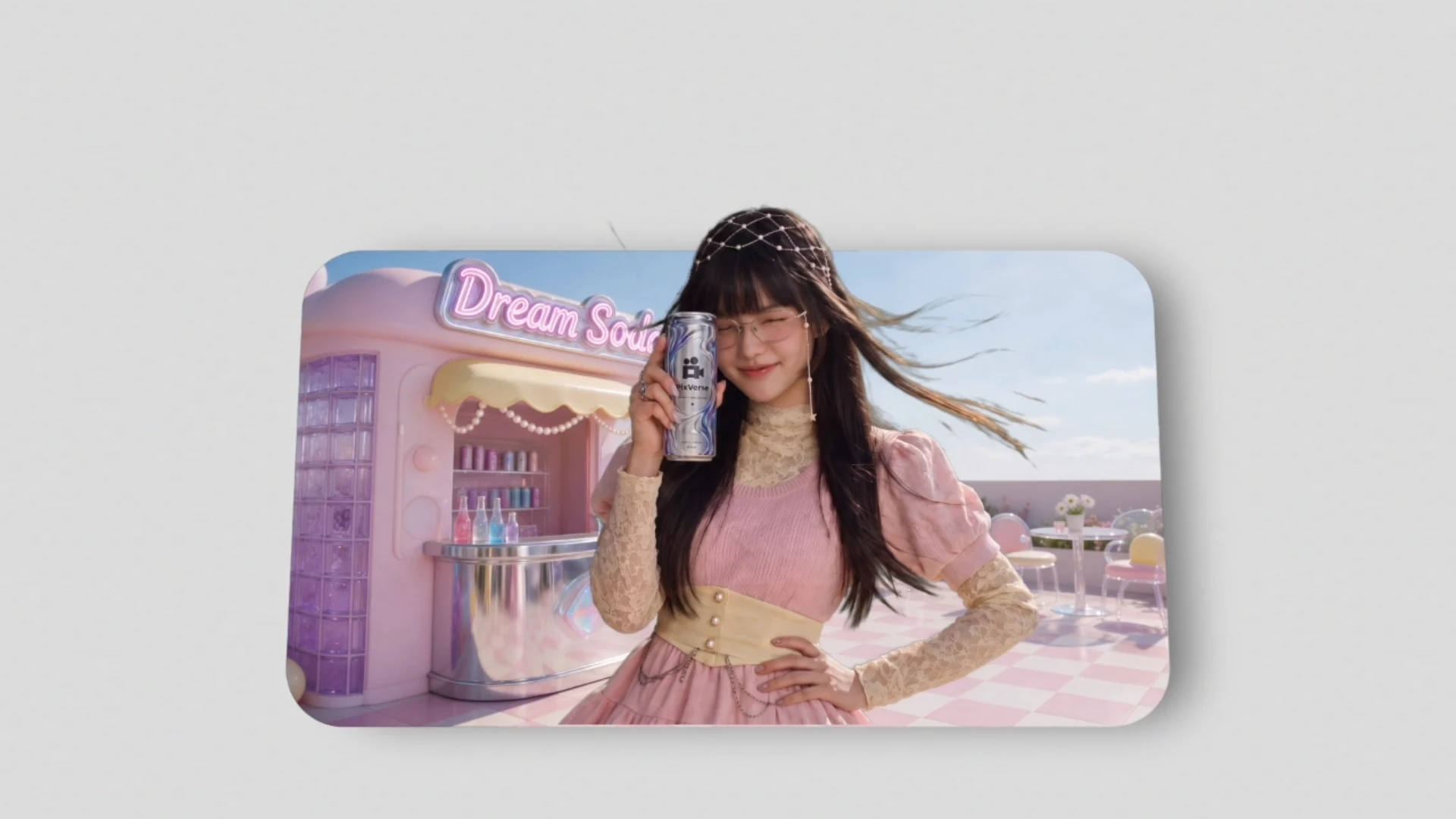
Ad Variant Maker
pixverse-ad-variants
/pixverse-ad-variants Create a 10-second, 16:9 sneaker ad with Seedance 2.5. First, generate an original premium sneaker commercial on a modern city rooftop at warm sunrise. Show one unbranded ivory-and-teal sneaker floating above a charcoal pedestal. Use one continuous photoreal shot: start with a three-quarter hero view, then make a smooth camera arc with a slight dolly-in, and finish on a clean hero angle. Keep the shoe design consistent. No people, logos, text, cuts, extra shoes or product transformation. Then use that accepted original video to create one background-only variant. Replace only the rooftop and skyline with a shallow salt lake at sunrise, with reflective water, white salt crust, distant mountains and a hazy peach sky. Keep the sneaker, pedestal, framing, camera movement, timing, floating motion, lighting direction and original audio unchanged. Only the background should change. Deliver only the salt-lake variant as a 10-second, 16:9, 720p video.
Start in 3 steps
pixverse-ad-variants
Download ChatGPT Desktop
Install the ChatGPT desktop app on your computer.
Install the PixVerse plugin
Add PixVerse to ChatGPT to use this workflow.
Run the workflow
Copy this prompt into ChatGPT and add your inputs to get started.
Recommended presets
Explore more PixVerse workflows for your next project.
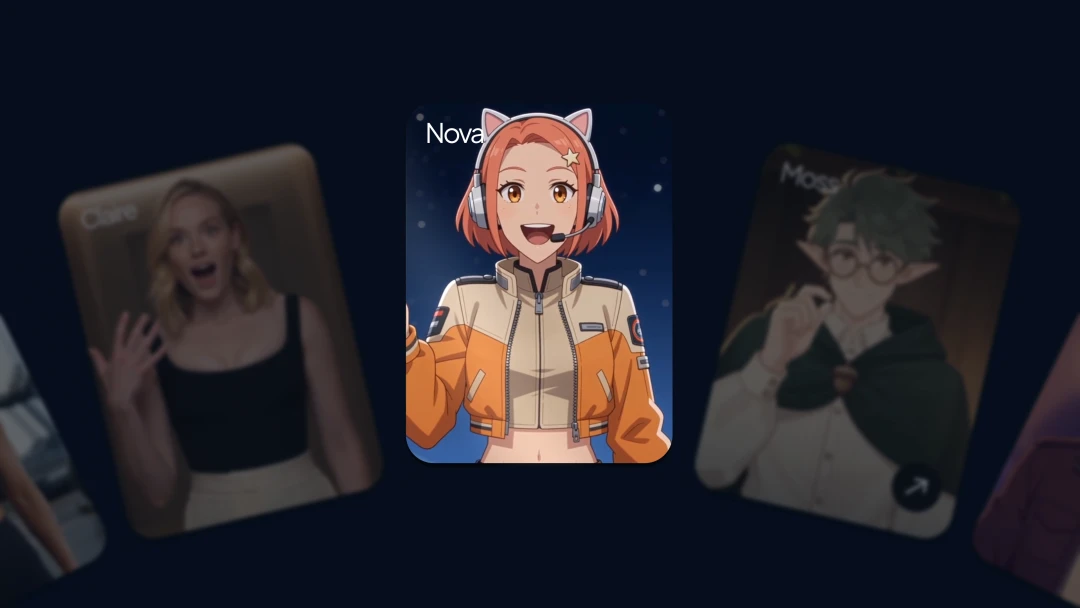
AI Presenter Video
pixverse-presenter
3D Modeling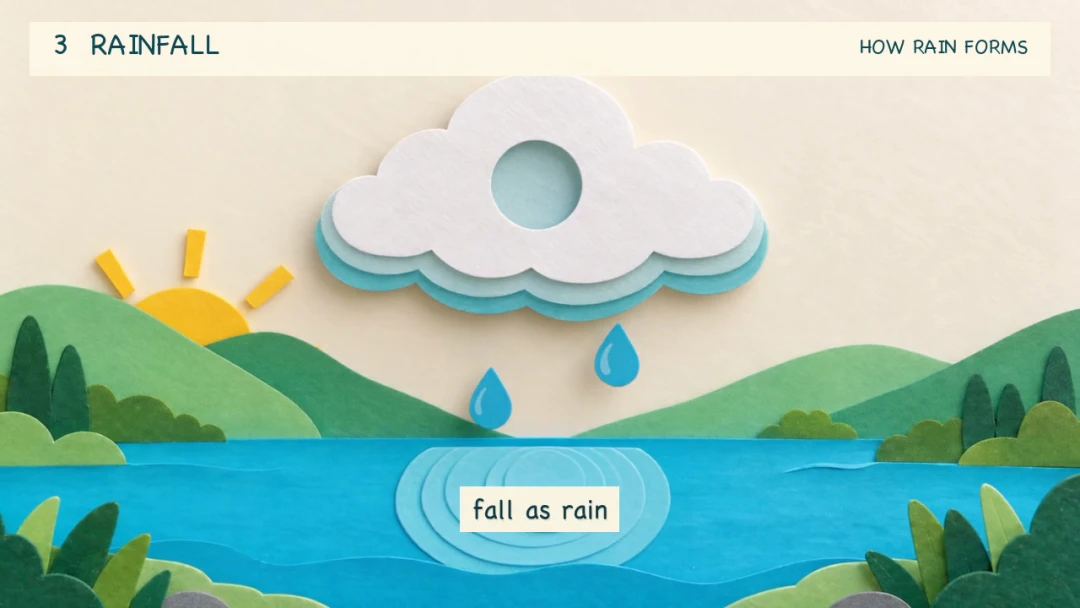
Animated Explainer Video
pixverse-explainer
3D Modeling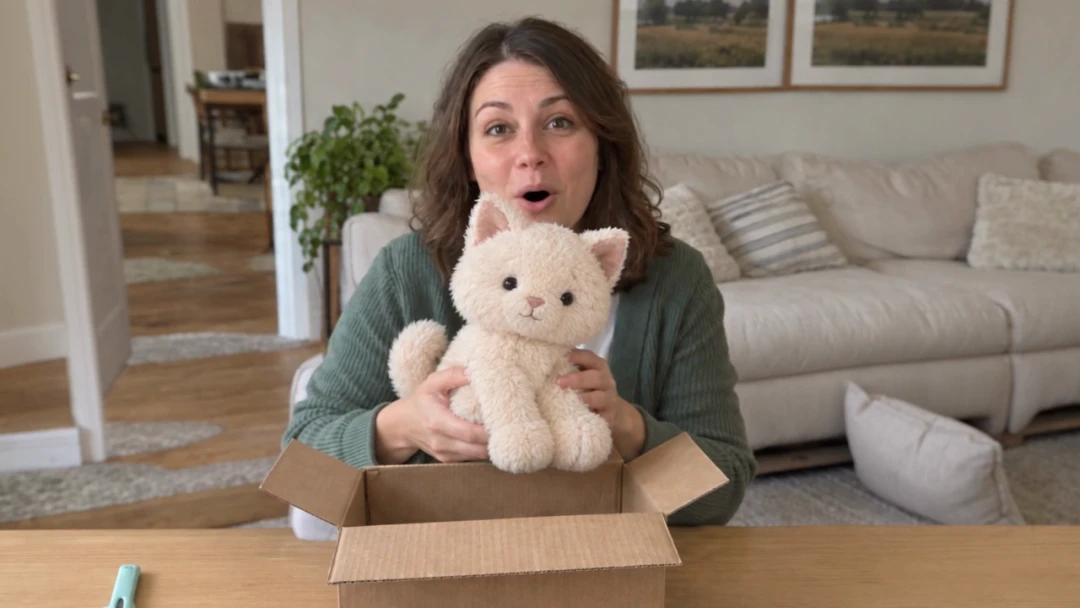
Product Unboxing Video
pixverse-unbox-video
3D Modeling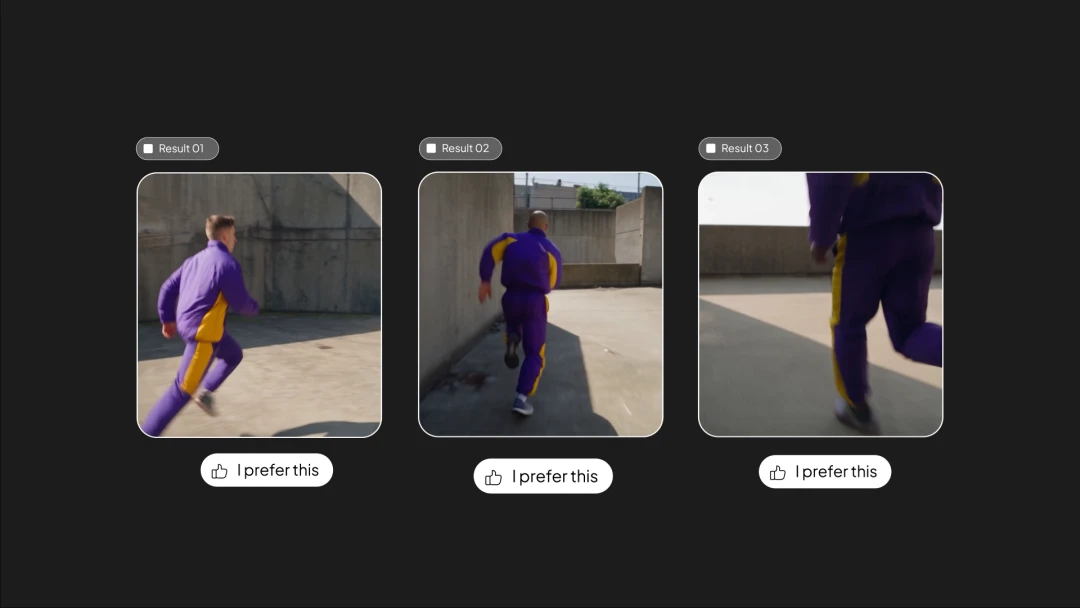
AI Video Creation
pixverse-create-video
3D Modeling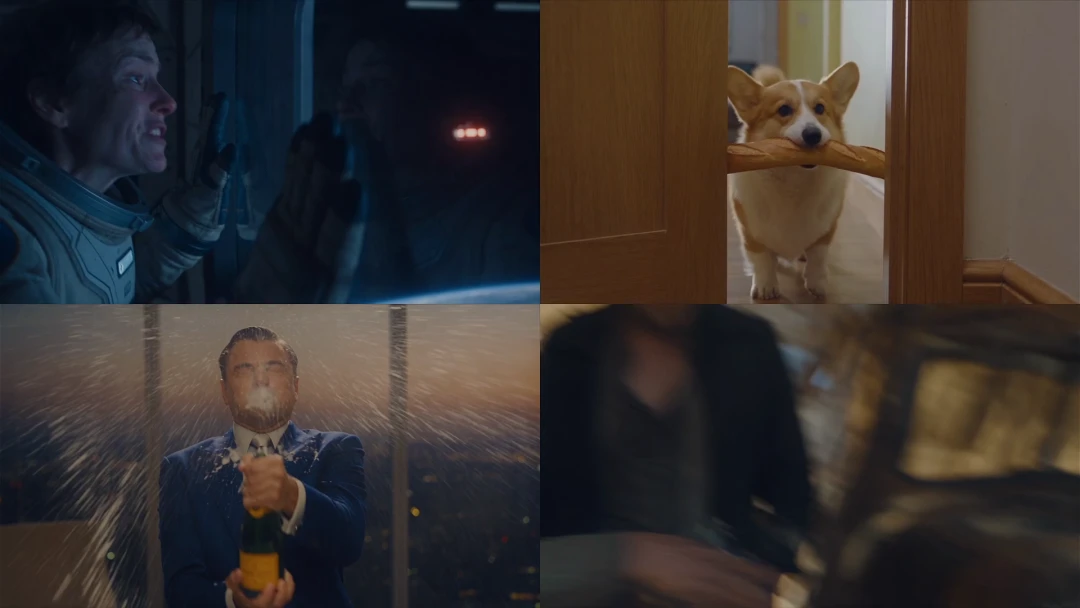
Short Drama Film
pixverse-short-drama
3D Modeling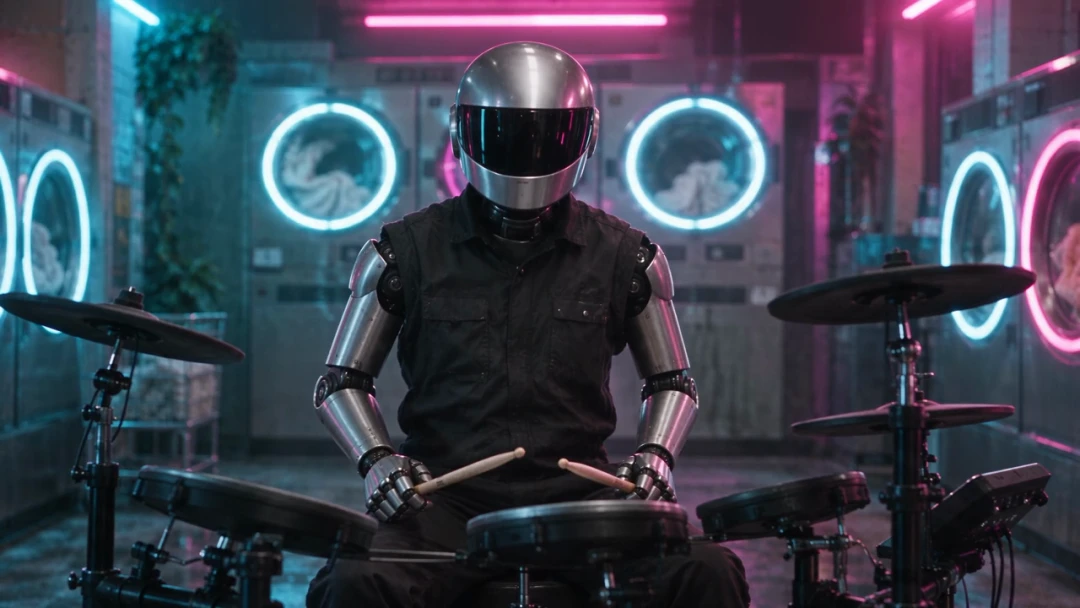
Music Video Production
pixverse-music-video
3D Modeling