AI Video Creation
pixverse-create-video
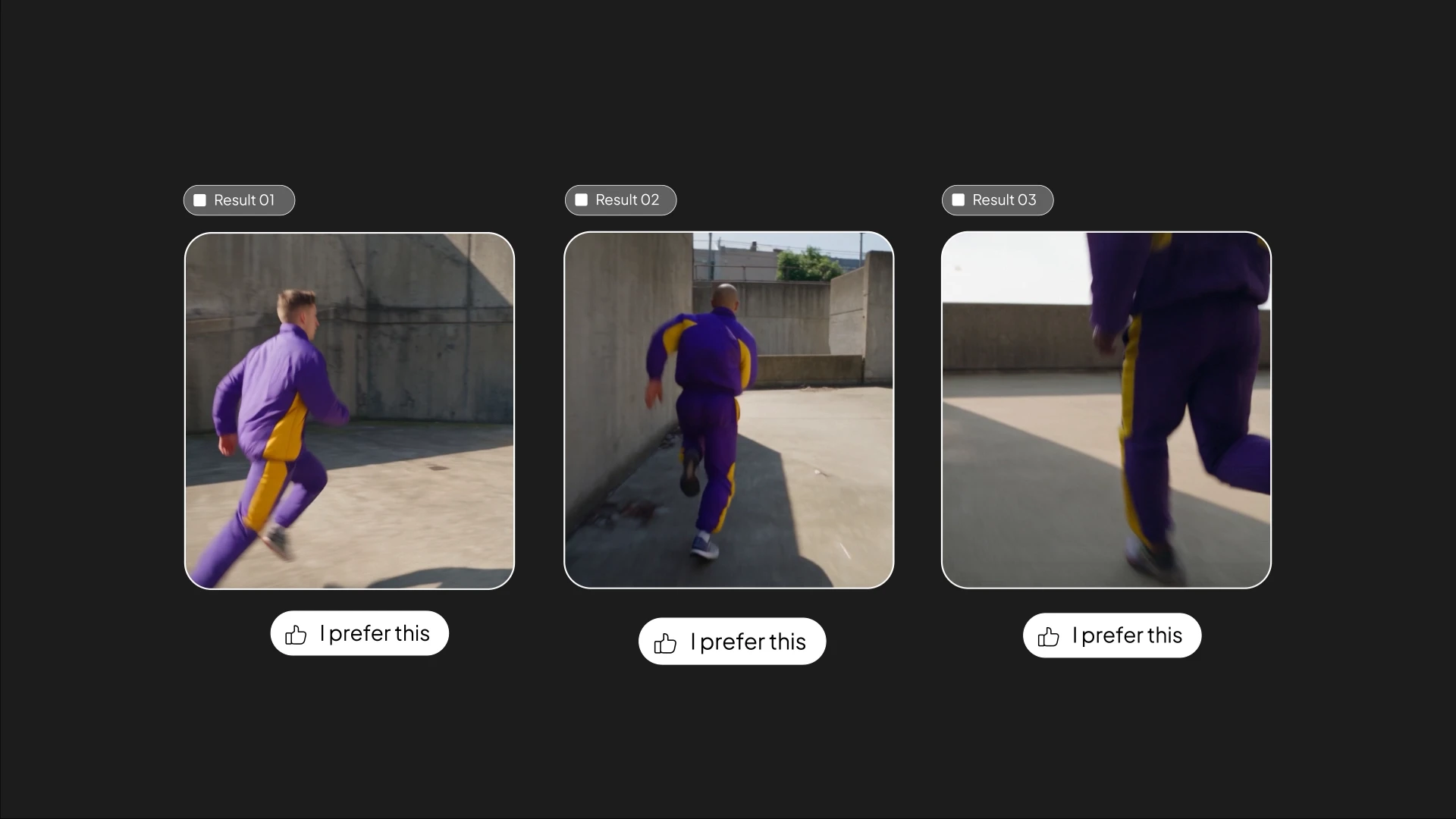
/pixverse-create-video Create one direct text-to-video task using PixVerse Seedance 2.5, 720p, 16:9, 10 seconds. No reference images or additional generation tasks. Prompt: 10-second handheld parkour chase through a real urban concrete courtyard in daylight. One athlete in a vivid purple-and-yellow sports outfit. 0–3s: Sprint toward a waist-high barrier, camera chasing close behind with strong running shake. 3–6s: Speed vault the barrier, land, keep running; camera jolts and whip-pans with motion blur. 6–10s: Turn into a narrow passage, jump three steps, land and race past camera. One continuous shot, intense handheld motion, realistic movement and impacts. No slow motion, aerial shots, speech, music, text, or logos.
Start in 3 steps
pixverse-create-video
Download ChatGPT Desktop
Install the ChatGPT desktop app on your computer.
Install the PixVerse plugin
Add PixVerse to ChatGPT to use this workflow.
Run the workflow
Copy this prompt into ChatGPT and add your inputs to get started.
Recommended presets
Explore more PixVerse workflows for your next project.
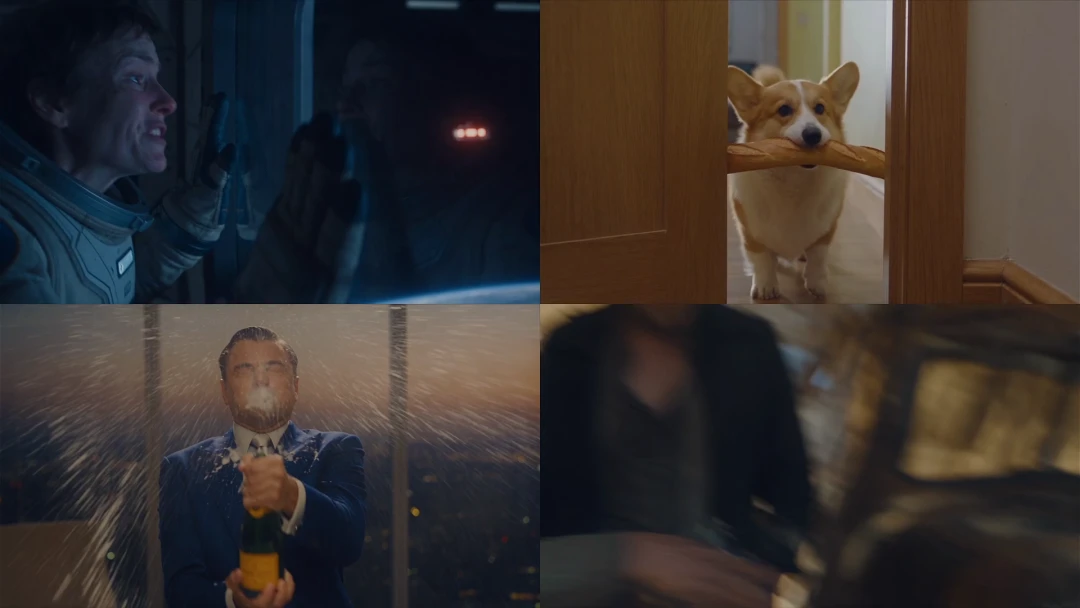
Short Drama Film
pixverse-short-drama
3D Modeling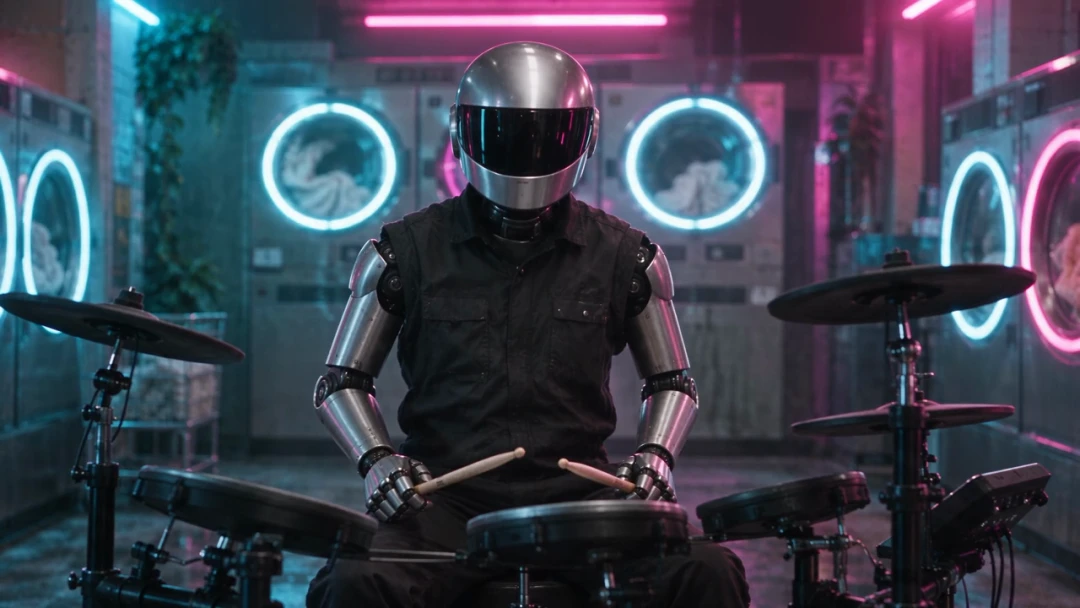
Music Video Production
pixverse-music-video
3D Modeling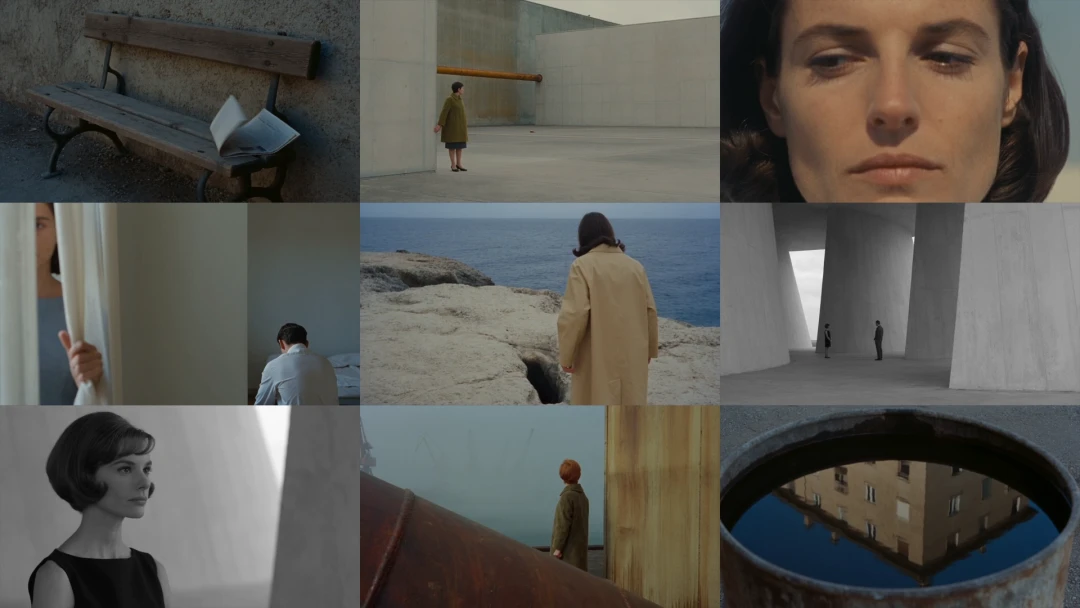
Cinematic Story Film
pixverse-cinematic-story
3D Modeling
Motion Design Video
pixverse-motion-design
3D Modeling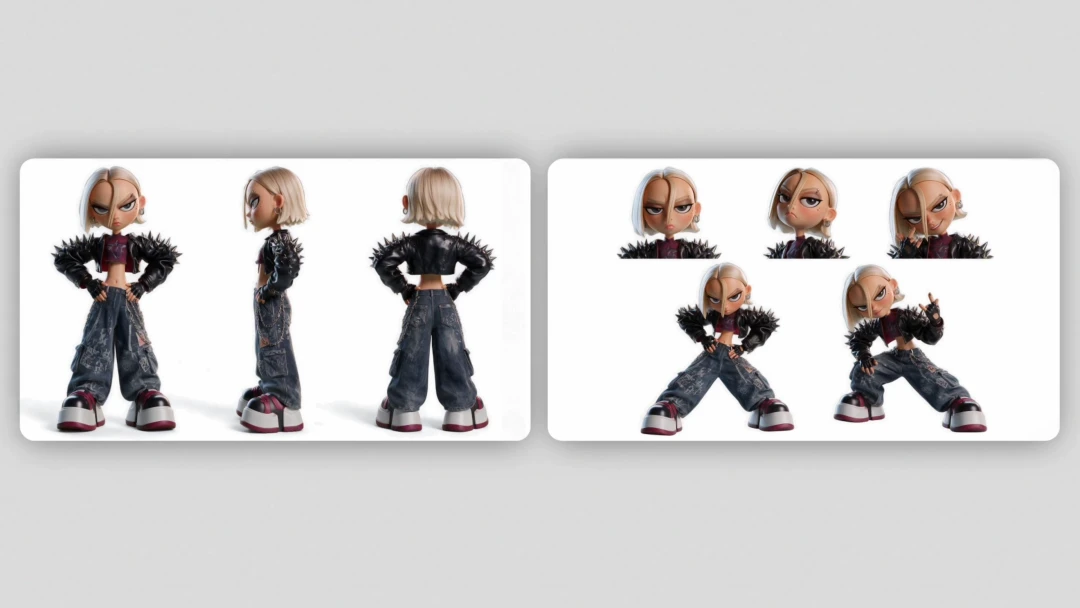
Character Design Sheet
pixverse-character-sheet
3D Modeling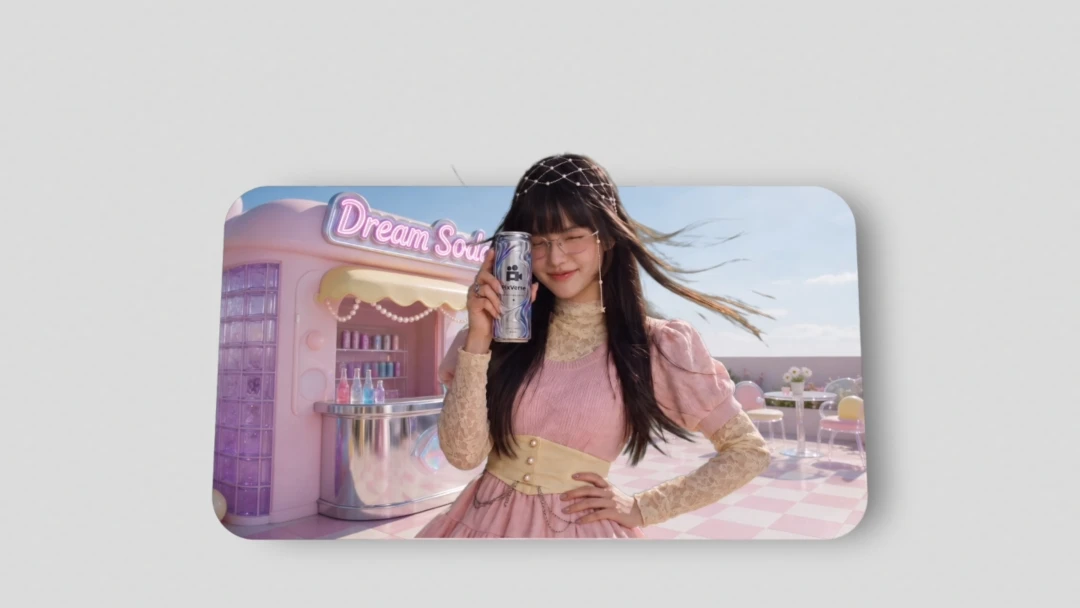
Ad Variant Maker
pixverse-ad-variants
3D Modeling