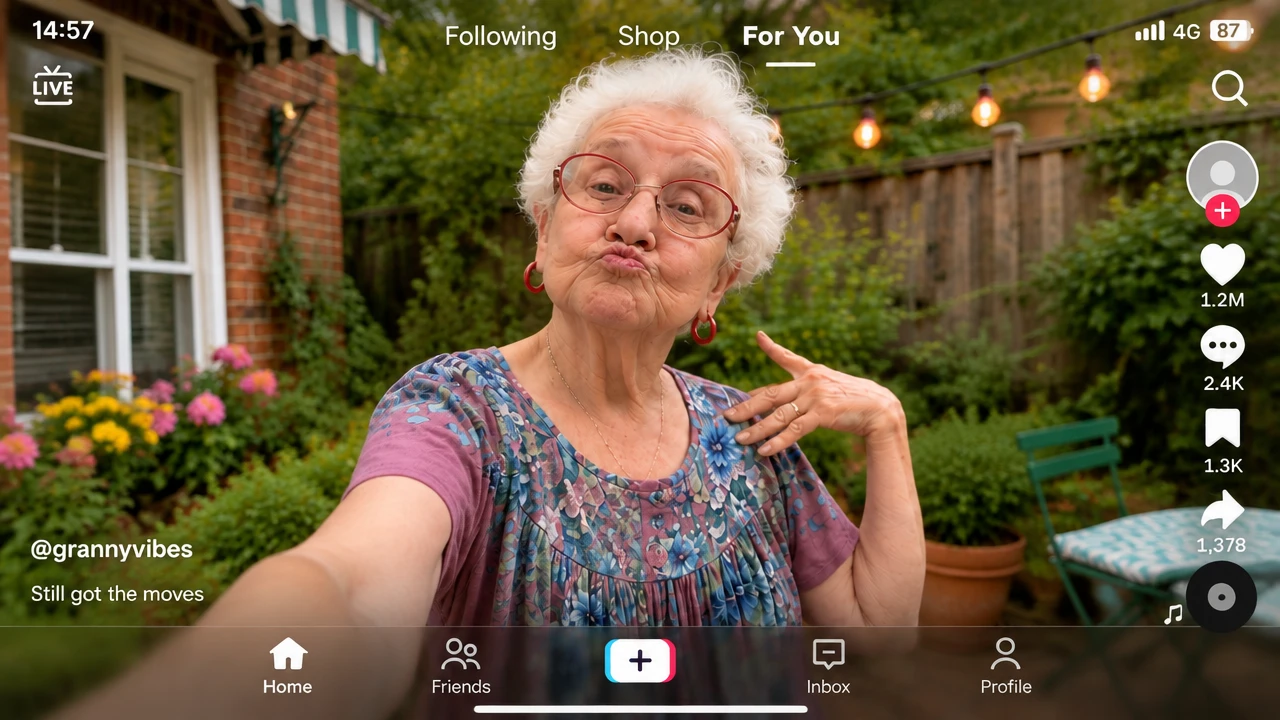
For You Overlay
Transfer the dance while locking the feed UI.
/for-you-overlay @PixVerse Step 1 — First-frame image Use [[https://media.pixverse.ai/asset/template/grandma.png](https://media.pixverse.ai/asset/template/grandma.png)] as the authoritative reference for the subject’s identity, face, age, hairstyle, body proportions, clothing, shoes, and environment. Create a vertical, full-body image of the same subject in [[https://media.pixverse.ai/asset/template/grandma.png](https://media.pixverse.ai/asset/template/grandma.png)]. Keep the head, hands, and feet fully visible. Preserve the reference environment, natural lighting, colors, and candid smartphone-video appearance. Composite the complete interface from [[https://media.pixverse.ai/asset/template/tiktok UI.png](https://media.pixverse.ai/asset/template/tiktok%20UI.png)] as a sharp, flat 2D screen-space overlay. Match its layout, icons, text, spacing, colors, and position exactly. Do not warp, redraw, omit, or add UI elements. Show exactly one subject. No extra text, logos, or watermarks. Step 2 — Video Use [https://media.pixverse.ai/asset/template/FIRST_FRAME_IMAGE.png](https://media.pixverse.ai/asset/template/FIRST_FRAME_IMAGE.png) as the exact first frame and sole authoritative reference for visual appearance. Use [https://media.pixverse.ai/asset/template/MOTION_REFERENCE_VIDEO.mp4](https://media.pixverse.ai/asset/template/MOTION_REFERENCE_VIDEO.mp4) only for choreography and timing. Preserve the subject’s identity, face, age, hairstyle, body proportions, clothing, and shoes. Preserve the complete environment, natural lighting, colors, vertical composition, and candid smartphone-video texture. Keep the entire interface from the first frame permanently visible as a sharp, static 2D screen-space overlay. Every UI element must remain unchanged and fixed in position throughout the video. Transfer the motion reference’s action order, timing, tempo, rhythm, arm gestures, hand positions, shoulder movement, footwork, weight shifts, and pauses. Do not transfer the reference performer’s appearance, clothing, setting, camera, lighting, or visual style. Adapt movements only as needed for believable body mechanics while preserving the performance’s energy and timing. Create one continuous full-body shot. Lock the camera to the first frame’s exact position, height, lens, orientation, crop, and framing. Keep the subject’s head, hands, and feet fully visible throughout. Use natural motion blur and deep phone-camera focus. Show exactly one subject with a stable face and anatomically coherent limbs and fingers. No cuts, zooms, pans, tilts, reframing, camera shifts, or UI changes.
Start in 3 steps
Transfer the dance while locking the feed UI.
Download ChatGPT Desktop
Install the ChatGPT desktop app on your computer.
Install the PixVerse plugin
Add PixVerse to ChatGPT to use this workflow.
Run the workflow
Copy this prompt into ChatGPT and add your inputs to get started.
Recommended presets
Explore more PixVerse workflows for your next project.
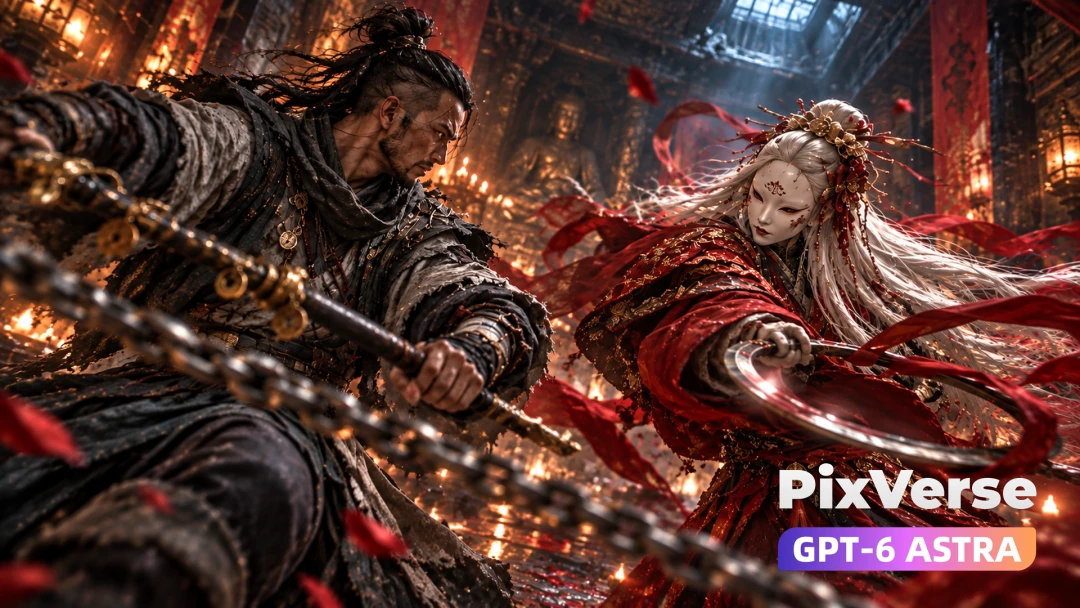
Talisman Seal Boss Fight
Seal the masked boss with a talisman.
Viral Preset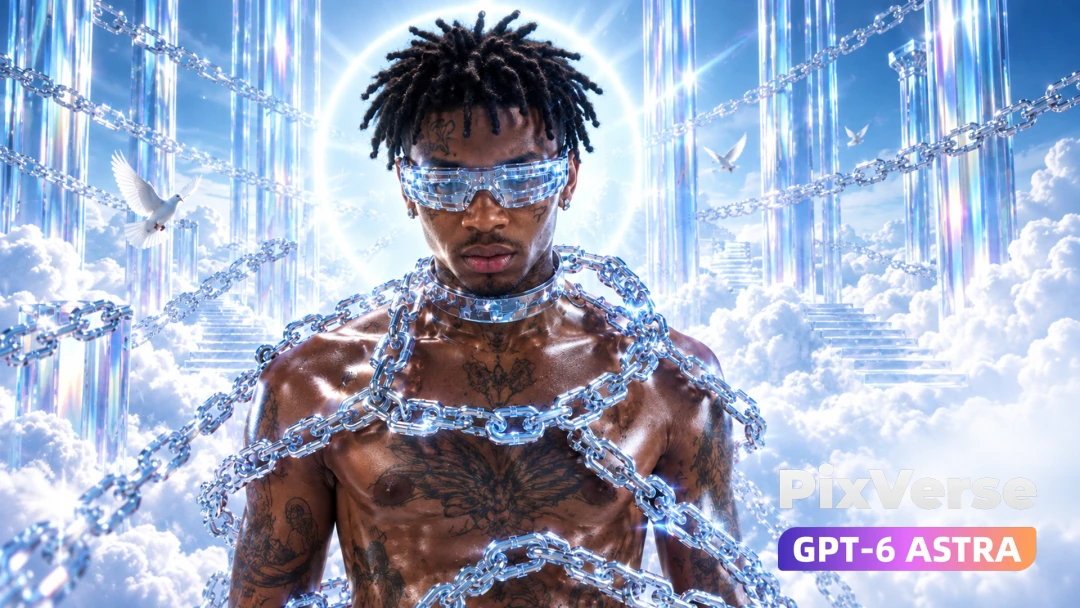
Touching the Sky
Chrome rap beneath a shattering glass sky.
Viral Preset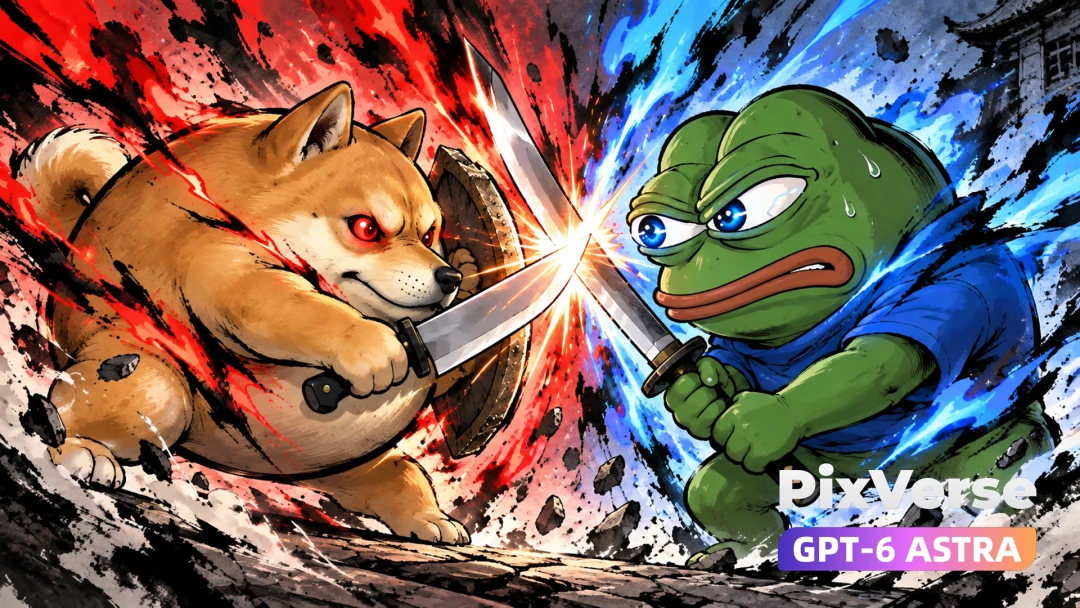
Meme Wars
Doge and Pepe clash in an ink-wash duel.
Viral Preset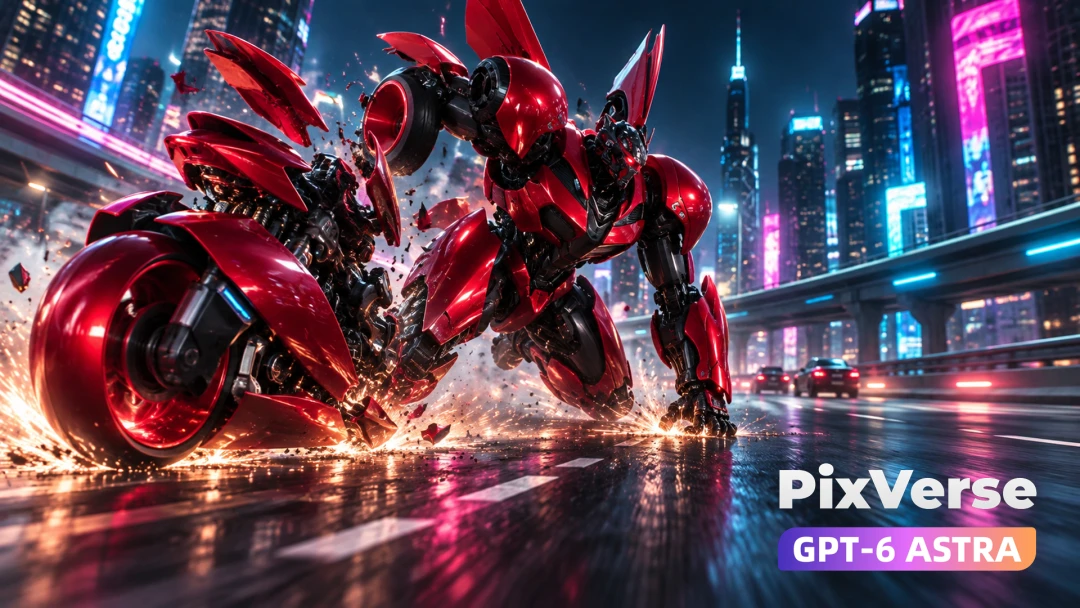
Redline Mission
A superbike transforms into a combat mech.
Viral Preset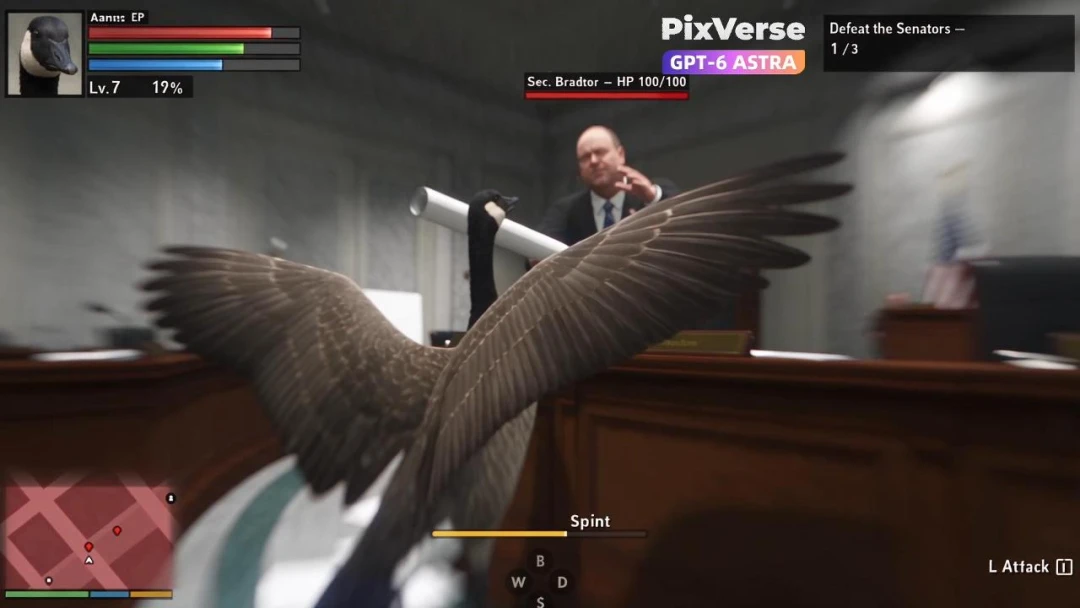
Goose Simulator
Create a mischievous goose simulator with coherent gameplay action.
Viral Preset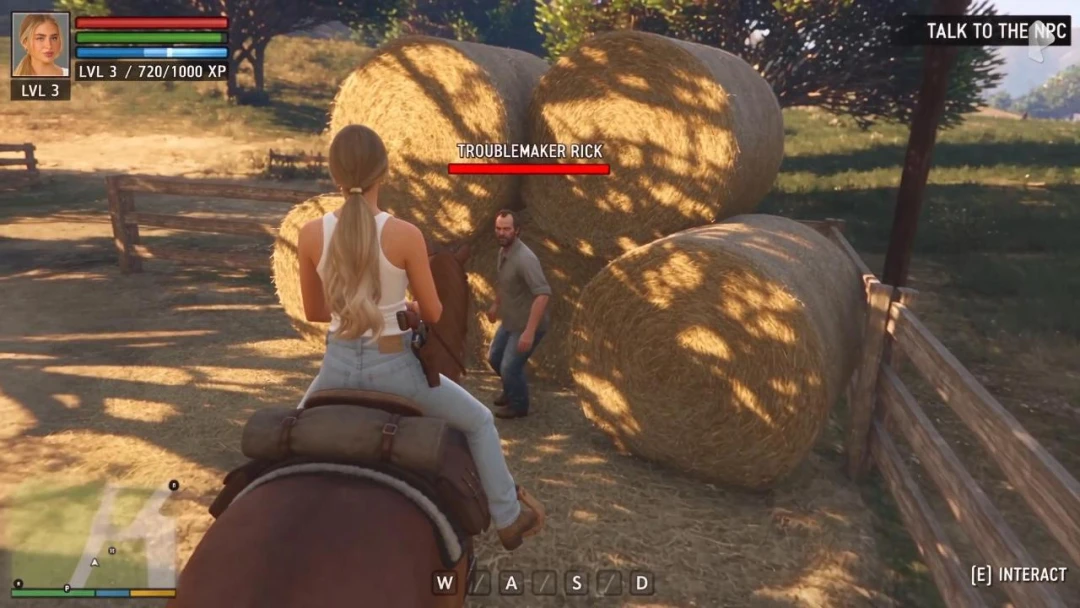
Ride Horse in ARPG
Build an ARPG horseback sequence with cinematic combat and traversal.
Viral Preset