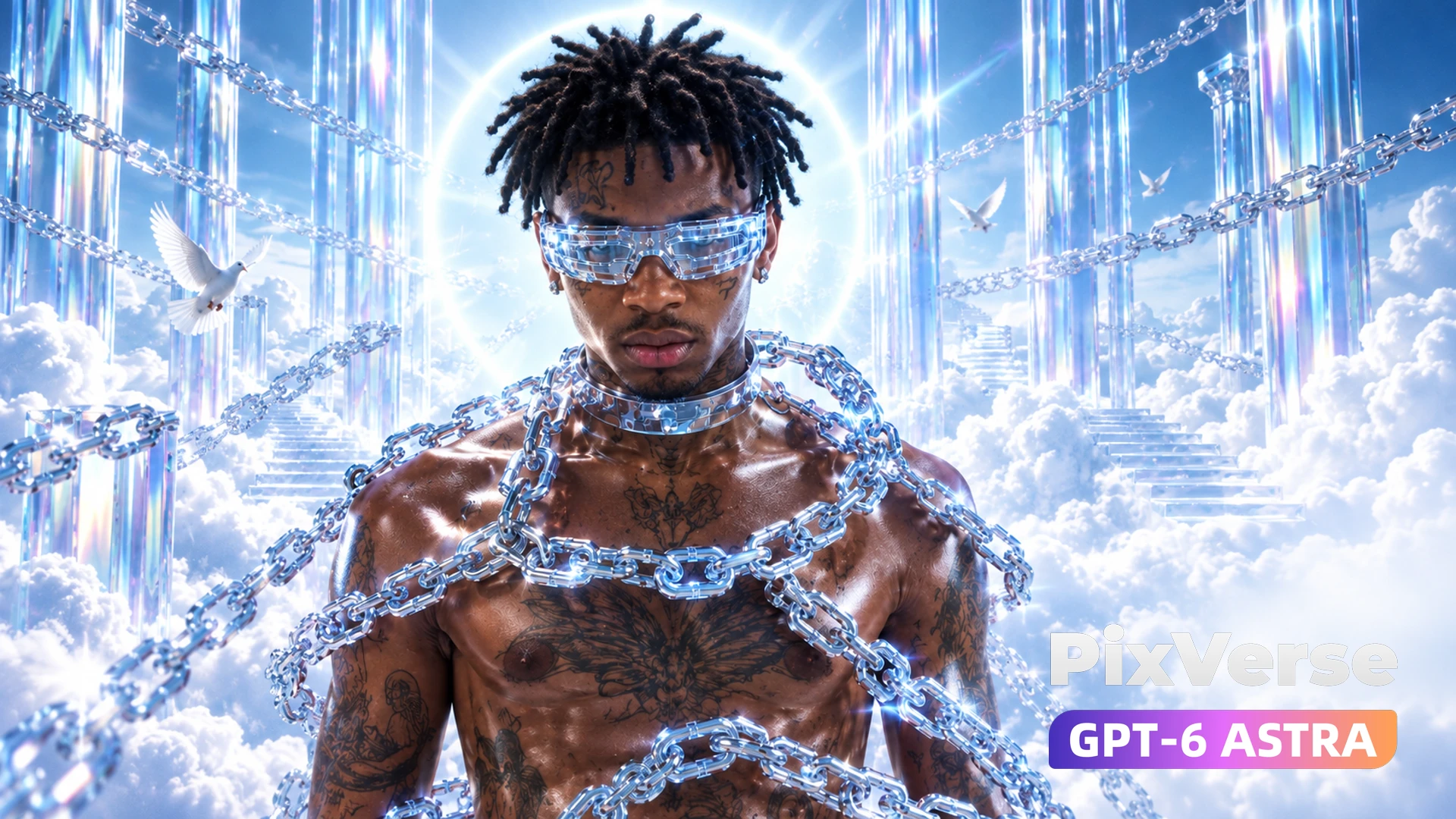
Touching the Sky
Chrome rap beneath a shattering glass sky.
/touching-the-sky @PixVerse Seedance 2.5 Source output: 1280×720, 16:9, 16.064 seconds, 24 fps, AAC audio track Material roles: reference_01 and reference_02 lock the performer identity, styling, and scene design; reference_audio_01 is the supplied music/timing reference. Reference image calls: - reference_01: [https://media.pixverse.ai/asset/media/touchingthesky_ref01.png](https://media.pixverse.ai/asset/media/touchingthesky_ref01.png) - reference_02: [https://media.pixverse.ai/asset/media/touchingthesky_ref02.png](https://media.pixverse.ai/asset/media/touchingthesky_ref02.png) Call both URLs together as the image-reference inputs to lock performer identity, styling, and scene design. Preserve both source images without substitution. Original prompt: Duration: Approx. 15s | Aspect Ratio: 1:1 or 9:16 | Lyrics: It’s on me, but I still feel free. Close my eyes, now the whole world sees. Came from the dark, now I glow like light. So damn high, I’m touching the sky. Overall Style: Chrome Couture × Experimental Rap × Y2K Heaven × Luxury Fashion Film. Dominant palette: Icy blue, mirror silver, overexposed white, and deep black. Avoids traditional cyberpunk tropes and cheap glitch effects; the subject resembles the star of a high-fashion editorial, with chains serving as jewelry-like installations. Total of 18–22 shots; rapid multi-camera switching; lip-sync visible in ~60% of shots to ensure precise alignment with the rap vocals. 0.00–3.25s “It’s on me, but I still feel free.” SHOT 01 | 0.00–0.45s | 85mm Beauty Close-up (Mouth) | Lip-sync Starts singing on the very first frame; no fade-in from black. Framing focuses only on lips, bridge of the nose, and the lower edge of chrome sunglasses; subject sings directly into the camera: “It’s on me—” A massive transparent chain sweeps rapidly across the foreground. AE: Directional Blur + 2-frame Echo trail; 1-frame high-exposure flash on lyrical accents; subtle chromatic aberration added to sunglasses. SHOT 02 | 0.45–0.85s | 14mm Fisheye Low-Angle | Lip-sync Sudden hard cut to ultra-wide angle. Subject centered; body held by dozens of transparent chrome chains radiating outwards, yet shows no struggle, singing calmly. Rapid "crash push-in" camera movement. AE: Slight optical compensation at frame edges; chains vibrate with subtle displacement triggered by the bass. SHOT 03 | 0.85–1.25s | Jewelry Macro Quick Cuts Three shots, approx. 4 frames each: Chain pressing against dewy skin → Chest tattoo → Circular halo reflection in sunglasses. Final match cut back to the mouth. AE: "Posterize Time" effect set to a brief 12fps + Frame Repeat + Sharpen Flash, mimicking the look of rapid-fire fashion photography strobes. SHOT 04 | 1.25–1.95s | 50mm handheld frontal shot | Lip-sync Subject’s face fully revealed for the first time while singing: "but I still feel..." Camera features subtle, high-quality handheld shake; subject walks slowly toward the lens while chains drag across their shoulders and neck. Background glass pillars slide rapidly in the opposite direction, creating a surreal sense of space. AE: Background "Time Remap" set to 250% while subject remains at normal speed; add slight RGB edge separation. SHOT 05 | 1.95–2.55s | 90° overhead shot Subject lies in the center of a white disc formed by clouds. Chains form a highly precise geometric composition. Camera rotates clockwise; subject visually rotates counter-clockwise. Singing the final word: "...FREE." SHOT 06 | 2.55–3.25s | 35mm lateral tracking shot | Lip-sync Do not let the chains explode. Time suddenly freezes. All chains, birds, clouds, and hair come to a halt. Subject continues walking forward, passing directly through the chains as if they didn't exist. Maintains eye contact with the lens while walking to complete the word "free." AE: Rotoscoped subject and background layers; background set to 100% Freeze Frame; as subject passes through chains, use Displacement Map + Glass Refraction to create a liquid-like refraction effect where the body penetrates the chains. White flash on the final 2 frames. 3.25–6.40s "Close my eyes, now the whole world sees." SHOT 07 | 3.25–3.75s | 100mm extreme close-up on eyes | Lip-sync Frontal beauty shot. Subject sings: "Close my eyes..." Mouth remains visible in the lower part of the frame. Slowly closes eyes upon singing "eyes." Frame aspect ratio suddenly compressed vertically via masking into an ultra-narrow "Cinema Strip." AE: Animated Mask Crop + Exposure Pump. SHOT 08 | 3.75–4.15s | Visual burst at the moment of closing eyes The frame where the eyes fully close: The image instantly replicates into a 3x3 grid. The nine panels represent nine different camera angles: Frontal / Left profile / Right profile / Fisheye / Top-down / Mouth / Sunglasses / Chest / Back of head. All character movements are strictly synchronized. AE: Motion Tile + Time Offset; each grid cell is staggered by 1–2 frames. SHOT 09 | 4.15–4.75s | 70mm frontal shot | Intense lip-sync The 3x3 grid instantly collapses back into a single frontal shot. The subject opens their eyes and continues singing: "now the whole world..." The camera pulls back rapidly. The subject remains stationary, while the glass pillars behind them move wildly from side to side, like stage scenery. SHOT 10 | 4.75–5.35s | Sunglasses Macro The lens rushes toward the chrome-silver sunglasses. Instead of a standard reflection, the lenses reveal over ten different camera angles simultaneously filming the subject. The "him" in each reflection is rapping in sync. AE: Pre-compose multiple camera feeds and use Corner Pin to map them onto the lenses; apply CC Glass and slight Lens Distortion to the lens surface. SHOT 11 | 5.35–6.40s | "...SEES." | Multi-exposure lip-sync The frontal shot instantly splits into five layers of the subject at different points in time. The central figure clearly sings: "sees." The trailing images on the left and right turn their heads to look at the camera 2–3 frames early or late, respectively. Finally, all the clones look directly at the camera simultaneously. AE: Echo + Roto Duplicate + Time Displacement. A horizontal Light Sweep across the subject's sunglasses serves as the match cut. 6.40–9.85s "Came from the dark, now I glow like light." SHOT 12 | 6.40–7.05s | 24mm black studio | Lip-sync Instant cut to a pitch-black space. Only a single vertical overhead spotlight remains. Chains hang down from the ceiling; the composition resembles a high-fashion runway show. Subject walks toward the camera while singing: “Came from the dark…” Camera moves backward at a low angle. SHOT 13 | 7.05–7.55s | Profile / Telephoto | Lip-sync 200mm profile shot. Subject continues rapping in profile. Camera pans rapidly; a strobe light flashes every few frames, leaving five consecutive, distinct "ghost" images of the pose. AE: Strobe Light + Echo; avoid standard motion blur; create a studio-style multi-exposure strobe effect. SHOT 14 | 7.55–8.25s | Chest to Face / Tilt Up Singing: “now I glow…” Starts with a macro shot of a chest tattoo. Silvery liquid light emerges from beneath the skin: Chest → Collarbone → Neck → Chin → Face → Sunglasses. Camera executes a synchronized, rapid tilt-up. AE: Saber-style fine energy lines + Turbulent Displace + Glow; strictly control brightness to avoid a "video game skill" aesthetic. SHOT 15 | 8.25–8.75s | 85mm Frontal | Intense Lip-sync Full frontal view of the character singing: “…like light.” At the moment of the stressed syllable "light," a circular halo of light behind the subject instantly shifts from zero brightness to overexposure. Subject remains motionless. Camera performs a rapid zoom from 85mm to 24mm, creating a visual shift/distortion. SHOT 16 | 8.75–9.85s | Fashion Strobe Montage Transition to a white, infinite space. Pose changes every 2–4 frames: Frontal rap → Head tilted up → Grabbing chains → Fisheye high-angle shot → Macro of mouth → Turning back to look over shoulder → Extreme close-up of sunglasses → Full-body frontal shot. AE: Interspersed 1-frame black frames + Negative Flash + Posterize Time + Freeze Frame; creates the look of a rapid-fire fashion magazine shoot rather than a digital glitch effect. 9.85–14.70s “So damn high, I’m touching the sky.” SHOT 17 | 9.85–10.55s | 18mm ultra-low angle | Lip-sync The subject is suspended above the camera, continuing to rap: “So damn high…” Camera performs a rapid crash zoom-out. It is revealed that the subject is standing on a single transparent glass platform, with an endless sea of clouds beneath. SHOT 18 | 10.55–11.35s | 50mm locked-on frontal shot | Intense lip-sync The subject is not actually flying upwards at all. The camera remains locked on his face. However: Clouds, glass pillars, chains, birds, and a massive ring are all plummeting downwards at high speed. This creates a visual illusion of the character soaring rapidly into the sky. The subject steadily finishes singing: “So damn high…” AE: Multi-layer 3D Camera + Motion Blur + Directional Blur; subject layer remains stable, while the background moves independently at high speed along the Y-axis. SHOT 19 | 11.35–12.05s | 360° Bullet Orbit Lyrics: “I’m touching…” Camera orbits the subject at high speed. At the 180° mark, the world suddenly flips upside down. The character is inverted (head-down), yet his hair and necklace maintain their natural orientation relative to gravity, creating a surreal, uncanny effect. SHOT 20 | 12.05–12.75s | 120fps hand macro The subject slowly extends his hand. Prismatic refraction appears on the silver ring, fingertips, and chains. The entire world enters a "Time Freeze." Only the hand continues to move. SHOT 21 | 12.75–13.35s | “…THE SKY.” Fingers make direct contact with the camera frame itself. The image warps outward, behaving like soft, transparent glass. Circular ripples form at the point of contact. As the lyric “SKY” is sung: Instantly— Massive glass-like cracks radiate across the entire frame from the point of contact. AE: CC Glass / Displacement Map / Ripple + Shatter; shards retain a transparent, mirror-like finish. 13.35–14.25s FINAL AE FASHION CHAOS A high-speed climax montage spanning the final ~0.9 seconds: Final vocal tail-end (mouth close-up) → Sunglasses → Macro shot of chains → 14mm fisheye full-body shot → 90° overhead shot → Quintuple clone effect → 1-frame B&W negative → Bird flying across frame → Glowing chest tattoo → 360° freeze-frame of the subject → Pure white silhouette. Each shot lasts 2–4 frames. AE Effects/Techniques: Time Remap Frame Repeat Echo Motion Tile Optics Compensation RGB Split + 1-Frame Flash Negative Frame Directional Blur Freeze Frame Light Sweep. All transitions are hard cuts; no standard dissolves or wipes. 14.25–14.70s END HERO FRAME All special effects vanish instantly. Return to the opening 85mm frontal beauty shot. Subject gazes calmly directly into the lens. Transparent chains float in the surrounding space. A massive circular halo of light is positioned precisely behind the head. Subject performs a very subtle chin-lift movement. A razor-thin, silvery-white horizontal highlight appears across the sunglasses. Final beat: Instant cut to pure white. End. Lip-Sync Priorities Perfect lip-sync must be prioritized for the following shots: SHOT 01 “It’s on me” | SHOT 04–06 “but I still feel free” | SHOT 07 “Close my eyes” | SHOT 09–11 “now the whole world sees” | SHOT 12–13 “Came from the dark” | SHOT 15 “now I glow like light” | SHOT 17–18 “So damn high” | Pre-SHOT 21 “I’m touching the sky” Guiding Principle: Each lyric line must feature at least one clear 0.5–1 second shot of the subject lip-syncing in a frontal or three-quarter view; macro shots, fisheye angles, overhead shots, and effect montages should be interspersed during the remaining time. Final visual pacing: Close-up vocal opening → Frenetic, rapid-fire cuts → Time freeze → Multi-angle "clone" effect → Black-clad fashion showcase → Liquid luminescence → World plunging downwards → Touching the screen → Explosive After Effects sequence → A moment of absolute stillness (Hero Shot). This approach creates an overall feel closer to a genuine avant-garde "fashion rap" music video, rather than a standard video consisting merely of continuous camera movements featuring AI characters and cyber-style special effects.
Start in 3 steps
Chrome rap beneath a shattering glass sky.
Download ChatGPT Desktop
Install the ChatGPT desktop app on your computer.
Install the PixVerse plugin
Add PixVerse to ChatGPT to use this workflow.
Run the workflow
Copy this prompt into ChatGPT and add your inputs to get started.
Recommended presets
Explore more PixVerse workflows for your next project.
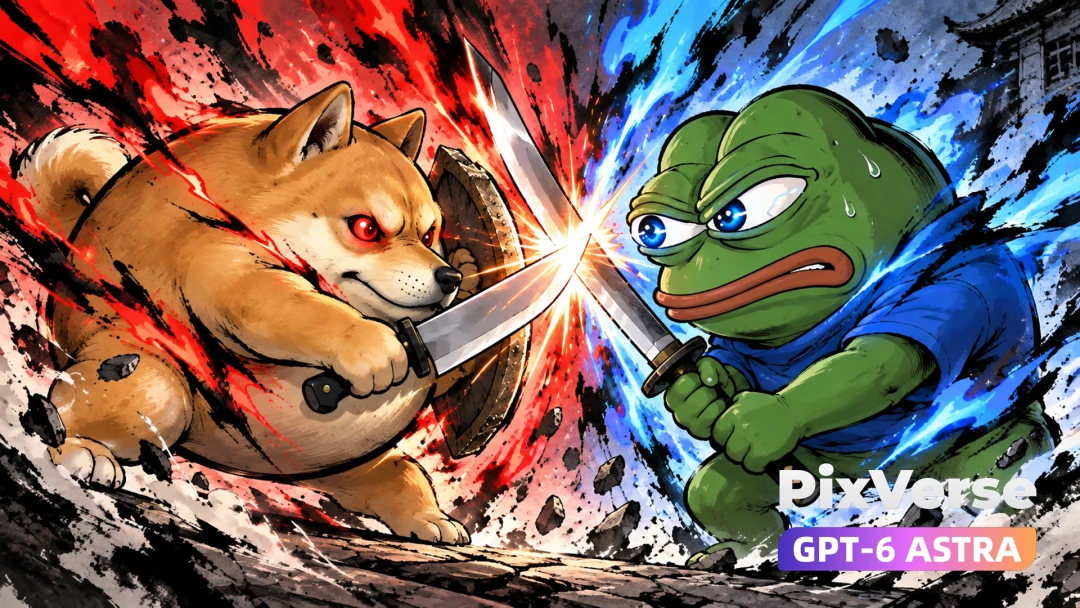
Meme Wars
Doge and Pepe clash in an ink-wash duel.
Viral Preset
Redline Mission
A superbike transforms into a combat mech.
Viral Preset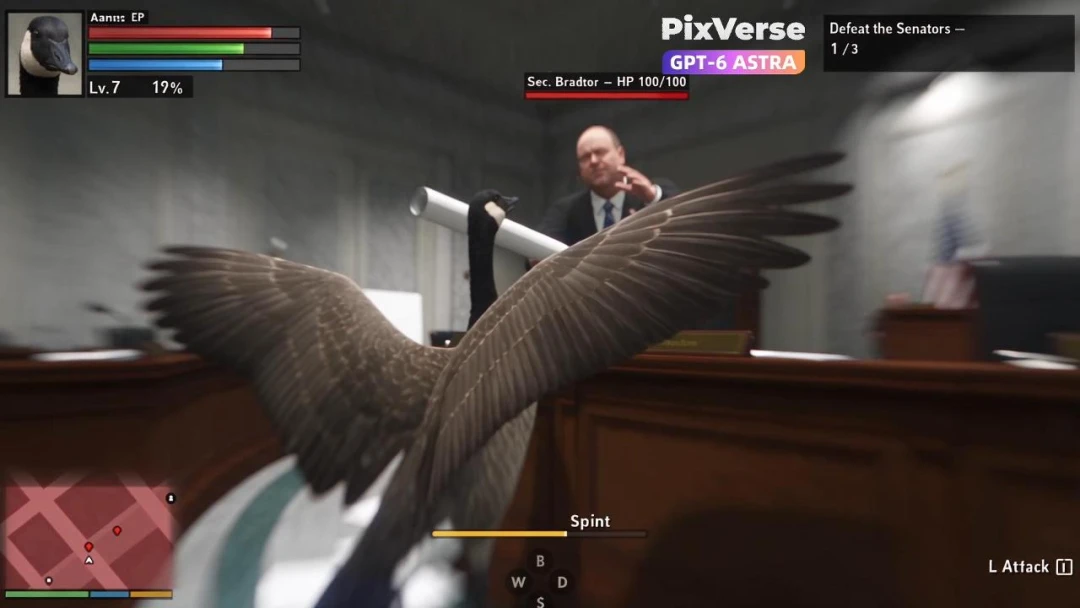
Goose Simulator
Create a mischievous goose simulator with coherent gameplay action.
Viral Preset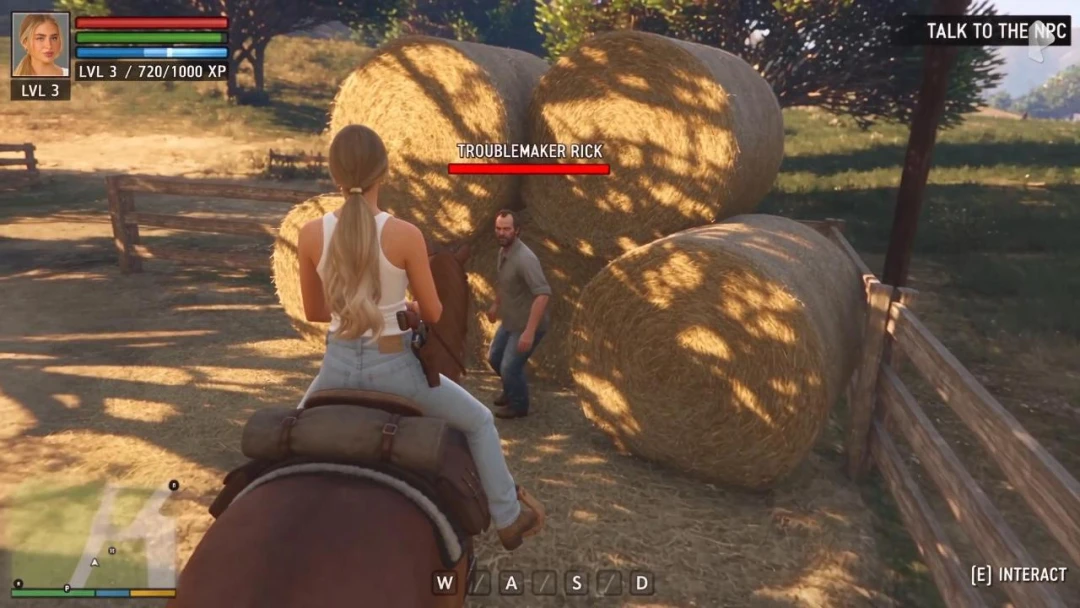
Ride Horse in ARPG
Build an ARPG horseback sequence with cinematic combat and traversal.
Viral Preset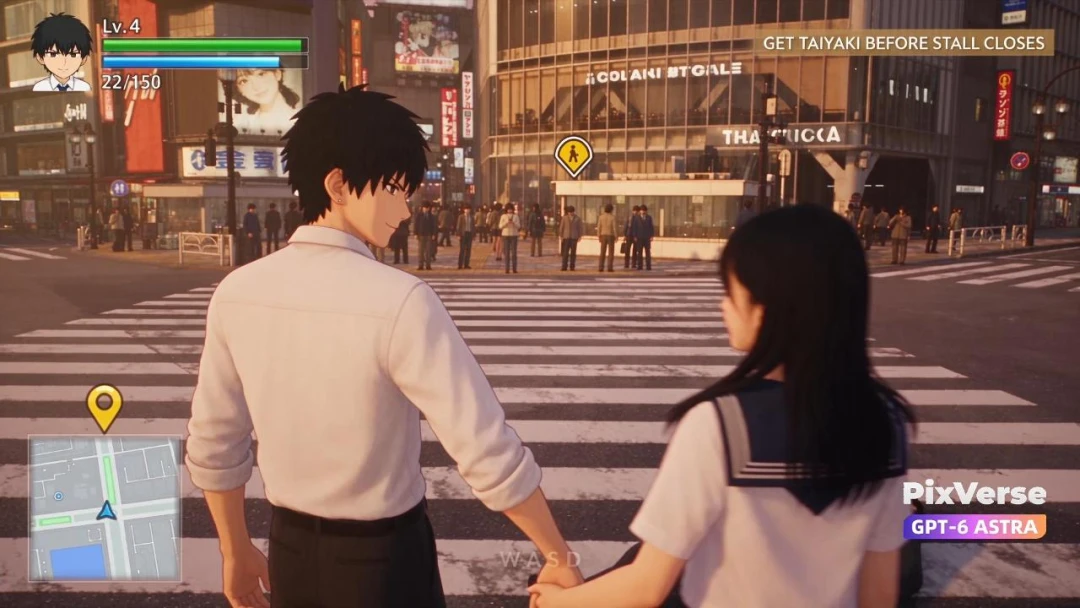
Shibuya Date Simulator
Stage a Shibuya dating simulator with expressive choices and reactions.
Viral Preset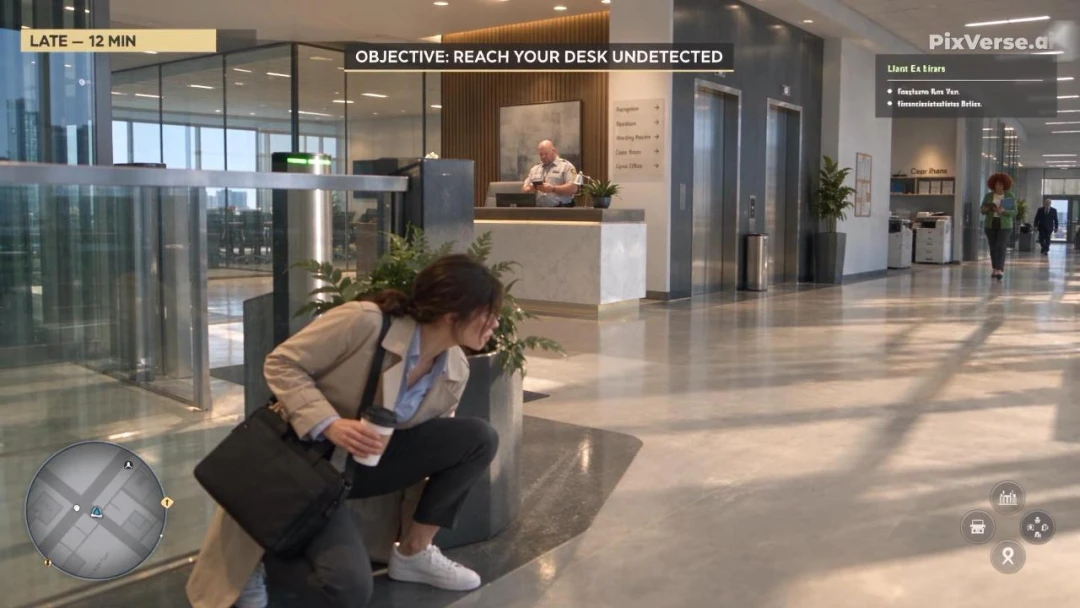
Office Simulator
Create an office simulator filled with comedic workplace chaos.
Viral Preset