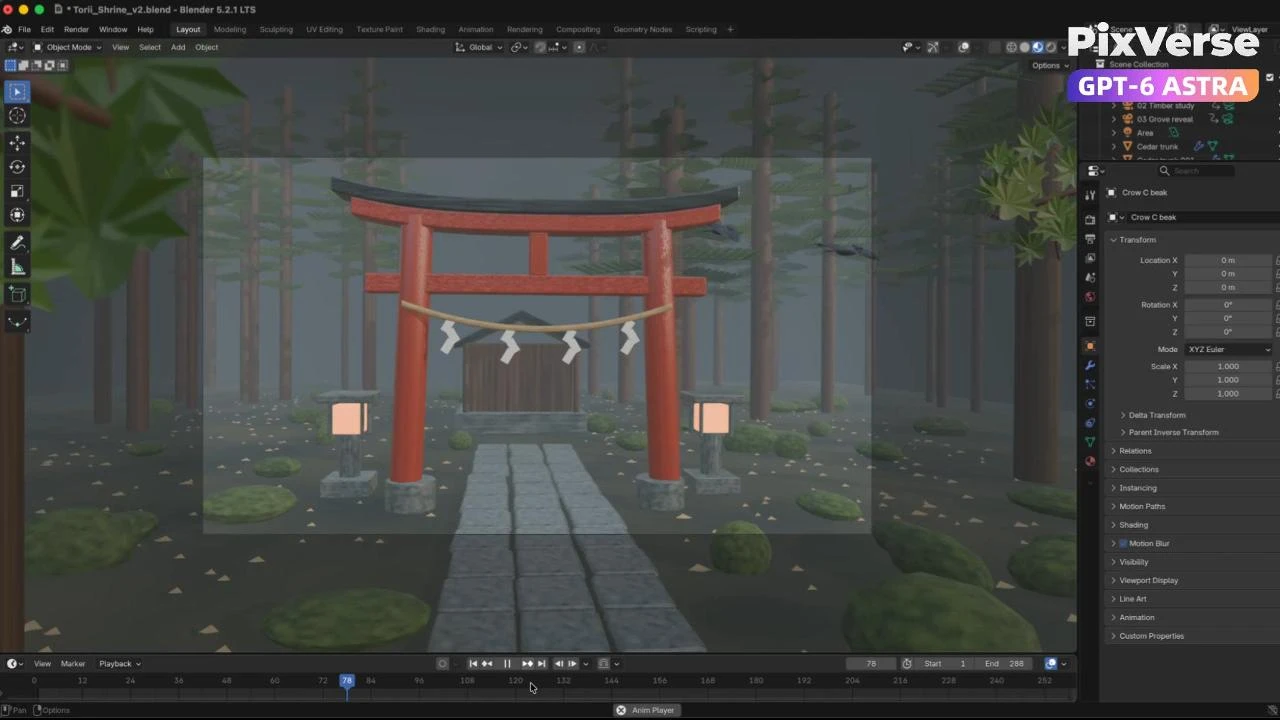
Build a Misty Forest Torii
Build a misty forest torii in 3D and turn the gray-model camera into video.
/misty-forest-torii Create an original Japanese torii shrine scene using @PixVerse and Blender. Complete these steps: Create the concept: Use @PixVerse to generate a photoreal reference image. Lock the torii design, materials, lighting, and environment for consistency. Build the 3D scene: Create an editable textured model in Blender. Clean the topology, unwrap the UVs, and add suitable animation controls. Add movement: Include foreground leaves that partially obscure the wide shots, gently moving foliage, and birds flying visibly across the scene. Animate the cameras: Create a 12-second sequence with three shots: an arcing approach, a lateral detail shot, and a rising pullback. Keep movement smooth and framing clear. Render in Blender: Export a native camera video and a separate neutral gray clay reference video using the same animation. Save them beside the Blender project. Generate the photoreal film: Use @PixVerse Seedance with the gray video for camera and action reference and the unchanged photoreal image for appearance. Generate a 1080p, 16:9 video with only natural environmental sounds—wind, rustling leaves, and bird wings. No music or voices. Check and deliver: Review every shot for consistent design, photoreal textures, visible birds, smooth motion, and correct audio. Fix issues within the approved budget and document remaining limitations. Save the editable Blender project, videos, reference image, and a brief production assessment in the same folder. Key points: Never use the colored low-poly video as the Seedance reference. Check the entire film, especially the final wide shot.
Start in 3 steps
Build a misty forest torii in 3D and turn the gray-model camera into video.
Download ChatGPT Desktop
Install the ChatGPT desktop app on your computer.
Install the PixVerse plugin
Add PixVerse to ChatGPT to use this workflow.
Run the workflow
Copy this prompt into ChatGPT and add your inputs to get started.
Recommended presets
Explore more PixVerse workflows for your next project.
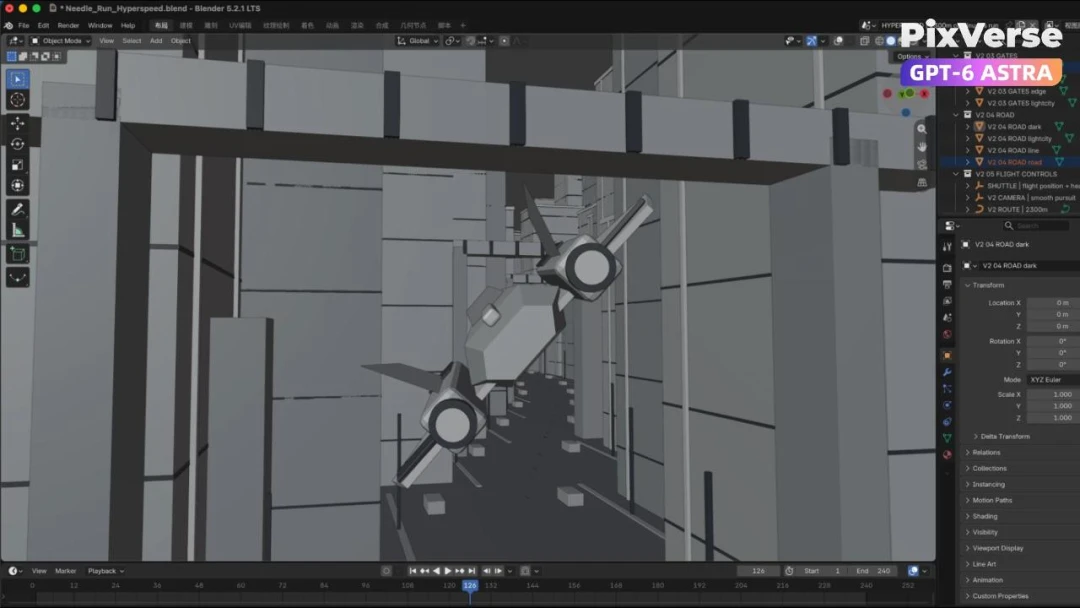
Create a 3D City Flight Scene
Fly through a 3D city and generate the final aerial sequence.
3D Modeling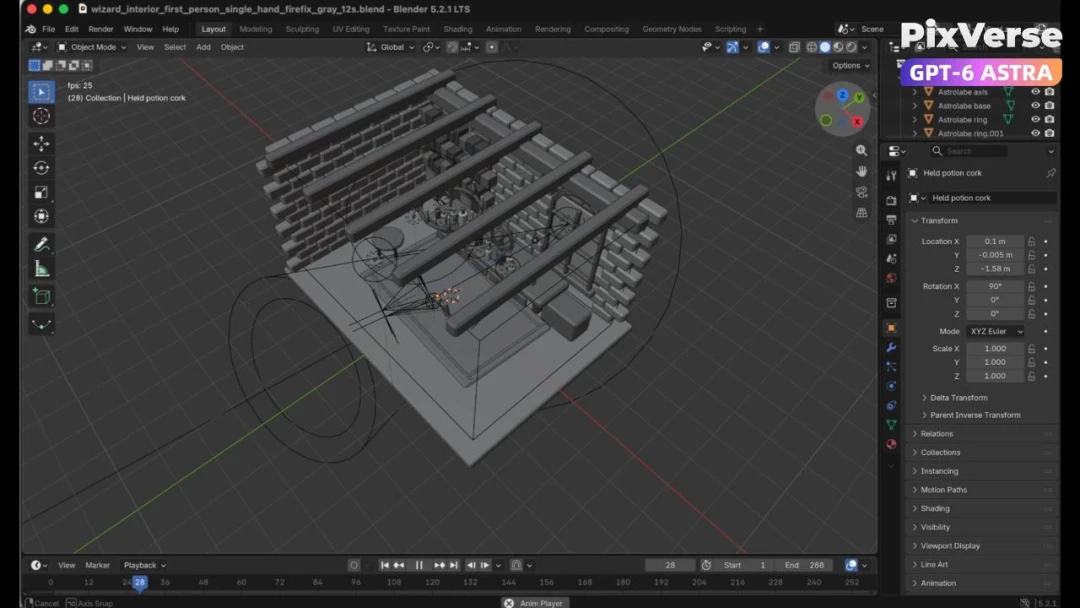
Create a 3D POV Wizard’s Workbench
Create a first-person 3D wizard’s workbench and bring it to life.
3D Modeling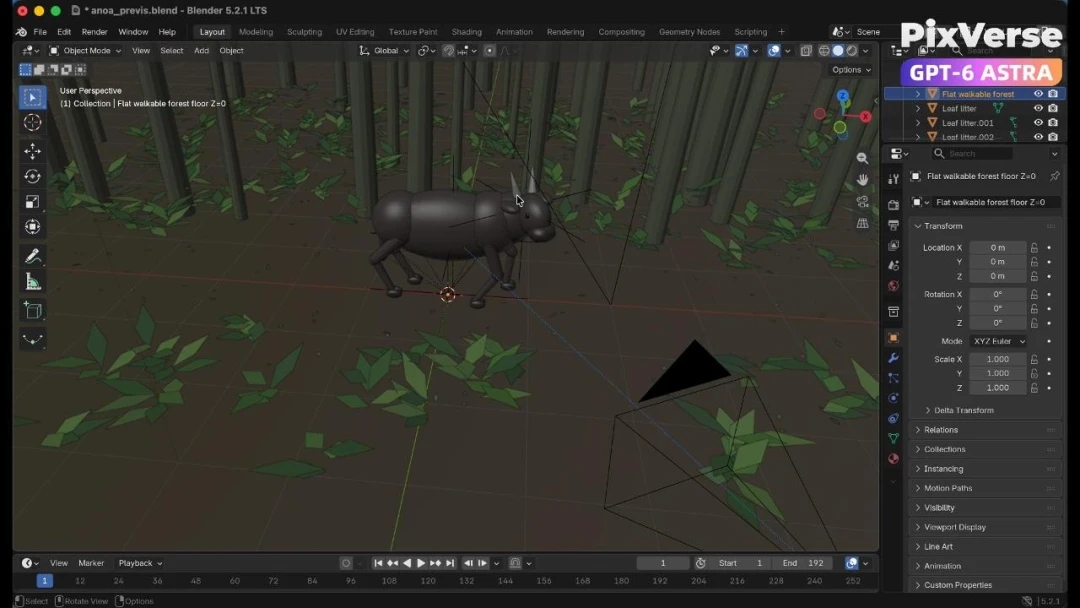
Recreate a Wildlife Scene in 3D
Recreate a wildlife scene in 3D with a stable camera path.
3D Modeling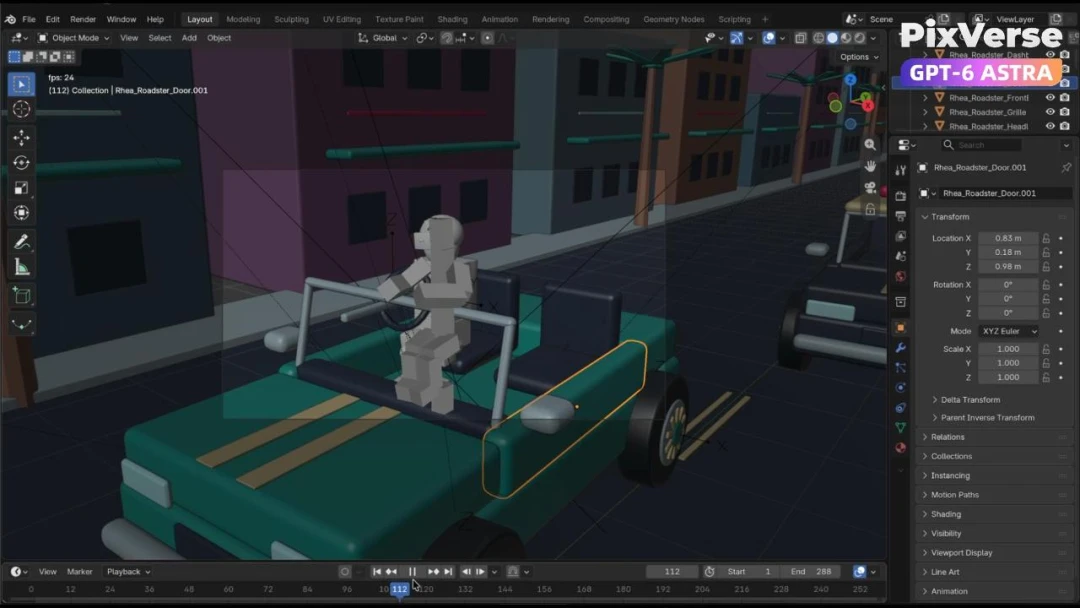
Create a Police Car Pursuit Scene
Build a police-car pursuit scene and generate the action footage.
3D Modeling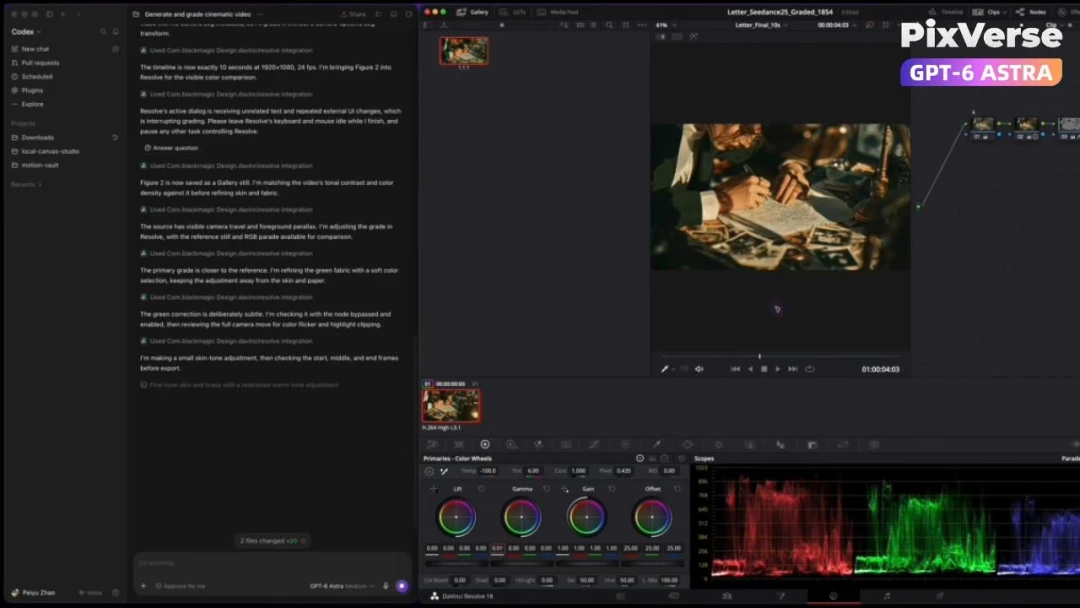
AI-Powered Cinematic Color Grading
Color-grade generated footage with an AI-assisted cinema look.
3D Modeling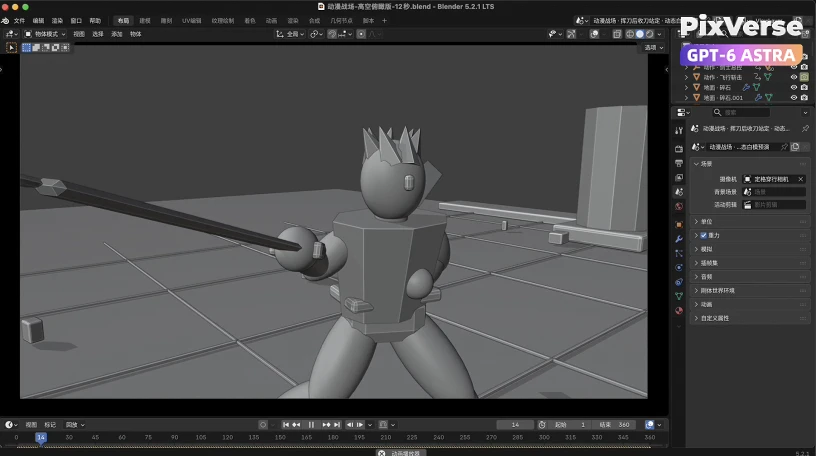
Create a Dark Knight Battlefield in 3D
Stage a dark-knight battlefield in 3D and generate the final film.
3D Modeling