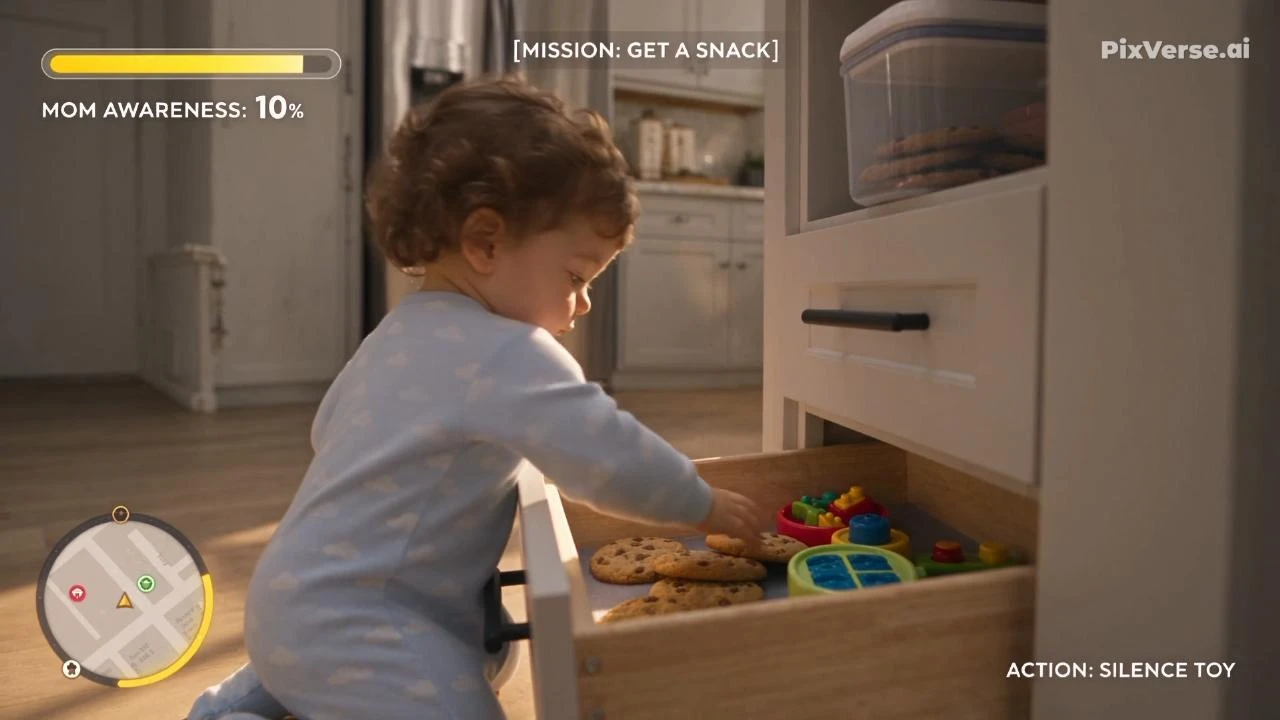
Baby Cookie Heist Simulator
Follow a toddler’s playful, safe cookie heist in a stealth-game sequence.
/baby-cookie-heist-simulator @PixVerse Create a 30-second photorealistic third-person open-world-game-style stealth-comedy sequence about a curious toddler sneaking from the nursery to the kitchen to steal a snack while avoiding Mom’s supervision. The tone is playful, adorable, suspenseful, and family-friendly. Present ordinary household obstacles like dramatic video-game hazards, but never show the child being injured or placed in real danger. Every apparent accident must be harmless, narrowly avoided, or immediately prevented by Mom. CHARACTERS BABY — LEO : An 18-month-old toddler with soft brown curls, round cheeks, large brown eyes, and realistic toddler proportions. He wears pale-blue footed pajamas decorated with tiny white clouds. He carries a small plush dinosaur during most of the journey. His movement is an unstable but believable combination of crawling, careful steps, sitting, and holding onto furniture. MOM — EMILY: A 32-year-old American mother with warm facial features and dark blonde hair tied in a loose bun. She wears a soft cream sweater, relaxed blue jeans, and white house slippers. She is caring and attentive, never angry or threatening. Keep both characters’ faces, clothes, proportions, and colors consistent throughout. LOCATION ROUTE Use one spatially continuous route: nursery crib area → nursery doorway → upstairs hallway → living room rug → baby gate → dining area → kitchen island → lower snack cabinet. The home is a warm, modern American family house with pale wood floors, cream walls, soft furniture, children’s toys, framed family photographs, morning sunlight, and a clean but lived-in atmosphere. The geography must remain understandable. Each room connects naturally to the next without teleportation or unexplained location changes. FORMAT AND CAMERA Create one continuous third-person tracking shot from 0.0 to 27.0 seconds, followed by exactly one hard cut at 27.0 seconds to a locked frontal reaction shot lasting until 30.0 seconds. Before the cut, the camera stays low at toddler height, approximately one meter behind Leo and slightly to his right, behaving like a polished third-person gameplay camera. It lowers when he crawls, rises slightly when he stands, and moves smoothly around furniture. No other cuts. No abrupt camera jumps, wall penetration, excessive shaking, or teleportation. FIRST FRAME The first frame is already in motion. Leo carefully lowers one foot from a floor-level toddler bed while Mom is visible through the nursery doorway folding laundry with her back turned. He hugs his plush dinosaur, looks toward the hallway, and begins his mission. A playful game HUD is visible from the first frame. BEAT 1 — 0.0–6.0 SECONDS Leo slides off the low toddler bed, lands safely on the soft rug, and freezes when a musical toy suddenly activates. A bright toy piano plays one accidental note. Leo quickly presses the toy button to silence it, places one finger against his lips, and whispers: “Shh…” Mom pauses in the hallway, looks toward the nursery, then continues folding laundry. HUD displays: 【MISSION: GET A SNACK】 【MOM AWARENESS: 10%】 Leo crawls quietly through the nursery doorway. BEAT 2 — 6.0–12.0 SECONDS Leo enters the hallway. A robotic vacuum slowly approaches like a dramatic patrol vehicle. The minimap shows a moving red detection circle around the vacuum. Leo hides behind a laundry basket. The vacuum gently bumps the basket, changes direction, and rolls away. HUD displays: 【PATROL AVOIDED】 【STEALTH +25】 Leo gives the plush dinosaur a proud nod and continues toward the living room. BEAT 3 — 12.0–18.0 SECONDS Leo crosses the living-room rug. A large family dog lifts its head and watches him. A yellow detection meter begins to fill. Leo offers the dog his plush dinosaur. The dog gently takes it, lies back down, and wags its tail without barking. HUD displays: 【GUARD DOG DISTRACTED】 【PLUSH DINOSAUR TEMPORARILY LOST】 Leo reaches the baby gate. It is already safely open because Mom recently walked through it. He crawls through without climbing. BEAT 4 — 18.0–24.0 SECONDS Leo enters the kitchen and follows the smell of snacks toward a low child-safe snack drawer. He opens the drawer, finds a soft cookie, raises it triumphantly, and takes one small bite. Use an exaggerated but quiet victory sound. HUD displays: 【SNACK ACQUIRED】 【MISSION COMPLETE?】 Leo smiles with cookie crumbs around his mouth. BEAT 5 — 24.0–27.0 SECONDS Leo reaches toward a lightweight transparent plastic snack container near the front edge of a low shelf. The container begins to wobble. Use dramatic slow motion for the final second. The container tilts slightly as Leo looks up with wide eyes. Before it can fall, Mom enters quickly and safely catches both the container and Leo. No impact occurs. Nothing strikes the child. Leo remains completely unharmed. At exactly 27.0 seconds, hard cut. BEAT 6 — 27.0–30.0 SECONDS Locked frontal eye-level shot from the kitchen floor. Mom holds Leo safely on her hip. Leo still holds the half-eaten cookie and looks innocent, with crumbs on his cheeks. Mom looks at the cookie, then at Leo, and says with amused disbelief: “Leo… really?” Leo offers her the remaining cookie and says: “Share?” Mom tries not to laugh. HUD displays: 【CAUGHT BY MOM】 【STEALTH RANK: CUTE】 【SNACK SHARED +100】 Final frame: Mom smiles while Leo takes one last tiny bite. HUD Use an original open-world stealth-game-inspired HUD without copying any existing game logo or interface exactly. Include: Circular minimap at bottom-left Leo’s player marker Mom’s moving awareness cone Mission objective at top-center Awareness meter at top-left Contextual action prompts at bottom-right Comedic achievement cards entering from screen-right Keep the HUD fixed in the same screen positions. All HUD text must be in English. No subtitles. AUDIO Use a playful minimalist stealth soundtrack with soft pizzicato strings, muted percussion, and a gentle heartbeat during near-detection moments. Sound effects include: Soft pajama fabric movement Toddler footsteps and crawling sounds One toy-piano note Robotic vacuum motor Laundry basket sliding lightly Dog collar jingling Dog tail tapping the floor Baby gate hinge sound Snack drawer opening Cookie crunch Quiet victory chime Plastic container wobble Dramatic heartbeat before Mom catches Leo Soft comedic mission-failed sound All sounds remain gentle and family-friendly. No screaming, crashing, injury sounds, threatening music, or loud explosions. VISUAL STYLE Photorealistic family-film realism combined with polished third-person gameplay presentation. Natural skin, realistic toddler anatomy, soft fabric, warm wood, morning sunlight, gentle cinematic depth of field, subtle gameplay motion blur, expressive reactions, and restrained physical comedy. SAFETY AND CONSISTENCY LOCKS Leo remains safe and unharmed throughout. Mom intervenes before the final container falls. Use only a lightweight plastic container near Leo. No glass containers, knives, stove flames, hot liquids, electrical sockets, stairs, choking hazards, weapons, violence, falls, head impacts, or broken objects. Leo never climbs the baby gate, counters, shelves, chairs, or cabinets. The toddler bed is low to the floor and surrounded by a soft rug. The baby gate is already open when Leo reaches it. Show only one Leo and one Mom. Keep character appearance and clothing consistent. Keep the plush dinosaur’s location logically consistent. Do not duplicate or transform objects. Preserve continuous geography from nursery to kitchen. Exactly one hard cut at 27.0 seconds. No logos, watermarks, malformed hands, extra fingers, extra limbs, adult-sized toddler proportions, teleportation, or abrupt costume changes. OUTPUT 16:9, 30 seconds, real-time speed except for subtle slow motion immediately before Mom intervenes. One continuous 27-second tracking shot followed by one 3-second locked reaction shot.
Start in 3 steps
Follow a toddler’s playful, safe cookie heist in a stealth-game sequence.
Download ChatGPT Desktop
Install the ChatGPT desktop app on your computer.
Install the PixVerse plugin
Add PixVerse to ChatGPT to use this workflow.
Run the workflow
Copy this prompt into ChatGPT and add your inputs to get started.
Recommended presets
Explore more PixVerse workflows for your next project.

Windblade Chest Unlock
Defeat the sentinel and unlock its chest.
Viral Preset
Stone Boss Takedown
Three heroes take down a stone golem.
Viral Preset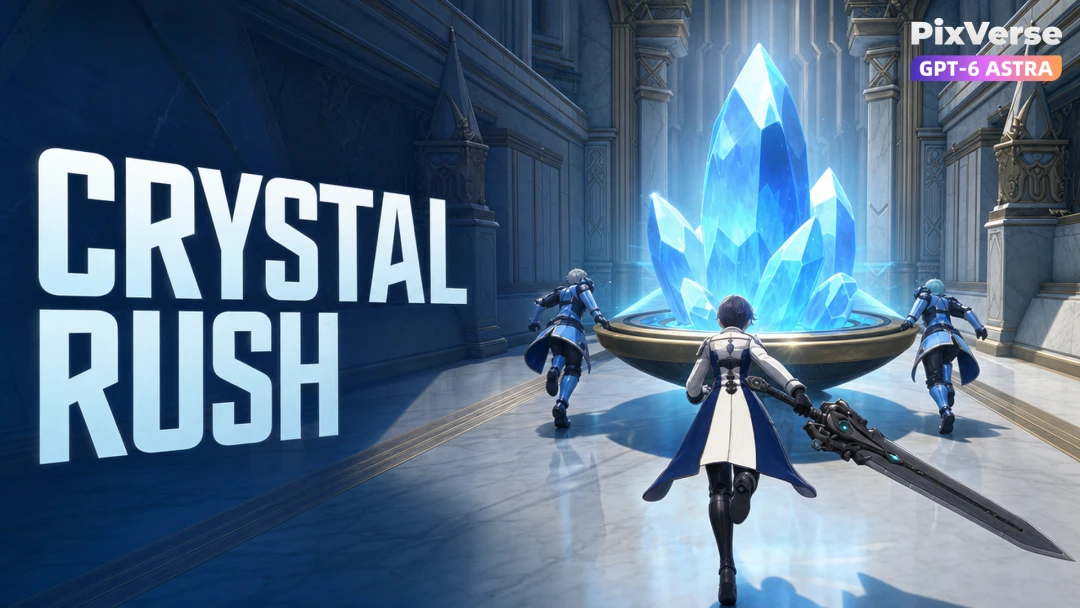
Crystal Rush Comeback
Escort the crystal across the finish line.
Viral Preset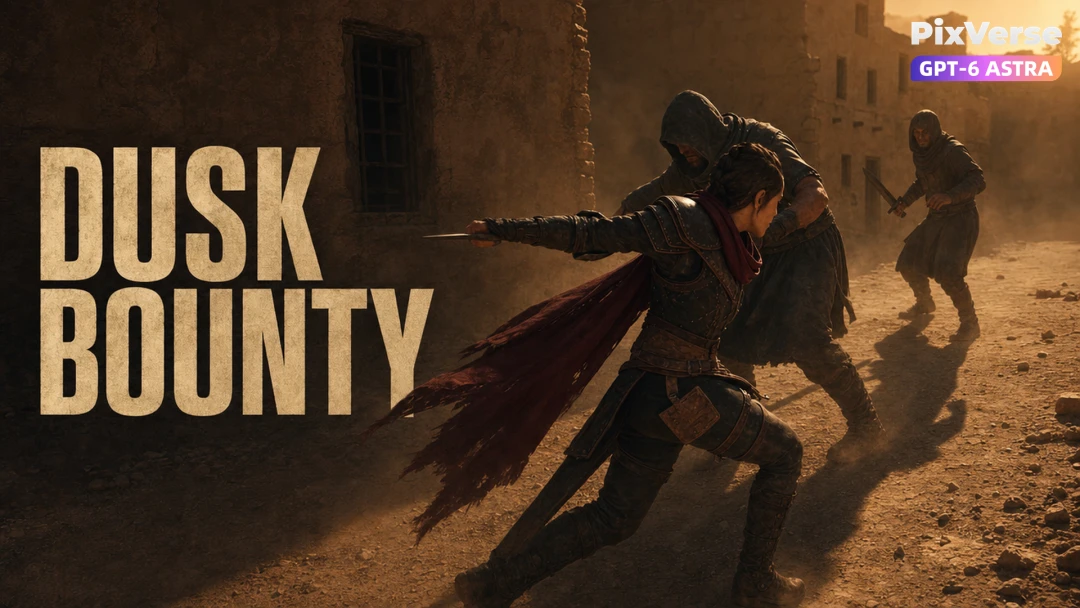
Sunset Bounty Ambush
Survive the ambush and claim the bounty.
Viral Preset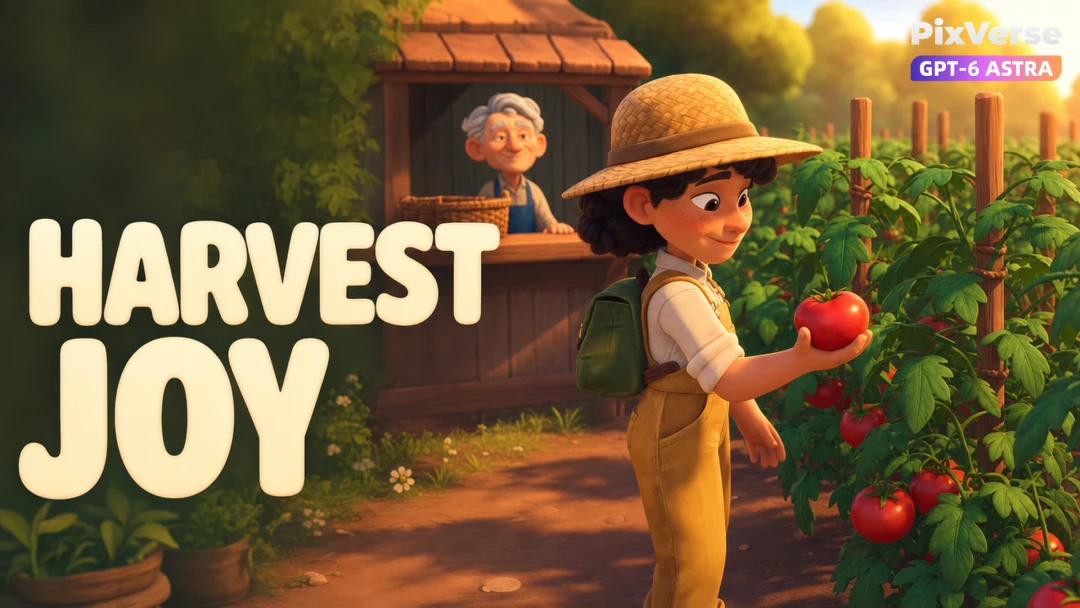
Last Tomato Delivery
Deliver the last tomato for a warm reward.
Viral Preset
Runaway Bride Reversal
The bride escapes in the pursuing police car.
Viral Preset