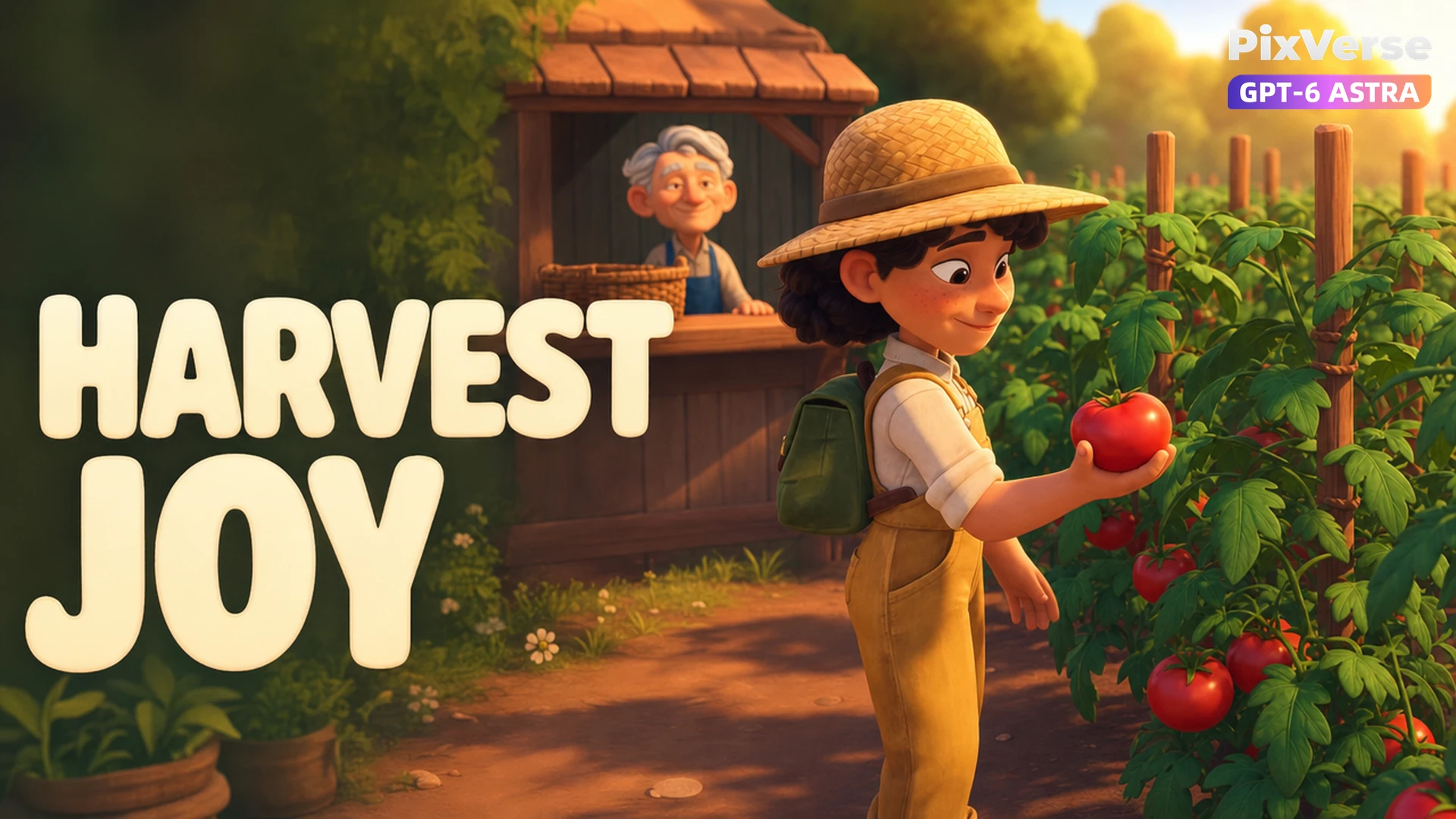
Last Tomato Delivery
Deliver the last tomato for a warm reward.
/last-tomato-delivery @PixVerse Create a 15-second continuous real-time PC RPG gameplay capture in 16:9, 720p. Clearly rendered stylized 3D videogame characters and environments with believable in-engine animation and a controllable third-person follow camera positioned behind the player. No cinematic edits, no slow motion, no close-up cutaways, and no live-action actors. Use original characters and an original game world. No existing franchise characters or logos. Maintain consistent characters, costumes, props, environment, and object positions throughout. Physical contact and causal actions must remain clearly readable. The full action must finish naturally within 15 seconds. Visual Style Warm, welcoming stylized 3D multiplayer fantasy farming game. Soft colorful rounded shapes and inviting afternoon lighting. Cozy fantasy-farming RPG atmosphere. Keep the main action within the center of the screen while maintaining clear gameplay visibility. Player MIRA, an original adult farm girl with: curly dark hair, straw hat, mustard overalls, cream shirt, small green backpack. Supporting Character A friendly original elderly produce vendor wearing a blue apron waits behind a wooden market stall. Another villager casually strolls through the background. Setting Location: WILLOW MARKET A ripe tomato patch stands only about three walking steps away from a wooden produce stall. An empty small delivery basket is visible on the stall. Story Timing 0–3s: Mira stands between the produce stall and tomato patch. The elderly vendor gestures toward the empty delivery basket, indicating that he needs produce. 3–6s: Mira walks to the nearby tomato patch. She bends down and visibly plucks ONE ripe red tomato. The tomato remains clearly visible in her right hand after being picked. 6–10s: Mira walks the short distance back toward the wooden produce stall while carrying the tomato. The third-person camera follows her smoothly. The tomato must remain visibly in her hand throughout the walk. 10–12s: Mira places the tomato clearly into the vendor's delivery basket. The vendor receives the basket and gives an appreciative nod. The tomato must visibly travel from plant → hand → basket. No magical disappearance, teleportation, or object morphing. 12–15s: The vendor hands Mira a small coin pouch. Mira clearly receives the pouch and gives the vendor a happy wave. Maintain continuous cozy third-person gameplay. Native Game HUD Generate the RPG HUD directly as part of the gameplay footage. The HUD must remain stable, legible, screen-space anchored, and visually consistent throughout the video. Use a warm cozy fantasy-game UI style with soft cream-colored accents. Include: Circular minimap in the upper-right area. Quest panel beneath the minimap. Player status panel showing the name MIRA. Location label: WILLOW MARKET. Bottom gameplay skill slots. Gold counter. Small contextual interaction prompts when appropriate. Keep the HUD around the screen edges so it does not obstruct the central gameplay action. Do not use external captions, subtitles, watermarks, or brand logos. Quest Progression Quest title: Fresh for the market At the beginning: Pick one ripe tomato Fresh tomatoes 2 / 3 After Mira picks the tomato: Deliver the order Fresh tomatoes 3 / 3 After the tomato is placed into the basket: Order delivered Collect your payment After Mira receives the coin pouch: Order complete A little kindness goes a long way Interaction Prompts Near the tomato patch, briefly display: E Harvest tomato As Mira approaches the vendor with the tomato, briefly display: E Deliver order Before the vendor hands over the payment, briefly display: E Collect payment Result and Reward After the delivery succeeds, briefly display: ORDER DELIVERED After Mira receives the coin pouch, display: Gold +120 • Friendship +10 The gold counter increases from 1240 to 1360 only after the payment is received. The HUD, quest progression, interaction prompts, and rewards must visually correspond to the actions happening in the game world.
Start in 3 steps
Deliver the last tomato for a warm reward.
Download ChatGPT Desktop
Install the ChatGPT desktop app on your computer.
Install the PixVerse plugin
Add PixVerse to ChatGPT to use this workflow.
Run the workflow
Copy this prompt into ChatGPT and add your inputs to get started.
Recommended presets
Explore more PixVerse workflows for your next project.
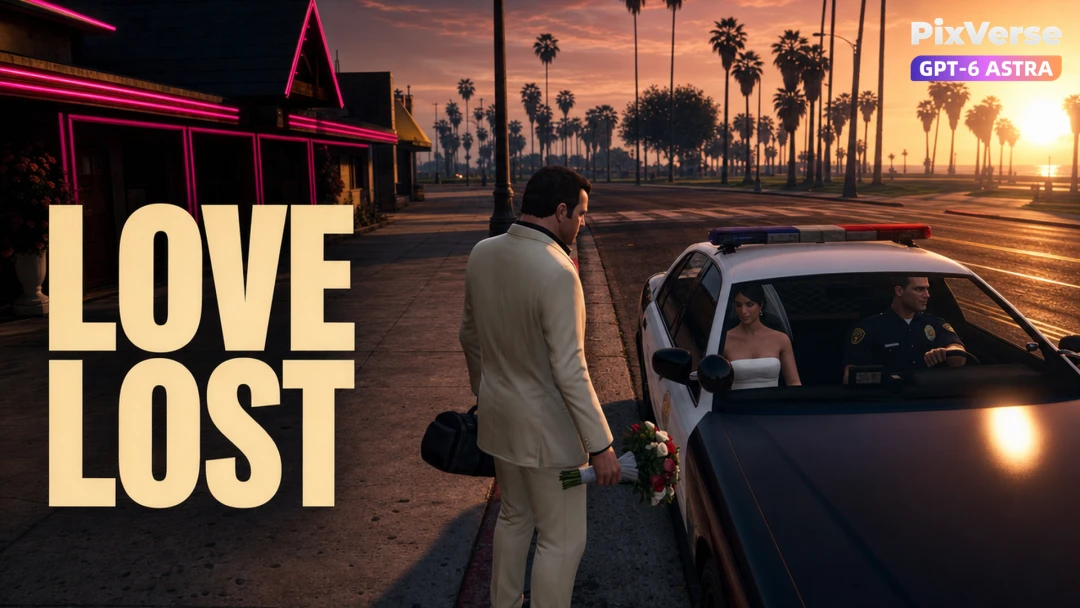
Runaway Bride Reversal
The bride escapes in the pursuing police car.
Viral Preset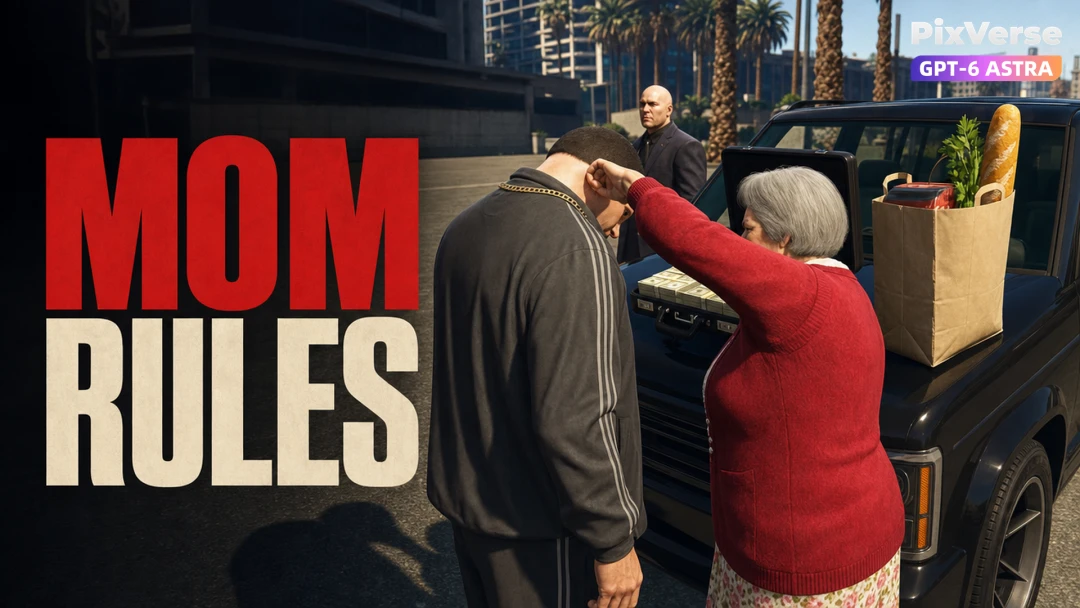
Mom Takes the Loot
Mom takes the cash and leaves the groceries.
Viral Preset
Grandma Beats the Supercar
Grandma's scooter beats the supercar.
Viral Preset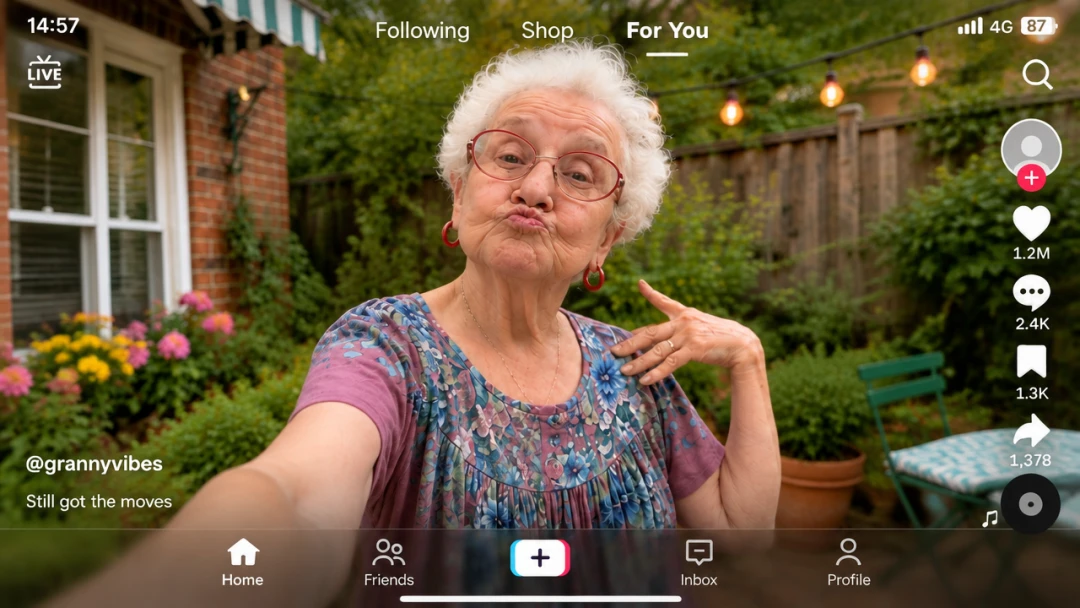
For You Overlay
Transfer the dance while locking the feed UI.
Viral Preset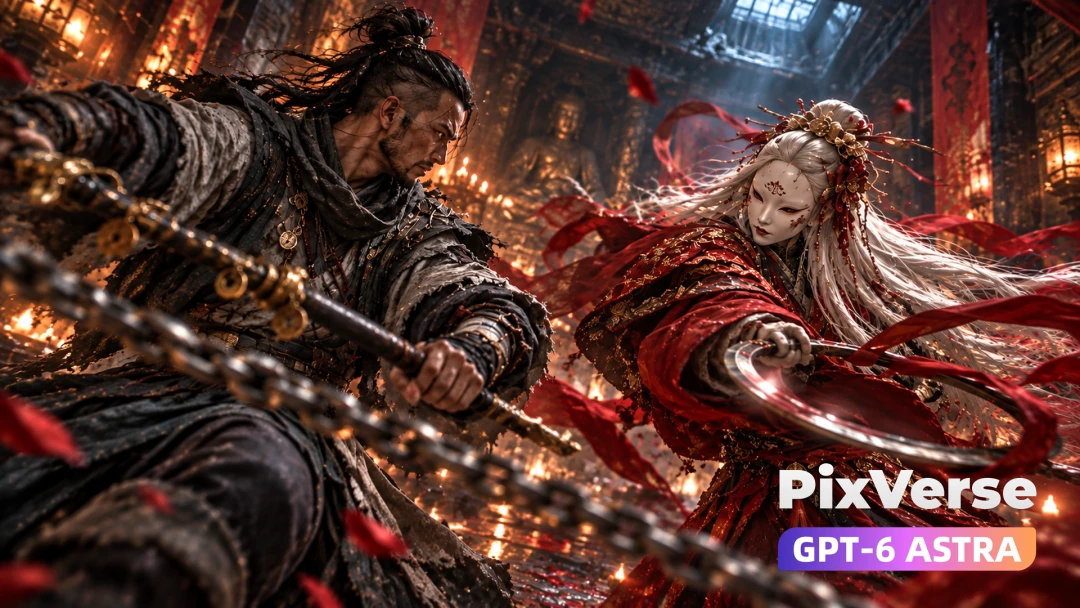
Talisman Seal Boss Fight
Seal the masked boss with a talisman.
Viral Preset
Touching the Sky
Chrome rap beneath a shattering glass sky.
Viral Preset