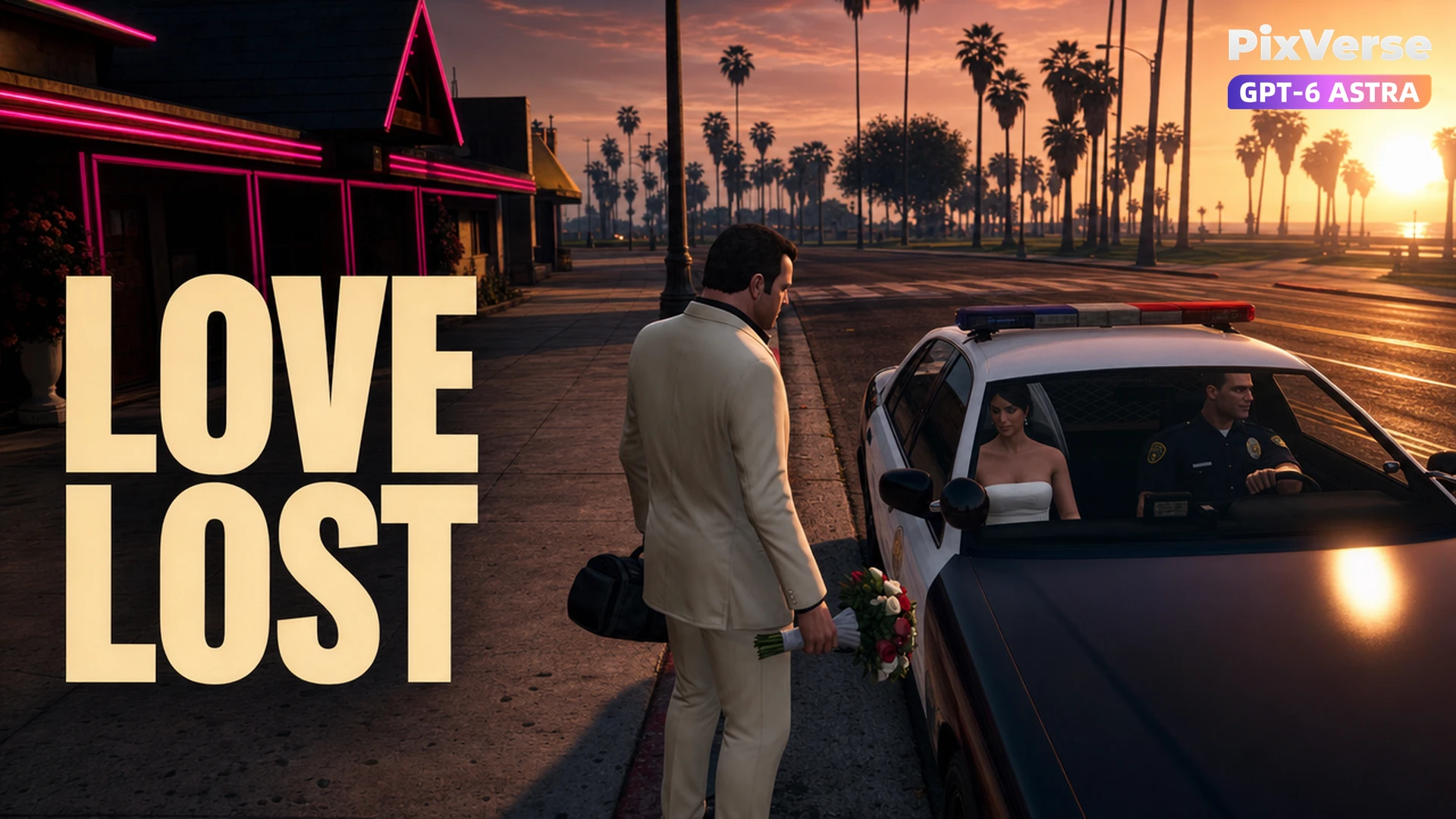
Runaway Bride Reversal
The bride escapes in the pursuing police car.
/runaway-bride-reversal @PixVerse A 15-second 16:9 720p screen recording of an ORIGINAL fictional next-generation Grand Theft Auto style open-world urban crime videogame, not an actual released game. In-engine 3D graphics: recognizable polygonal game characters, realistic game textures, slightly exaggerated facial animation, hard real-time shadows, bright sunlit Miami-like coastal city, expensive cars, and a satirical crime-game atmosphere. Not live-action, not a movie, not a trailer, not clay or cute animation. Use one continuous playable third-person camera positioned behind and slightly to the side of the controlled player, maintaining clear geography. No cuts, no montage, no cinematic letterboxing, no slow motion. All characters are adults. Grounded physical movement. Maintain consistent bodies, clothing, vehicle models, props, and doors throughout the entire video. The bizarre soap-opera comedy must unfold visibly through actions. IMPORTANT: Generate the game HUD directly in every frame as part of the footage. HUD layout: Bottom-left: compact square street minimap with a white player arrow. Directly below the minimap: green health bar and thin blue armor bar. Top-right: small white money digits and five wanted-star outlines. Top-left: short English mission objective. HUD must remain stable, legible, screen-space anchored, and fixed in position. HUD must never drift with the world camera or disappear during action. Use only the specific gameplay text described below. No brand logos. No external frames or captions. Keep the central action area visually clear. Player: An original adult groom wearing a slightly rumpled cream tuxedo with a black shirt and slick dark hair. He carries a bouquet in his left hand and a small black money duffel in his right. Supporting characters: A glamorous adult bride wearing a white wedding dress and short veil. A handsome adult male police officer in uniform. Setting: The curb outside a cheap neon wedding chapel at sunny sunset. One red convertible is parked at the curb. Story Timing 0–3s: The groom eagerly leads the bride toward his red convertible. The bouquet and black money bag remain clearly visible. He moves with a confident getaway posture. 3–6s: ONE black-and-white police sedan slowly pulls alongside them and stops. The male police officer is seated at the open driver's-side window. 6–9s: The bride abruptly abandons the groom. She leans through the open driver's-side window of the police car and gives the smiling officer a brief, unmistakable kiss. The groom freezes in shock, his arms sagging. 9–12s: The bride walks around the front of the stopped police car. She opens the front passenger door and sits inside. Keep her body solid and anatomically coherent. Keep the passenger door movement physically consistent and clearly readable. 12–15s: The police car slowly drives away with the bride and officer inside. The groom remains alone beside his unused red convertible. He drops his bouquet onto the pavement while still holding the black money bag. The camera stays with the abandoned groom as the police car leaves. The red convertible and police sedan must remain clearly distinct vehicles and must never transform or merge. HUD Events Top-left mission objective: GET MARRIED Top-right money: $002500 Wanted level: Two filled wanted stars. At approximately 13 seconds, briefly display a large translucent red center-screen mission-failure message: BETRAYED Keep the minimap, health bar, armor bar, money display, and wanted stars visible while BETRAYED appears. The joke is that a runaway bride chooses the pursuing police officer over the criminal groom. No gunfire. No violence.
Start in 3 steps
The bride escapes in the pursuing police car.
Download ChatGPT Desktop
Install the ChatGPT desktop app on your computer.
Install the PixVerse plugin
Add PixVerse to ChatGPT to use this workflow.
Run the workflow
Copy this prompt into ChatGPT and add your inputs to get started.
Recommended presets
Explore more PixVerse workflows for your next project.
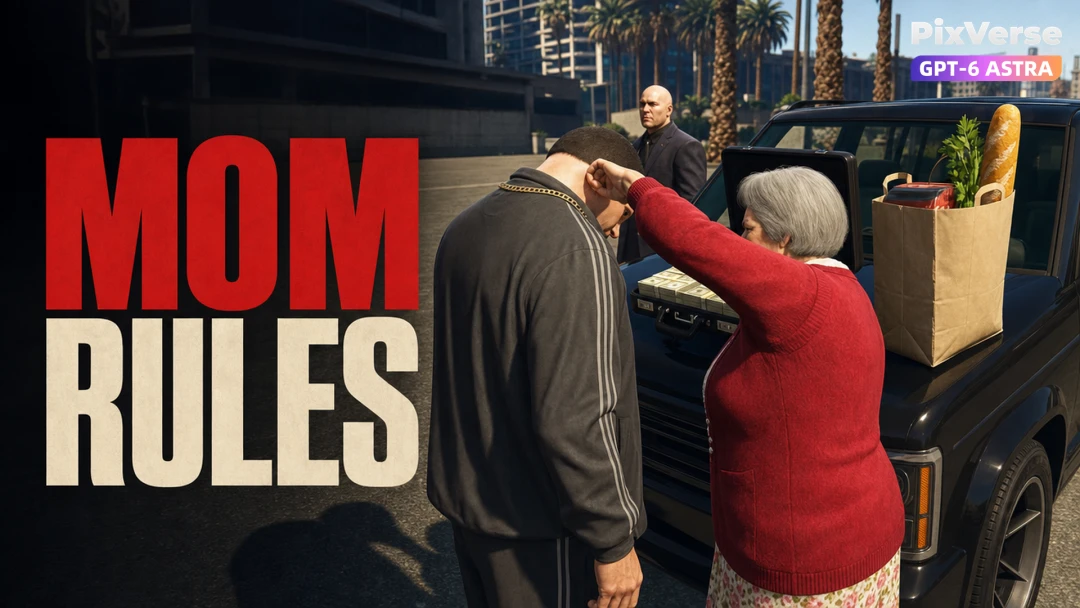
Mom Takes the Loot
Mom takes the cash and leaves the groceries.
Viral Preset
Grandma Beats the Supercar
Grandma's scooter beats the supercar.
Viral Preset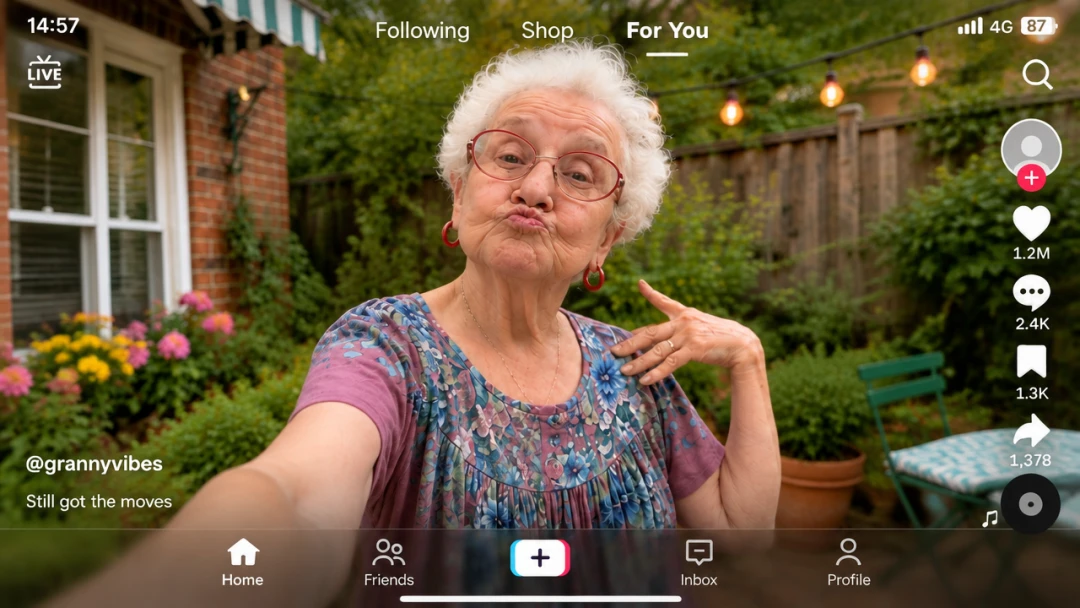
For You Overlay
Transfer the dance while locking the feed UI.
Viral Preset
Talisman Seal Boss Fight
Seal the masked boss with a talisman.
Viral Preset
Touching the Sky
Chrome rap beneath a shattering glass sky.
Viral Preset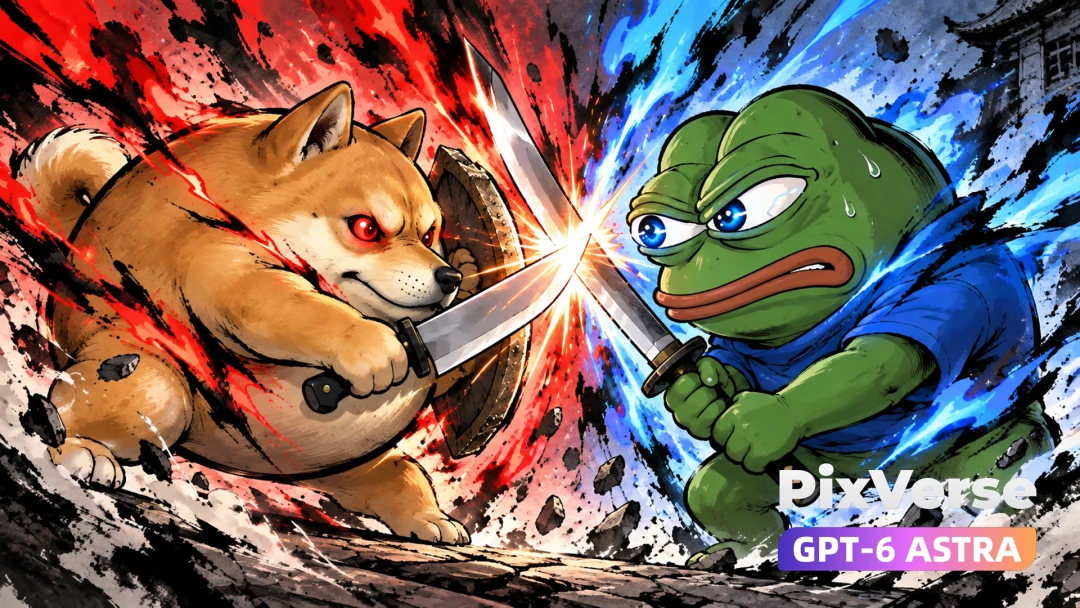
Meme Wars
Doge and Pepe clash in an ink-wash duel.
Viral Preset