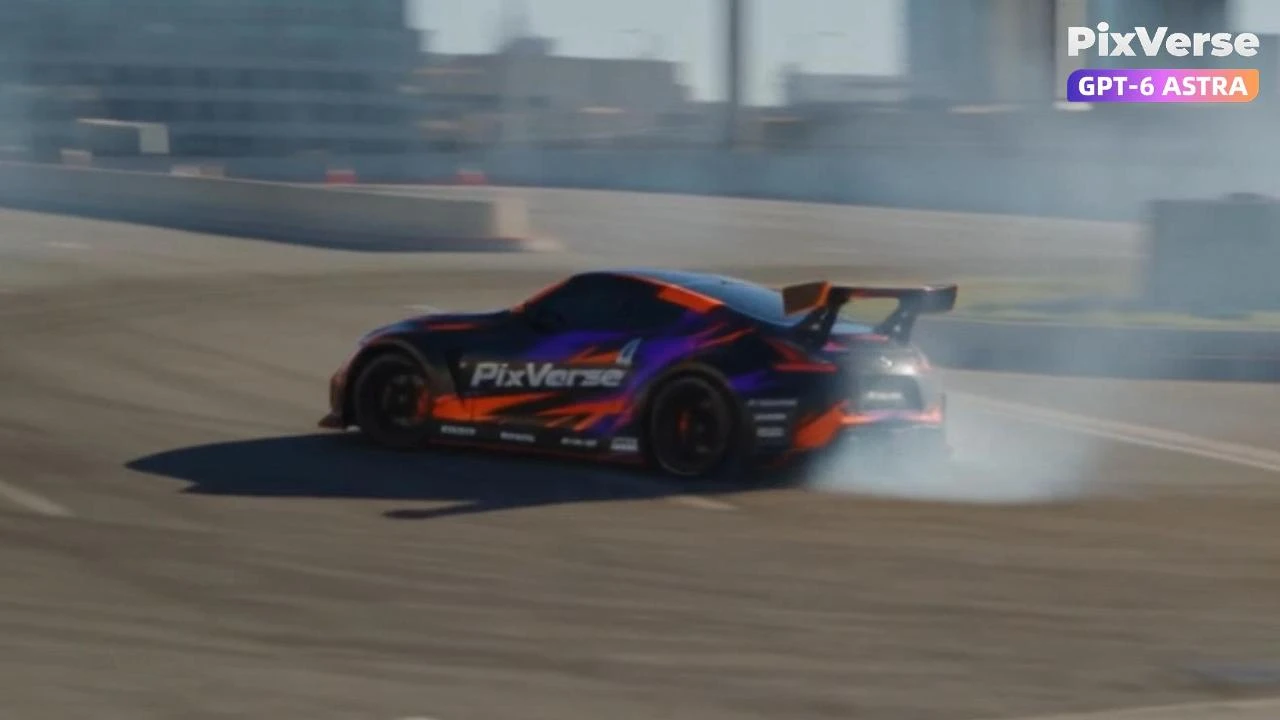
Simulate a Car Drift in 3D
Simulate a 3D car drift and generate the final shot.
/car-drift Project Title: Controlled Chaos — Urban Drift Project goal Create a realistic 15-second automotive action film featuring a single black widebody sports car with orange-and-purple PixVerse livery drifting through a modern city highway interchange. Deliver a 16:9, 480p video combining aggressive drifting, a diagonal ramp jump with slow motion, and a fluid landing and exit. @PixVerse Agent preparation Analyze the supplied drifting video and recreate the action as an editable Blender animation. Refine the vehicle trajectory, body orientation, front-wheel countersteering, ramp placement, airborne momentum, and suspension response while preserving the intended stunt choreography. Develop dynamic camera coverage: an opening tracking camera that advances slower than the car, tighter aerial views around the circular island, and a close panning shot of the jump. Export the complete motion reference at 15 seconds and 854×480 pixels. PixVerse call Use the @PixVerse plugin through its CLI to generate the final footage with Seedance 2.5. Supply the Blender video as the motion, timing, and camera reference, and the provided two-view car image as the identity reference for one vehicle. Preserve the car’s proportions, livery, branding, wheels, and rear wing. Transform the Blender environment into a realistic modern highway interchange while retaining the road layout and stunt trajectory. Request visible rear-wheel spin, front-wheel countersteering, and tire smoke originating from the rear tire contact patches. Review and finish Review the Blender preview for unnecessary steering adjustments, abrupt trajectory changes, unnatural airborne movement, and pauses after landing. Refine these issues before exporting the motion reference. Validate the reference resolution and duration before generation. After initial submission errors, simplify the reference instructions and use automatic reference task selection. Review and approve the successfully generated footage, then save the final video and successful generation settings. Final deliverables Editable Blender scene with vehicle animation, environment, and cameras. Original Blender preview and a 15-second, 480p motion reference. Supplied car identity image. Approved Seedance 2.5 video in 16:9, 480p MP4 format. Generation prompt, settings, and project continuation notes
Start in 3 steps
Simulate a 3D car drift and generate the final shot.
Download ChatGPT Desktop
Install the ChatGPT desktop app on your computer.
Install the PixVerse plugin
Add PixVerse to ChatGPT to use this workflow.
Run the workflow
Copy this prompt into ChatGPT and add your inputs to get started.
Recommended presets
Explore more PixVerse workflows for your next project.
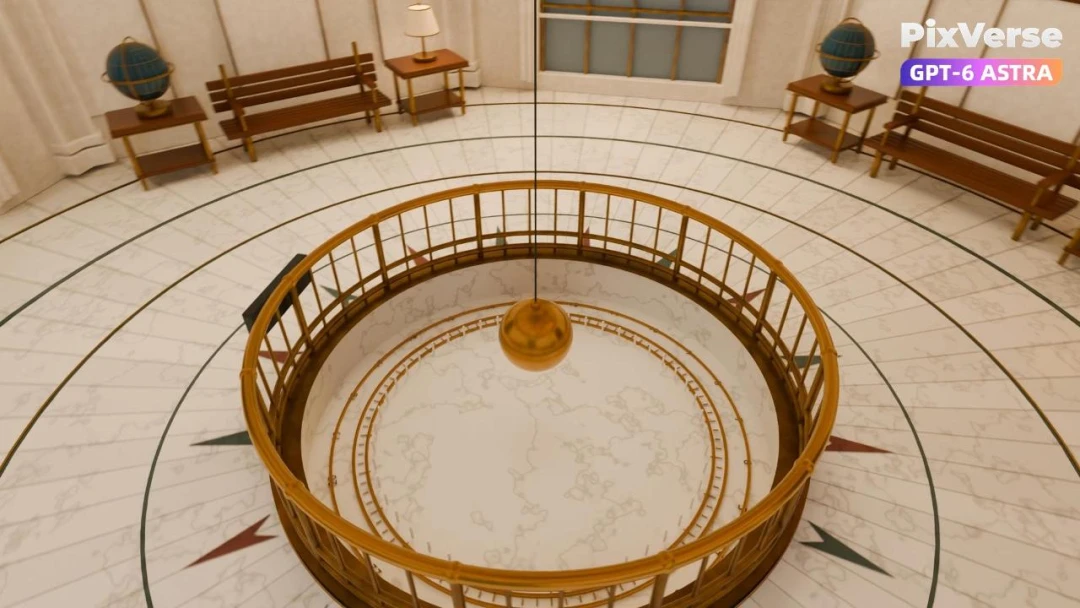
Recreate Griffith Observatory in 3D
Recreate Griffith Observatory’s interior in 3D, then finish the camera move in PixVerse.
3D Modeling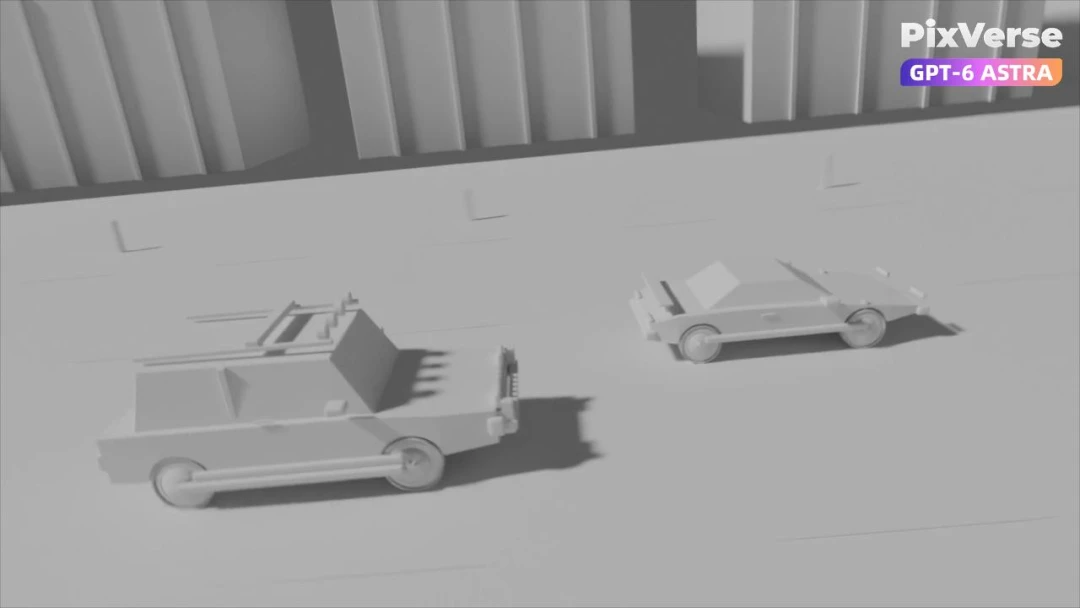
Simulate a 3D Race Car Crash
Stage a 3D race-car chase and crash, then generate the final cinematic shots.
3D Modeling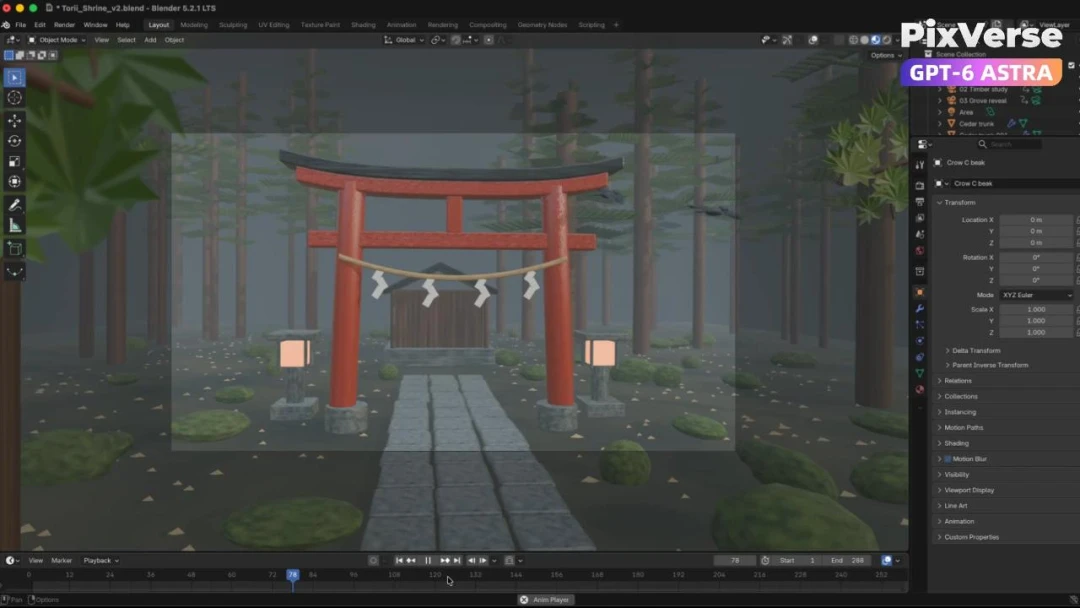
Build a Misty Forest Torii
Build a misty forest torii in 3D and turn the gray-model camera into video.
3D Modeling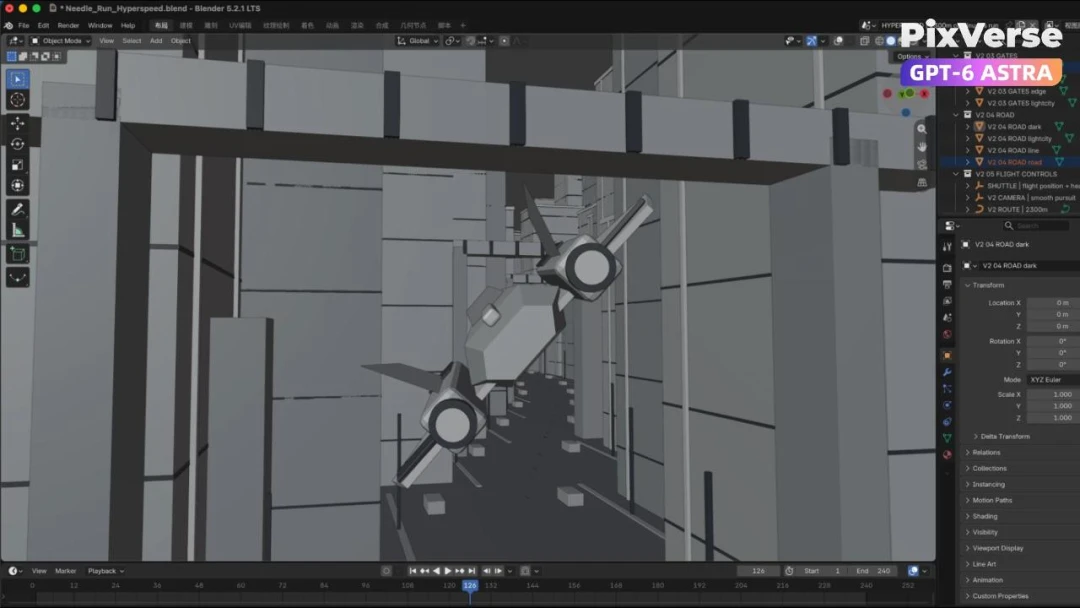
Create a 3D City Flight Scene
Fly through a 3D city and generate the final aerial sequence.
3D Modeling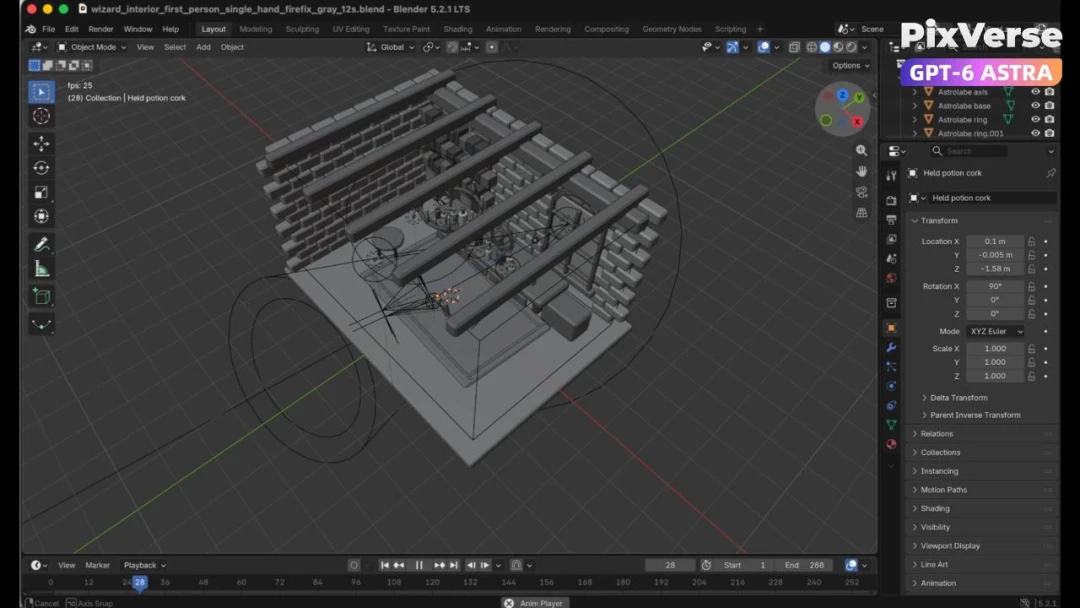
Create a 3D POV Wizard’s Workbench
Create a first-person 3D wizard’s workbench and bring it to life.
3D Modeling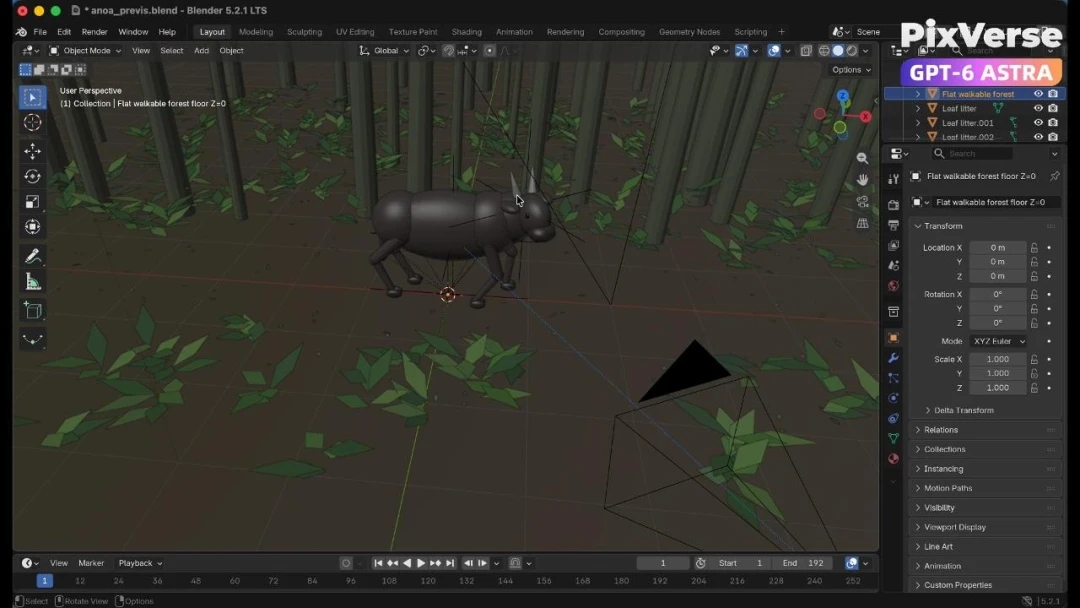
Recreate a Wildlife Scene in 3D
Recreate a wildlife scene in 3D with a stable camera path.
3D Modeling