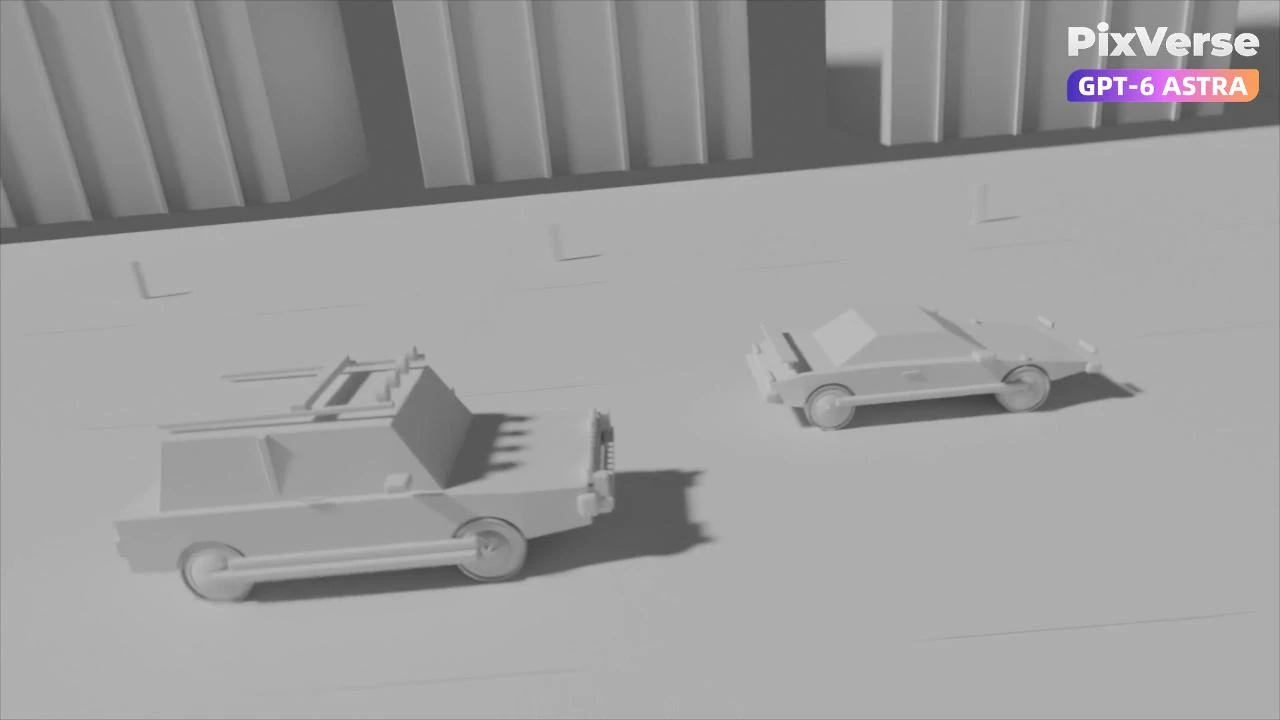
Simulate a 3D Race Car Crash
Stage a 3D race-car chase and crash, then generate the final cinematic shots.
/race-car-crash Create an original GTA-inspired cartoon car chase using this workflow: Design: Define one main driver, one getaway car, one pursuing car, and one urban environment. Keep their designs consistent. Plan three 4-second shots: rear tracking pursuit, side tracking through a sharp turn, and a wide exit shot. Build in Blender: Create clean gray models and functional character and vehicle rigs. No textures or UV unwrapping are required. Animate and test: Animate the driver, steering, wheel rotation, vehicles, and cameras. Maintain coherent travel direction and vehicle order. Fix clipping, floating wheels, sliding tires, broken poses, and hands losing contact with the steering wheel. Render in Blender: Render frames 1–288 at 1280×720, 24 fps. Assemble actual Blender-rendered frames into a complete 12-second gray-model master. Export each shot separately and render matching gray stills as shape and composition references. Finish with @PixVerse Plugin: Use Seedance 2.5 at 720p, processing each shot separately. Use the Blender clips as motion references and the gray stills as shape references. Define a consistent cartoon color palette in the generation prompt. Preserve camera movement, action timing, character and vehicle designs, and vehicle count. Review and deliver: Inspect both complete videos for visual defects and continuity. Repair Blender issues and regenerate only failed Seedance shots, with at most two retries per shot. Deliver the editable .blend, the native 720p Blender gray-model video, the separately labeled 720p Seedance version, and a brief assessment of remaining limitations.
Start in 3 steps
Stage a 3D race-car chase and crash, then generate the final cinematic shots.
Download ChatGPT Desktop
Install the ChatGPT desktop app on your computer.
Install the PixVerse plugin
Add PixVerse to ChatGPT to use this workflow.
Run the workflow
Copy this prompt into ChatGPT and add your inputs to get started.
Recommended presets
Explore more PixVerse workflows for your next project.
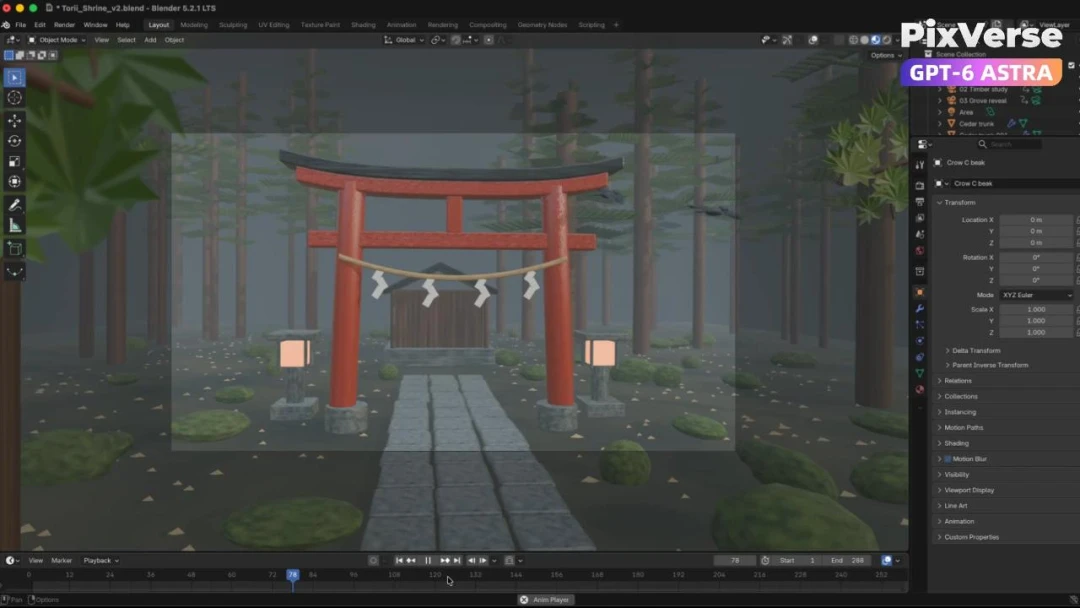
Build a Misty Forest Torii
Build a misty forest torii in 3D and turn the gray-model camera into video.
3D Modeling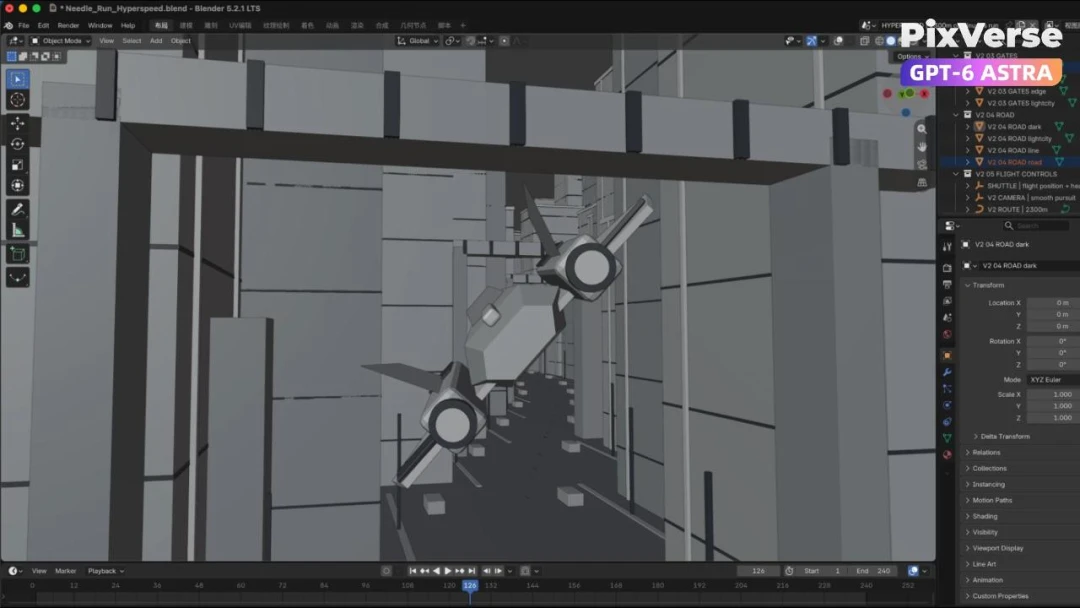
Create a 3D City Flight Scene
Fly through a 3D city and generate the final aerial sequence.
3D Modeling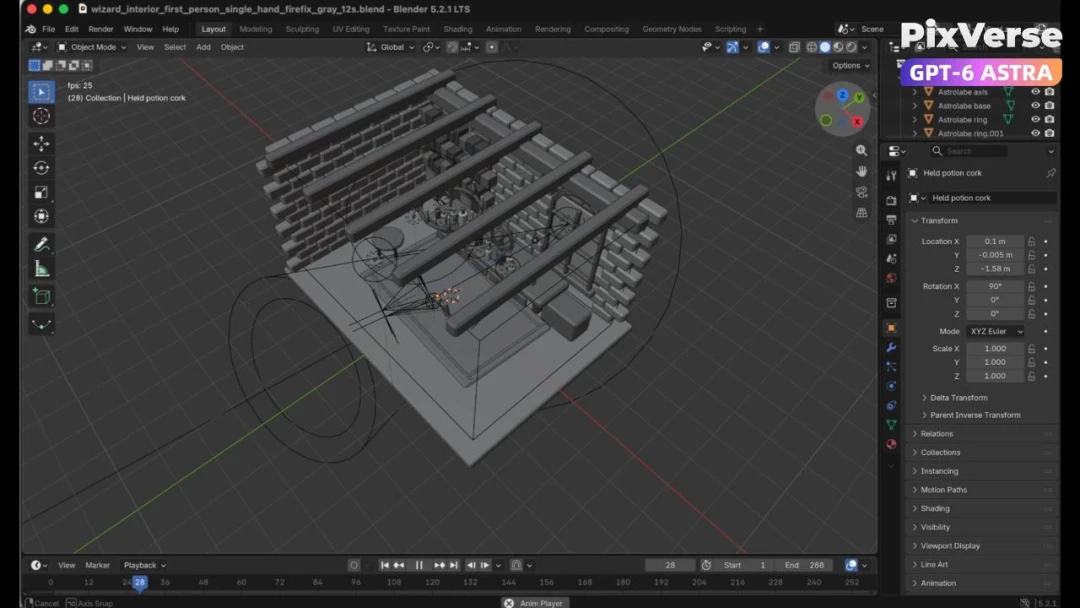
Create a 3D POV Wizard’s Workbench
Create a first-person 3D wizard’s workbench and bring it to life.
3D Modeling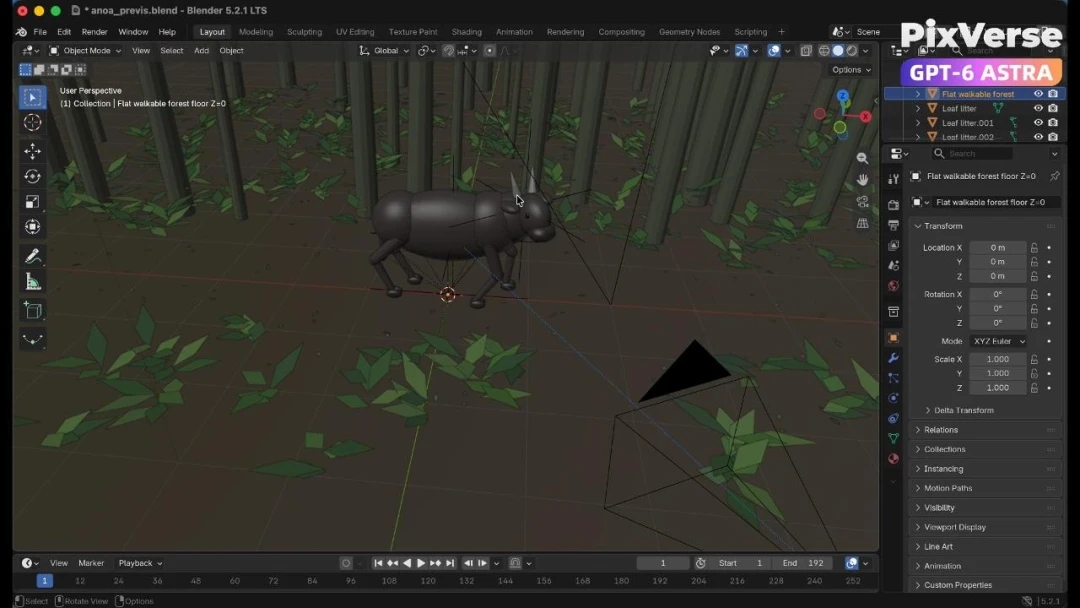
Recreate a Wildlife Scene in 3D
Recreate a wildlife scene in 3D with a stable camera path.
3D Modeling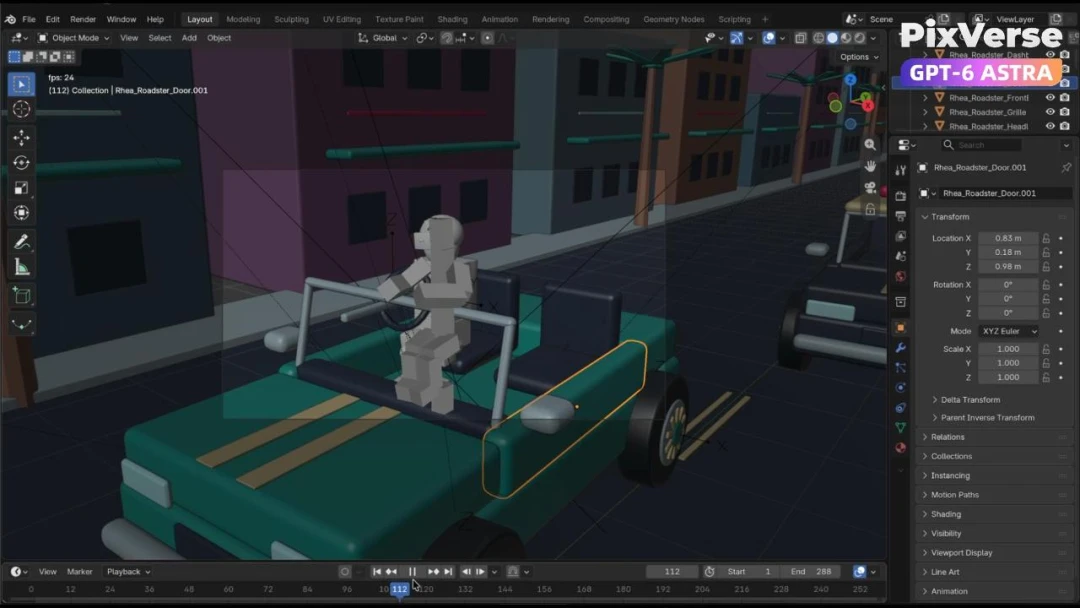
Create a Police Car Pursuit Scene
Build a police-car pursuit scene and generate the action footage.
3D Modeling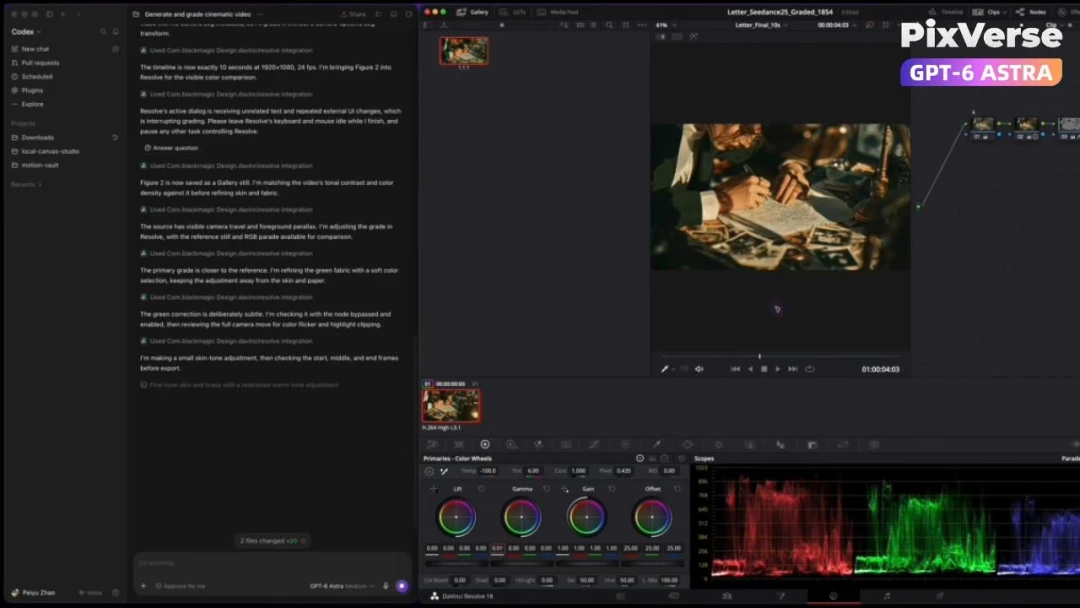
AI-Powered Cinematic Color Grading
Color-grade generated footage with an AI-assisted cinema look.
3D Modeling