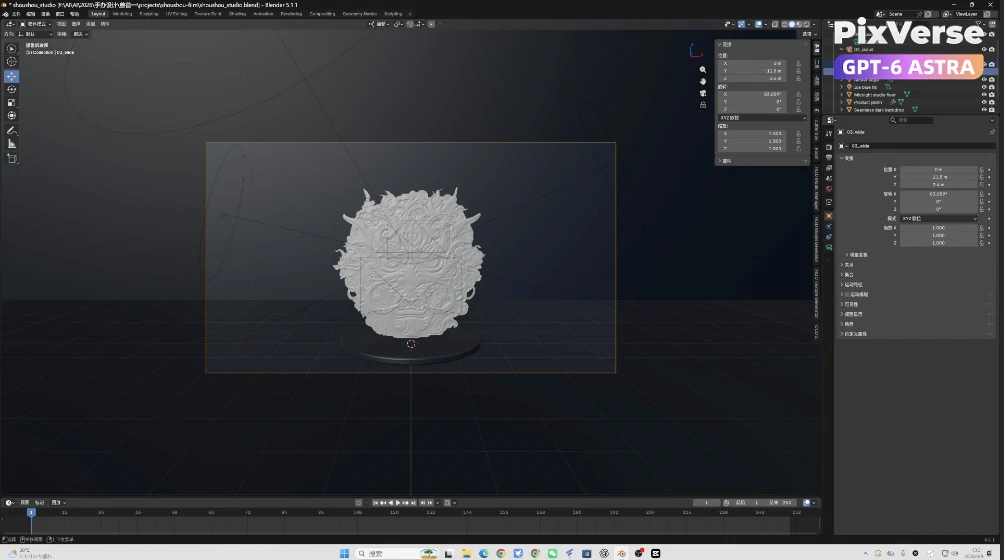
Create a 3D Chinese Lion Model
Sculpt a 3D Chinese lion and finish it as cinematic video.
/chinese-lion-model @PixVerse Based on this design image https://media.pixverse.ai/asset/media/Chinese-Lion.png, create a 3D scene in Blender. Then use PixVerse CLI to generate three 5-second video clips from different camera angles: a medium close-up, an extreme close-up, and a wide shot. Finally, color grade the footage in DaVinci Resolve to create a warm–cool contrast and highlight the product. Assemble the clips into a 15-second product promo video and export it in MP4 format.
Start in 3 steps
Sculpt a 3D Chinese lion and finish it as cinematic video.
Download ChatGPT Desktop
Install the ChatGPT desktop app on your computer.
Install the PixVerse plugin
Add PixVerse to ChatGPT to use this workflow.
Run the workflow
Copy this prompt into ChatGPT and add your inputs to get started.
Recommended presets
Explore more PixVerse workflows for your next project.
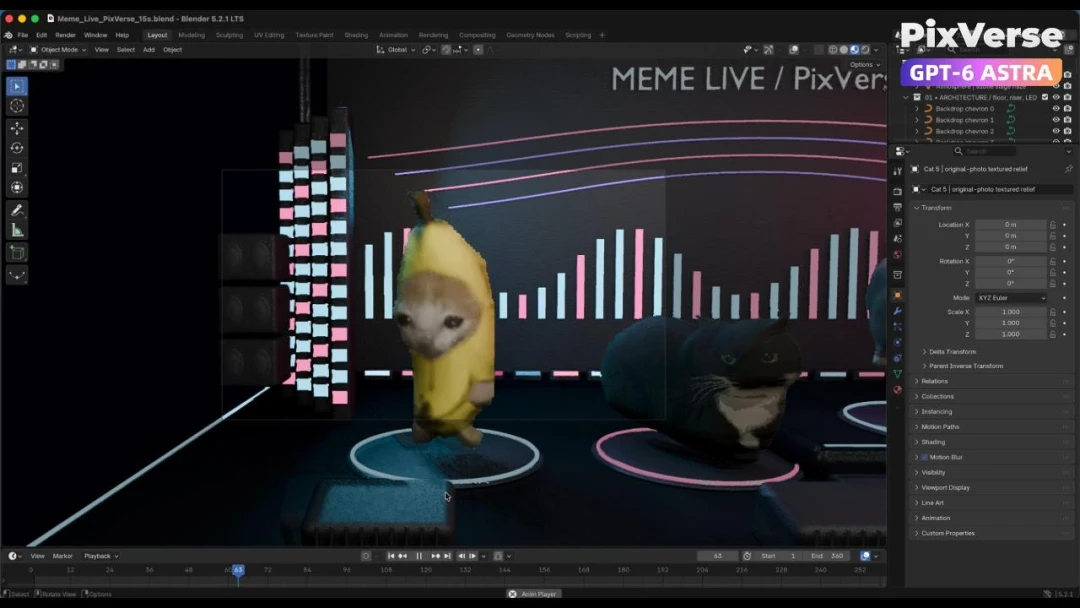
Build a Live Cat Meme Stage
Build a live cat-meme stage and generate the performance.
3D Modeling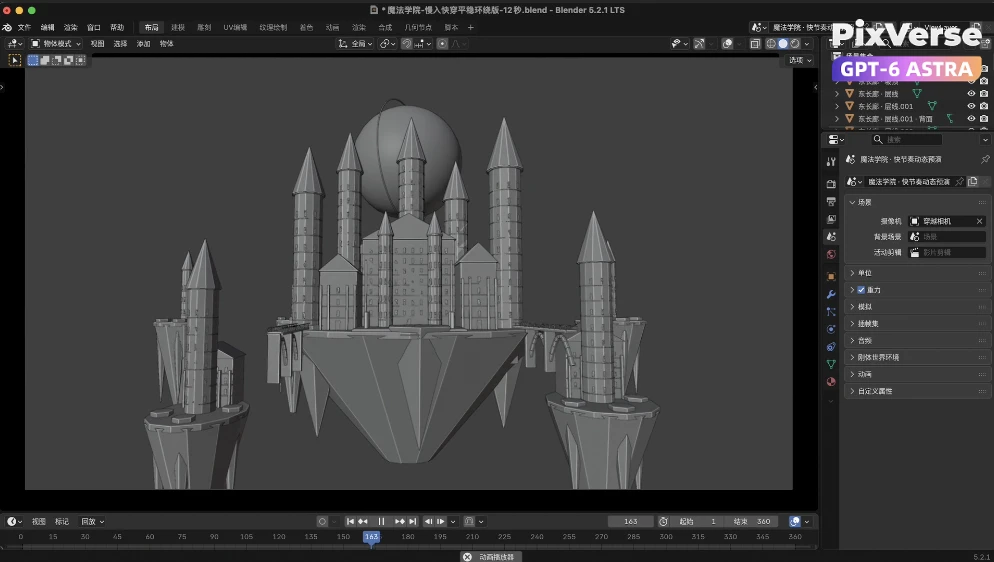
Build a Kingdom in the Clouds
Fly through a kingdom in the clouds and reveal the dragon.
3D Modeling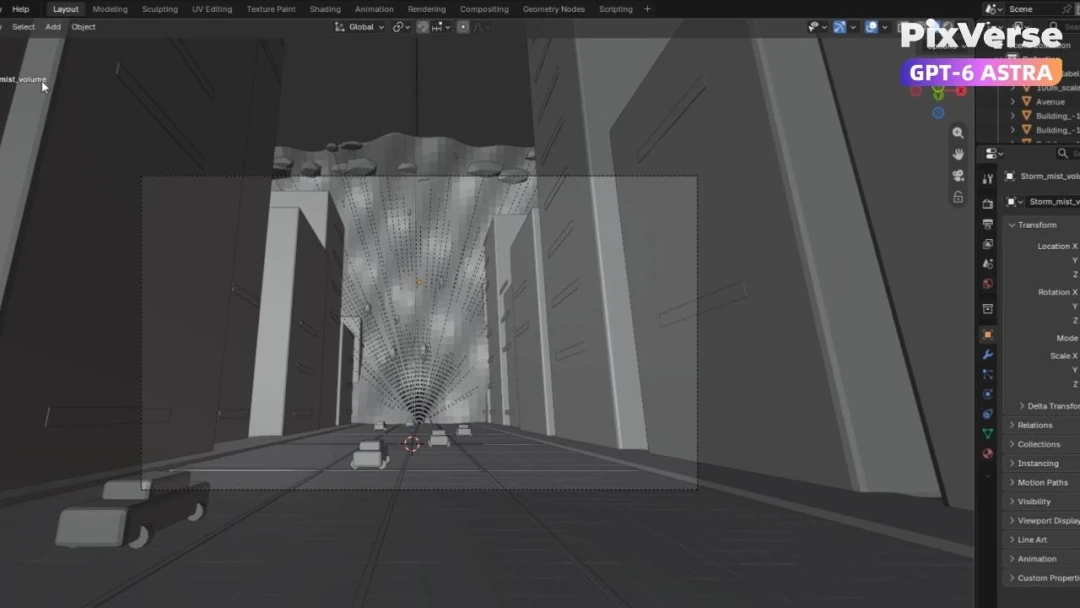
Simulate a Tsunami in New York
Simulate a tsunami hitting New York in 3D.
3D Modeling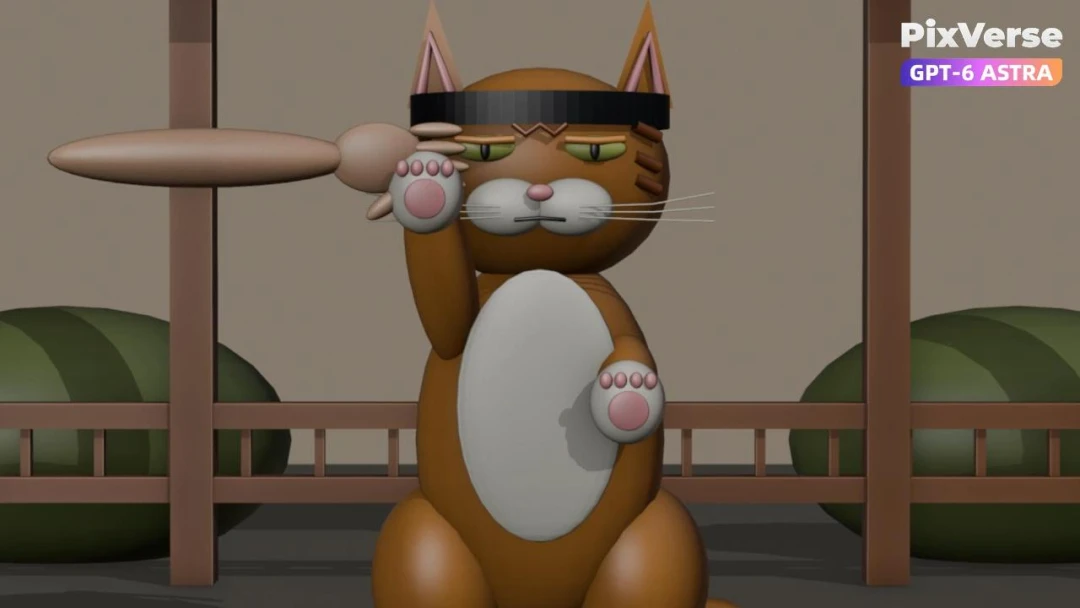
Create a Kung Fu Cat
Create a kung-fu cat and generate the fight sequence.
3D Modeling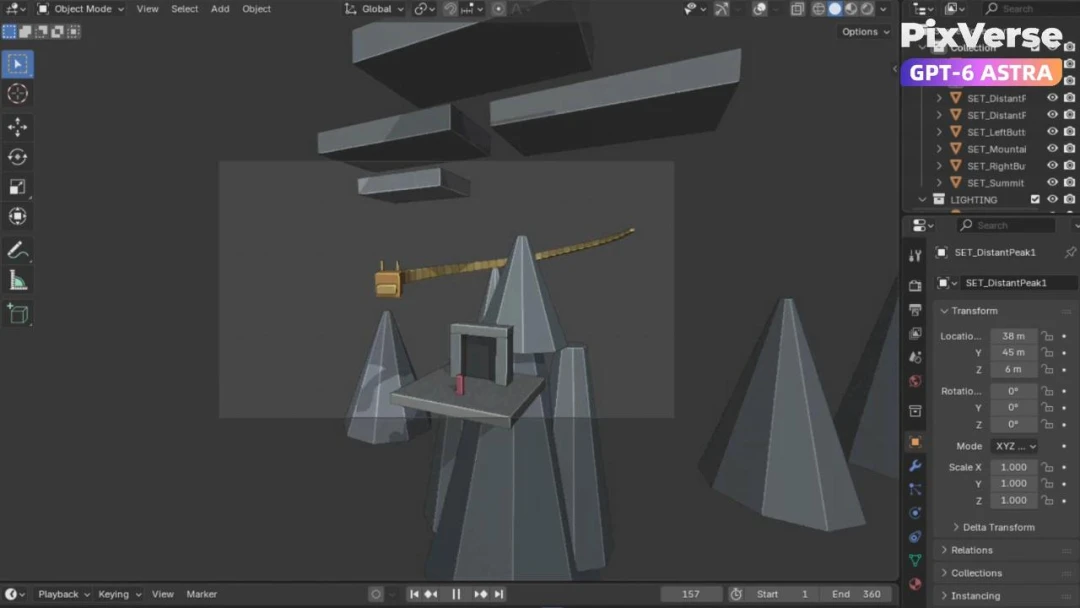
Create a Chinese Dragon in Xianxia Scene
Create a xianxia dragon scene with cinematic motion.
3D Modeling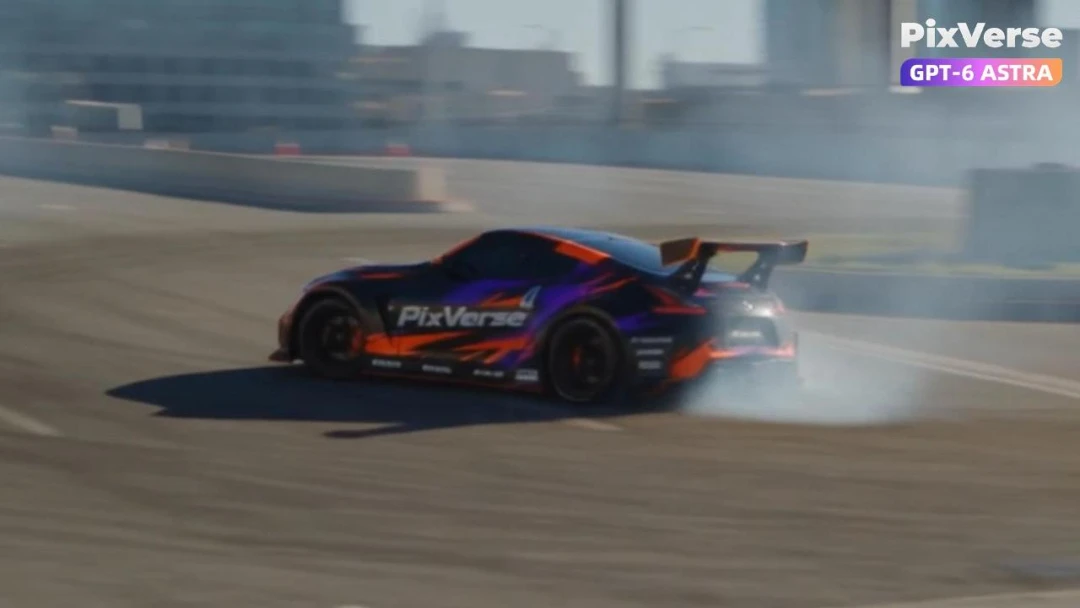
Simulate a Car Drift in 3D
Simulate a 3D car drift and generate the final shot.
3D Modeling