Create a Chinese Dragon in Xianxia Scene
Create a xianxia dragon scene with cinematic motion.
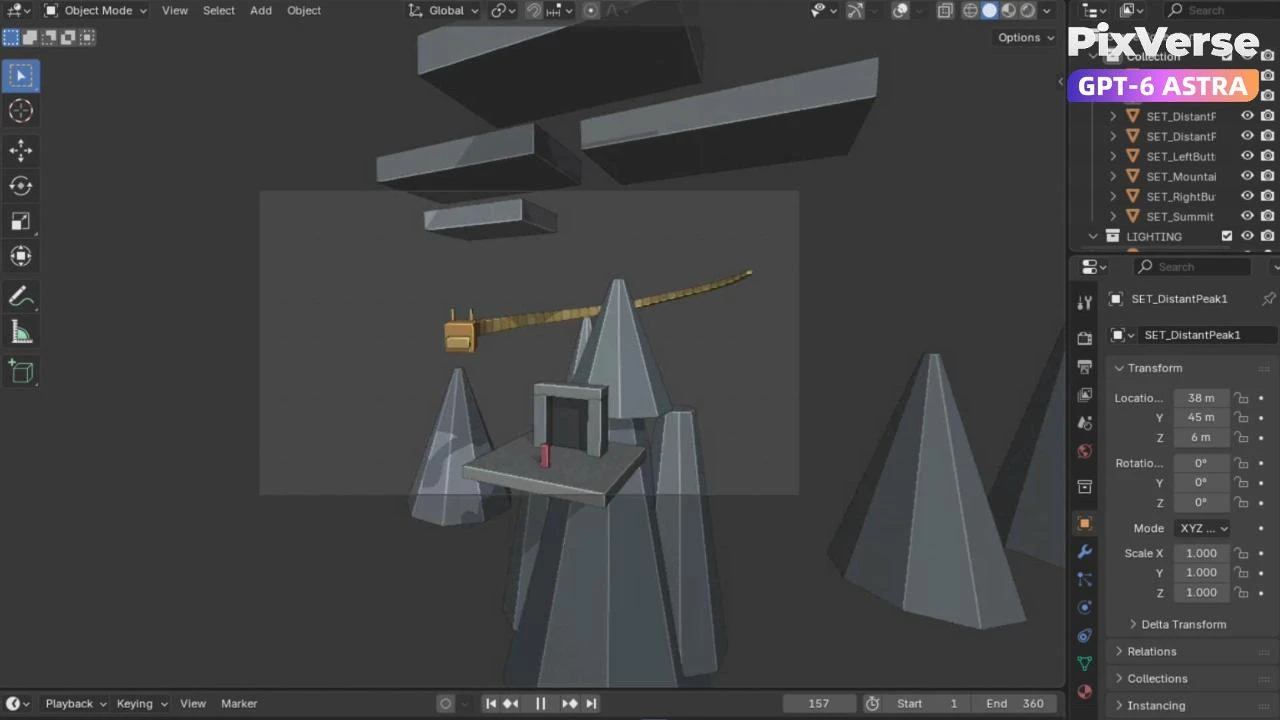
/xianxia-dragon **Project goal** Create a 15-second cinematic xianxia scene featuring a long Chinese dragon emerging from the clouds, circling a mountain, and respectfully greeting an immortal hermit standing on a flat terrace outside a cave. The scene should feel peaceful and majestic, with photorealistic characters and surroundings rather than a glossy CGI appearance. Produce one continuous moving shot in 16:9 at 480p, supported by an editable Blender project. **Agent preparation** Develop the scene through discussion, then use Blender MCP and the seedance-blocking skill to create an editable 3D previs. Block the mountain, cave, terrace, hermit, and dragon using simple proxy geometry. Animate the dragon’s descent, mountain circuit, approach, and respectful bow, together with a continuous cinematic camera move. Review and refine the previs with the user. Correct the sharp head-to-neck transition by widening the approach and distributing the bend across the neck. Add a gradual zoom during the final three seconds while keeping the dragon and hermit in frame. Save the approved version as an editable Blender file and render a 15-second motion-reference video. **@PixVerse call** Use the **@PixVerse plugin**, specifically Seedance 2.5 reference-video generation, to transform the approved Blender previs into photorealistic footage. Supply the rendered Blender video as **@video1**, preserving its camera movement, dragon flight path, relative scale, timing, smooth neck motion, respectful bow, and final zoom. Use the prompt to replace the proxy geometry with a living jade-scaled Chinese dragon, an elderly immortal hermit in an ivory linen robe, and a weathered mountain landscape with a natural cave, mist-filled valleys, and soft morning light. Generate one video at **480p, 16:9, and 15 seconds**. Use the Blender clip as the motion reference; character and environment appearances are described in the prompt rather than supplied as separate reference images. **Review and finish** Validate the reference video’s resolution and duration before submission. After rejected requests, prepare a verified 480p reference containing all 360 frames at 24 fps, simplify the prompt, and resubmit successfully. The user reviewed the completed video on the PixVerse website, approved its appearance, and selected it as the final result. No additional editing, upscaling, or soundtrack production was performed. **Final deliverables** - Editable Blender previs: **Dragon_Immortal_Previz_v03.blend** - Approved 480p motion reference: **Dragon_Immortal_MotionRef_v03_480p_full.mp4** - Final approved Seedance 2.5 video on PixVerse: **15 seconds, 16:9, 480p** The final generated video is available on PixVerse; downloading its MP4 remains the final packaging step for submission. Prompt video: Use @video1 as motion reference for this entire 15-second continuous shot. Preserve its camera path, subject positions, relative sizes, mountain circuit, smooth neck movement, respectful bow and gradual zoom during the final three seconds. Replace every abstract proxy with convincing live-action photographic detail. The gold connected blocks represent ONE long wingless Chinese dragon, with a single head, one continuous serpentine body, four small relaxed clawed legs, antler-like horns, long whiskers and a flowing sparse mane. The large gold block is its head and the short front projection is its muzzle. Make its skin matte dark jade and olive with intricate overlapping reptile scales, irregular worn edges, tiny scratches, moist creases and muted ivory belly plates. Warm amber eyes, closed relaxed mouth, dignified calm expression. Smooth organic musculature joins head, neck and body; eliminate all rectangular segmentation and hinge-like bends. The red upright block represents ONE elderly East Asian immortal hermit standing on the stone terrace. Naturally lined face, silver hair in a topknot, white beard, weathered ivory linen robe with visible weave and grey belt. Hands behind his back, serene expression, tiny acknowledging nod at the end. Invent a realistic remote Chinese mountain landscape around the reference geometry. Grey shapes become towering weathered sandstone pinnacles, stratified damp rock, moss in cracks and a few distant wind-bent pines. The platform becomes a broad natural flat rock shelf. The dark doorway becomes one irregular cave opening in the cliff, with a deeply shaded interior and natural rock sides. Pale sky slabs become soft morning cloud banks. Deep mist-filled valleys and distant peaks, soft morning sunlight from upper left, cool sky fill, believable atmospheric perspective and natural shadows. 0-3 seconds: the dragon descends from the cloud bank along the reference path, long body following. 3-9 seconds: the dragon circles the mountain while descending, naturally passing behind rock where the reference does; the camera moves continuously downward and sideways. 9-12 seconds: follow the broad approach arc toward the waiting hermit and cave. 12-15 seconds: preserve the reference's gradual closer framing while the camera keeps moving. The dragon faces its host at a respectful distance beyond the terrace and slowly bows from about 13.2 seconds, settling by 14.5 seconds. Distribute the bend through the entire neck. The hermit nods slightly. This is a peaceful visit between old acquaintances, with reverence and no threatening intent. Photographic realism like a real actor and a living animal filmed on location. Tactile organic skin, natural cloth, restrained exposure, soft optical motion blur. Avoid glossy CGI, game-engine rendering, cartoon aesthetics, plastic skin, metallic scales or miniature scenery. Keep exactly one dragon and one hermit throughout. No cuts, duplicate anatomy, extra people, rectangular clouds or visible proxy blocks. Keep both subjects readable in the final greeting. Mist remains in the upper cloud bank and distant valley, never obscuring the final meeting. Gentle breathing, whisker movement and robe movement; no attack, flame or aggressive roar. If audio is generated, only soft mountain wind and gentle breathing, without dialogue or music. Output 480p, 16:9, exactly 15 seconds.
Start in 3 steps
Create a xianxia dragon scene with cinematic motion.
Download ChatGPT Desktop
Install the ChatGPT desktop app on your computer.
Install the PixVerse plugin
Add PixVerse to ChatGPT to use this workflow.
Run the workflow
Copy this prompt into ChatGPT and add your inputs to get started.
Recommended presets
Explore more PixVerse workflows for your next project.
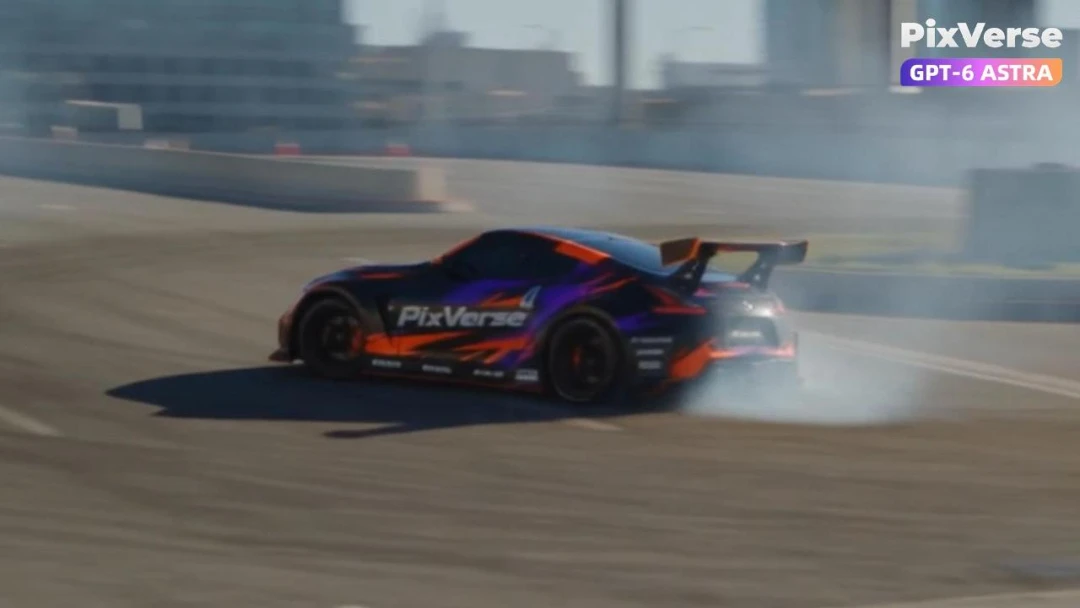
Simulate a Car Drift in 3D
Simulate a 3D car drift and generate the final shot.
3D Modeling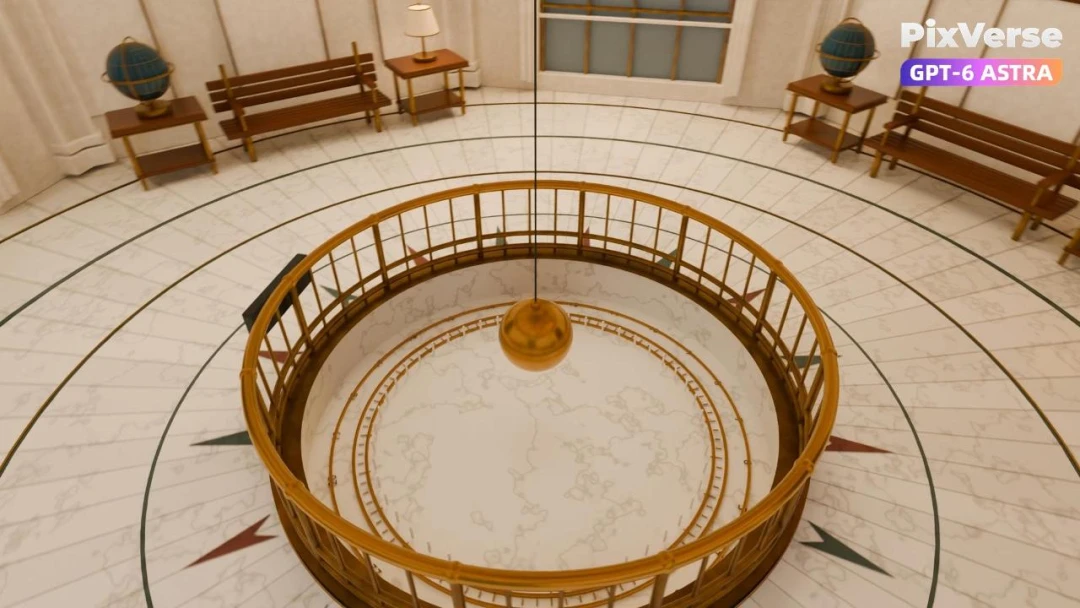
Recreate Griffith Observatory in 3D
Recreate Griffith Observatory’s interior in 3D, then finish the camera move in PixVerse.
3D Modeling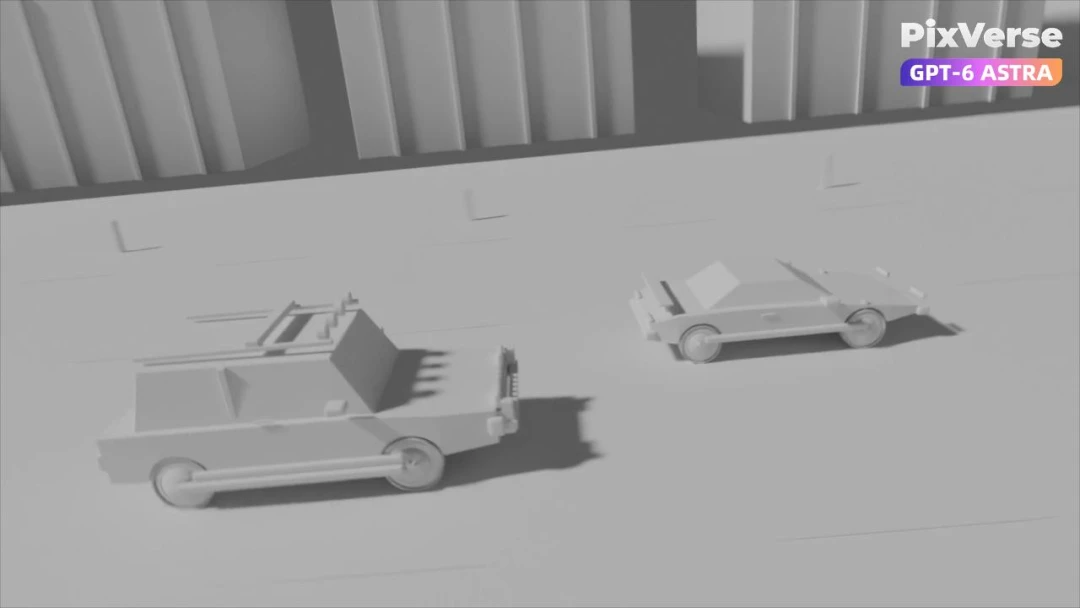
Simulate a 3D Race Car Crash
Stage a 3D race-car chase and crash, then generate the final cinematic shots.
3D Modeling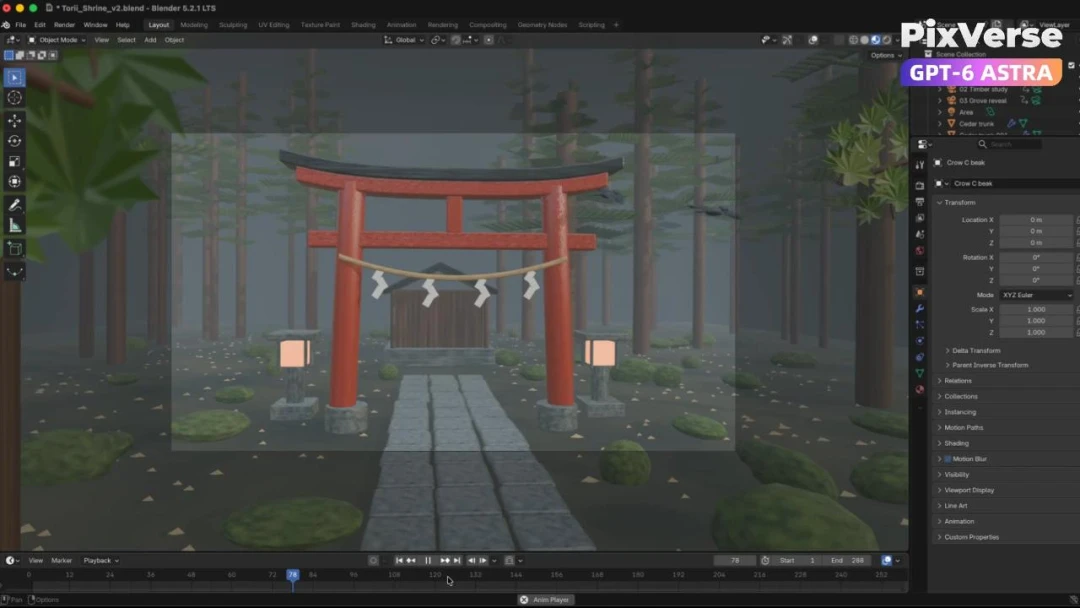
Build a Misty Forest Torii
Build a misty forest torii in 3D and turn the gray-model camera into video.
3D Modeling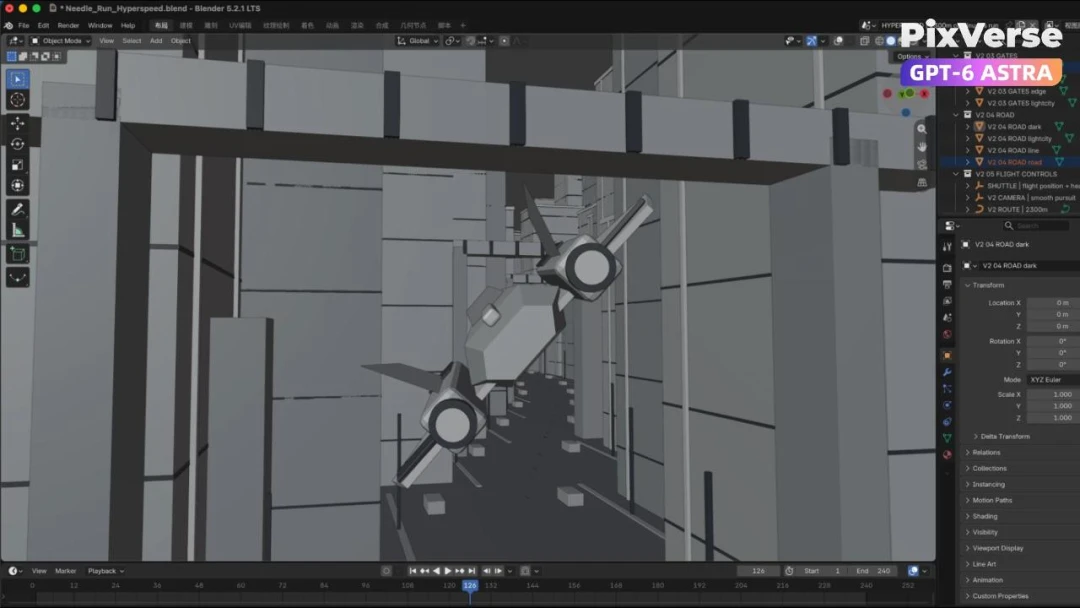
Create a 3D City Flight Scene
Fly through a 3D city and generate the final aerial sequence.
3D Modeling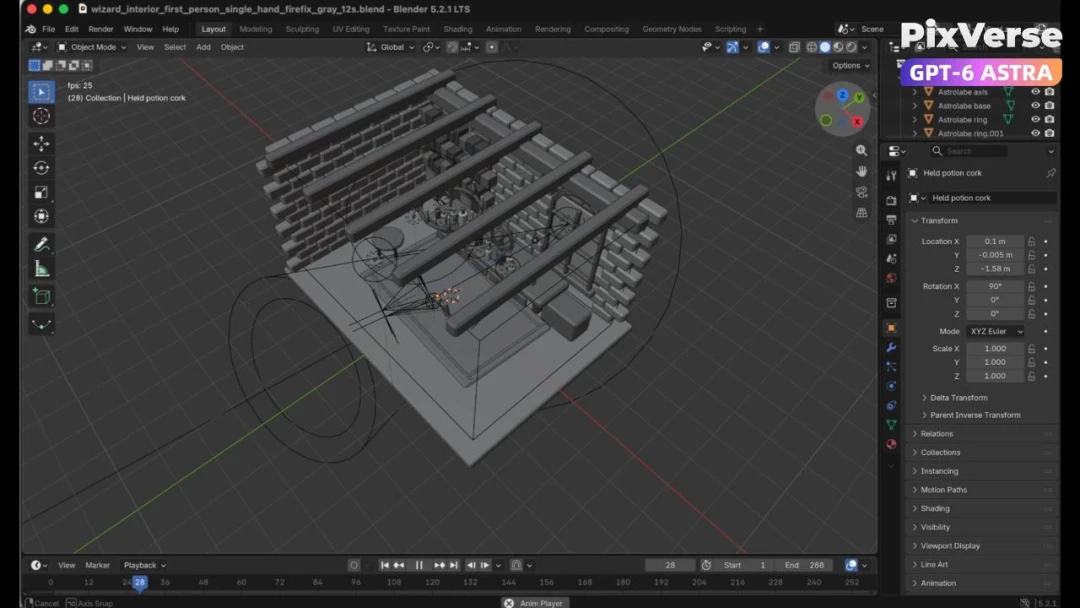
Create a 3D POV Wizard’s Workbench
Create a first-person 3D wizard’s workbench and bring it to life.
3D Modeling